


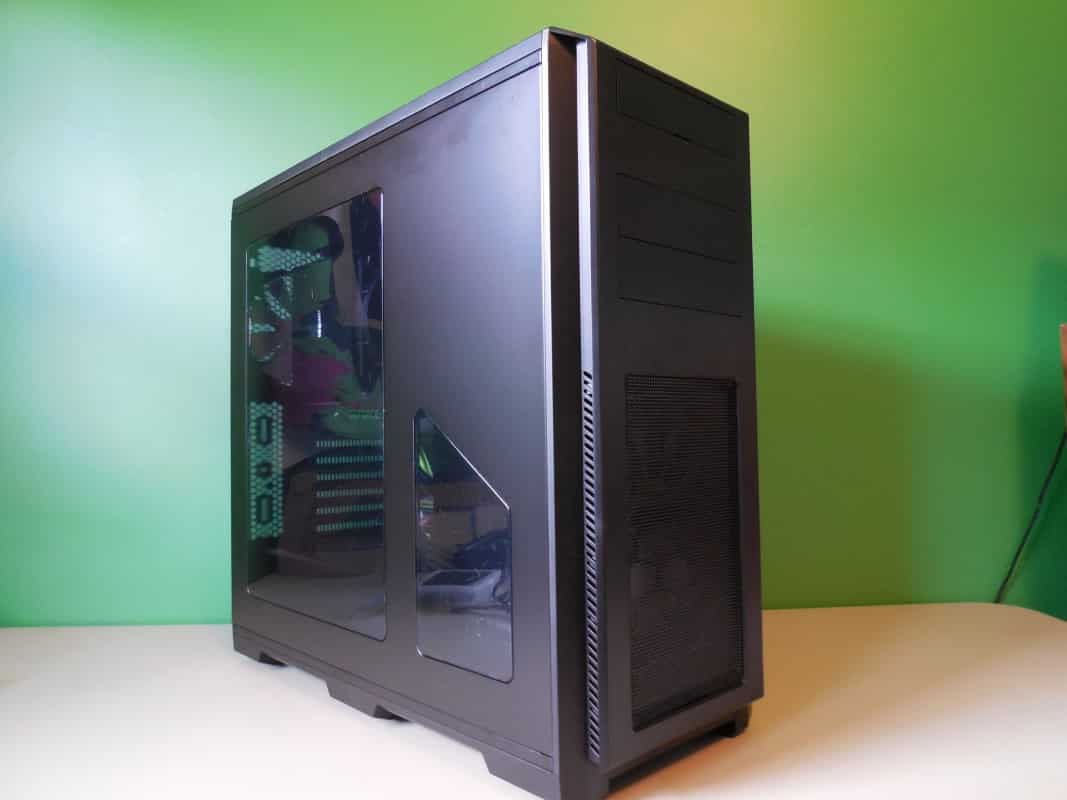
A lot of times when starting a review you want to introduce the reader to the company whose product they are reading about. In the case of this case builder I don’t think that will be necessary. Phanteks is now in it’s 7th year as a company and no doubt you know of them and their wildly popular Enthoo Primo full tower case. But what we are looking at today is not a new flagship product. Rather what we have is Phantek’s first entry into the low-mid price range case market, the Enthoo Pro. Read along as we find out if the Lamborghini of case makers can actually make a coupe that both the average person can afford and more importantly will actually want to drive.
Special thanks to Phanteks for providing the Enthoo Pro Case for review.
Features
Enthoo Pro includes 1 x 200mm fan in front and 1 x 140mm fan in the rear. Ability to upgrade to additional fans is possible. All fans included are Phanteks’ new redesigned and better performing SP series fans. Budget friendly case, Phanteks’ Enthoo Pro, unleash unlimited possibilities.
Appearance:
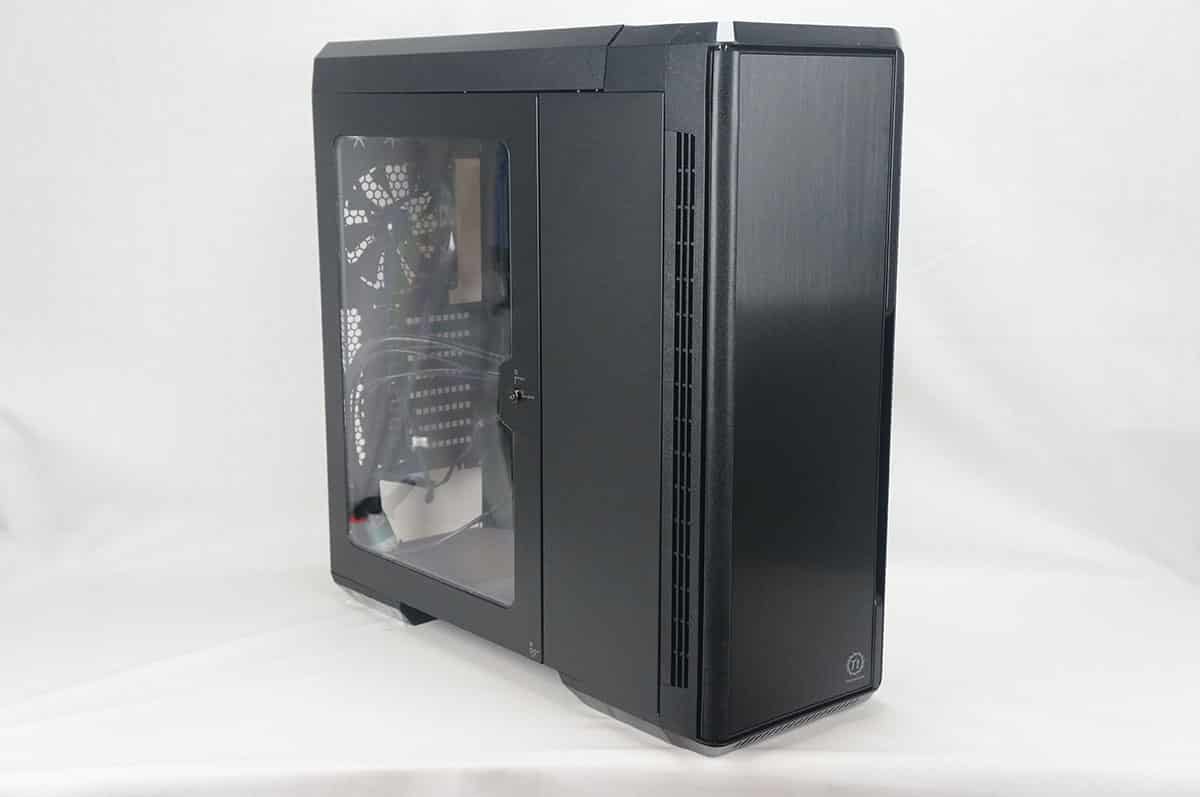
-Brushed plastic with an aluminum appearance
-Stealth interior: hidden PSU / hidden HDD
Cooling:
-Extreme cooling capacity
– 2 included Phanteks’ premium fans
– The PWM hub makes it possible to control all the connected fans (also 3-pin fans) with PWM function through 1 PWM connector and create a better cable management.
– Extensive water cooling support. Provides up to 4 different installation areas for slim and thick radiators varying from single to triple (120mm and 140mm form factors). Clearance for push-pull fan configurations.
– Innovative liquid cooling mounting systems: radiator brackets for easy installation
Functionality:
– Closed HDD panel strengthens the chassis’ rigidity, even when both HDD cages are removed.
– Removable Drop-n-Lock SSD bracket that can be installed on 2 different locations. (1 bracket incl.)
– Removable dust filters for easy maintenance.
– Pre-installed cable management tools behind the motherboard tray that can be fastened and released.
– 2x USB 3.0, 2x USB 2.0, microphone, 3.5mm audio jack
Packaging
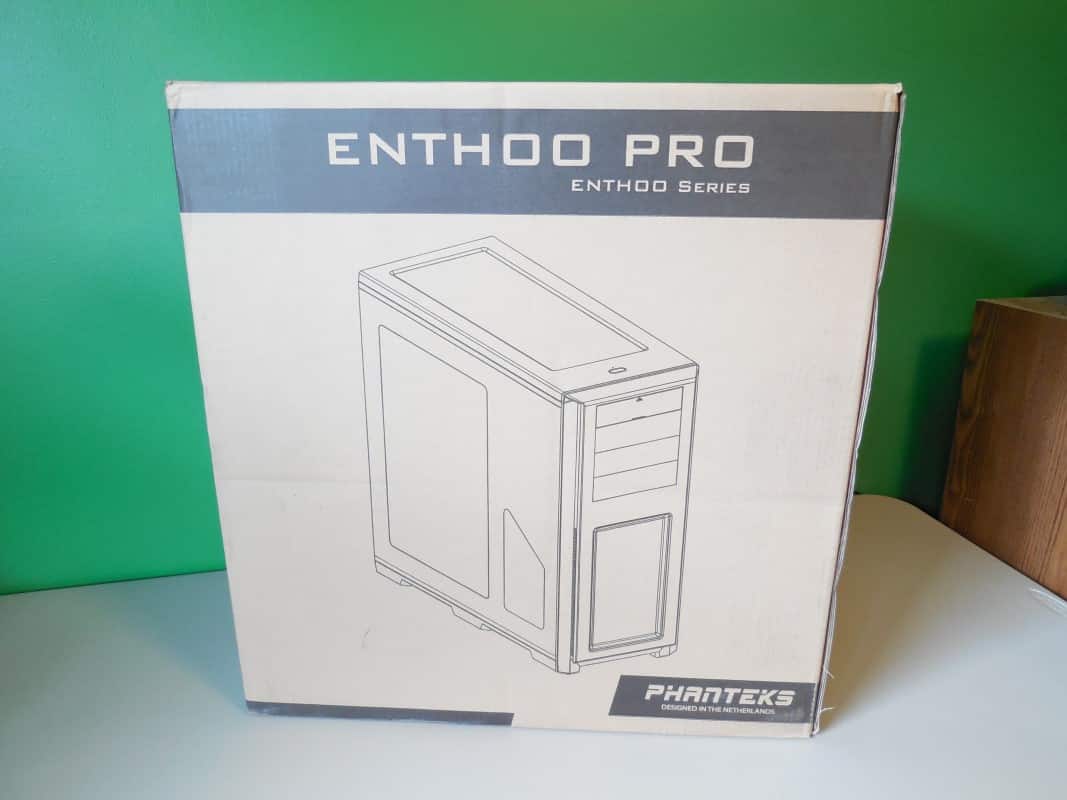
Unsurprisingly the Ethoo Pro comes in a large brown box. Specifically it is a little bit smaller than the Pro and the box is as well. What we received was a standard brown cardboard box, a bit larger than the case itself printed with logos and information. Although this is a bit more spartan than the glossy printed box of the Primo it gets us going in the direction this case will go, just a bit less, but acceptable.
The front of the box has a rendering of the case front and center, while the back has some drawings and configuration information.
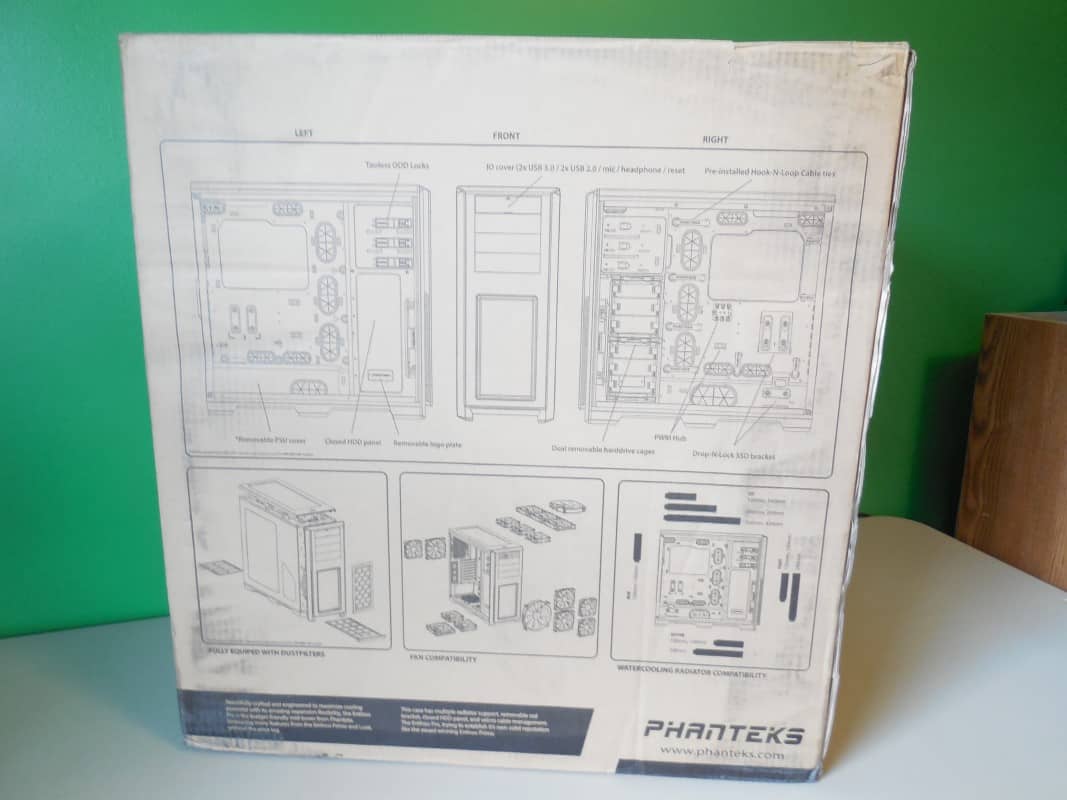
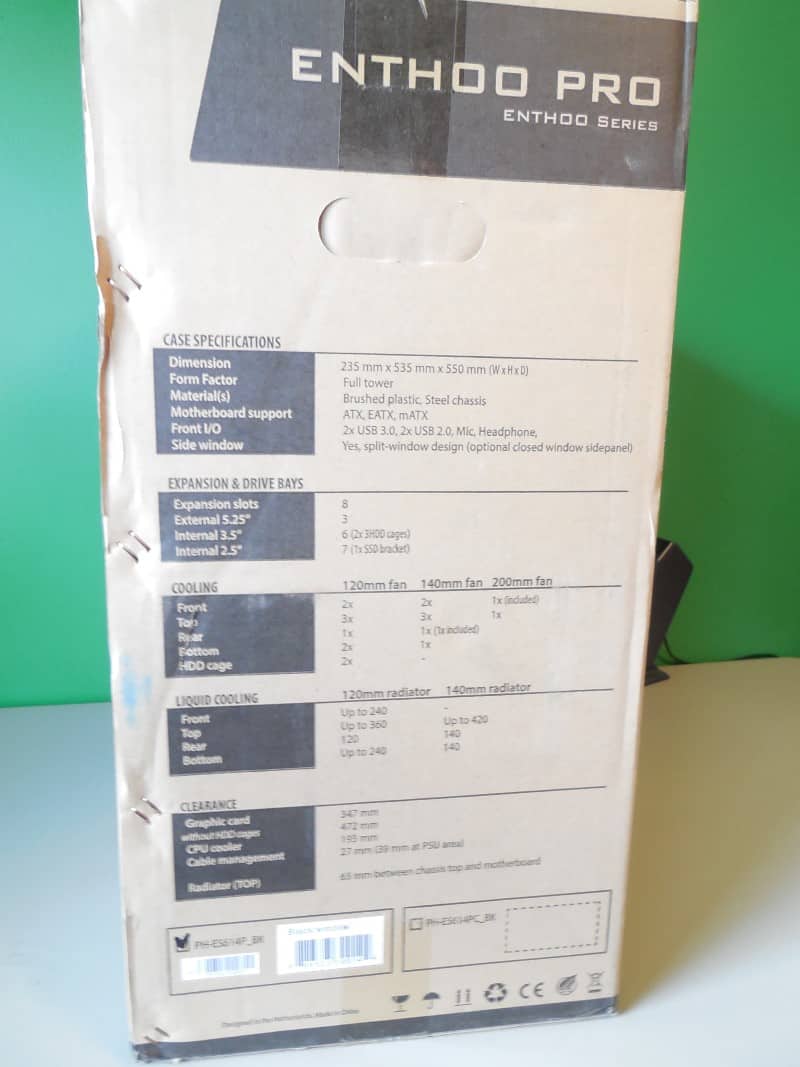
This leaves the two sides to cover the specifications and key points in multiple languages.

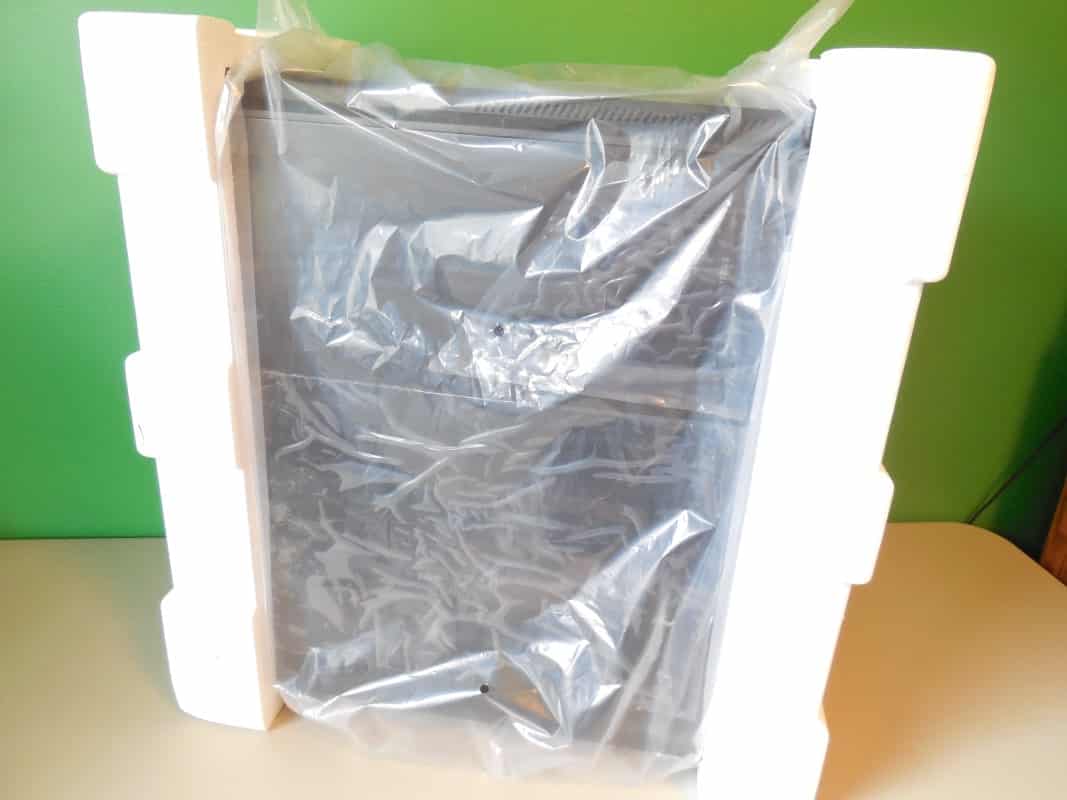
Opening the oversized box we find the case itself enclosed in a plastic bag and held in two extra large foam cradles. This all seems quite sufficient to protect the case during transport, and as a testament, ours arrived in the same condition we imagine it left the factory in.




Just my 2 cents…
1) If you think that the case not having a fan controller is a bad thing, I guess we’re all entitled to our own opinion.
This being said; for folks that are into modding their case(s) – as you pointed out – they’re probably either going to remove the built-in fan controller anyway, so why have it? Personally, I much prefer to install my own controller.
2) If I were to buy this chassis, then the 1st thing I’m going to probably going to do is swap out the existing fans for something I like (or a fan that has better static pressure for radiators). So not having enough fans included in this rather inexpensive case doesn’t bother me.
3) While it’s always nice to have an entire chassis built from steel (or aluminum); for this chassis to come in under $100, sacrifices have to be made. Besides; most brushed aluminum finishes are fingerprint magnets, so if the plastic doesn’t have this trait, then I’m all for it.
Both a bog-standard controller and the PWM controller have their own advantages.
One thing I find no-one explores is that due to the way it works, you don’t get the buzzing at low speeds with the PWM that you tend to find with certain combinations of fans and controllers i.e Corsair fans with Bitfenix Hydra/NZXT Sentry etc.
If you’re controlling all fans at the same time, with decent software it is the far superior solution.
Brechan, thanks for the comments! I completely agree with you on all points here. But when you’re reviewing you have to point these things out.
1) Agreed it’s just something you see at this price range.
2) Understandable, but for most people shopping at this price range they’re not going to want to spend another $15-20 more per fan to replace them. That aside, they are actually quite nice fans, I would just have liked one more. And for water cooling of course you get your own and quite a few more. 😉
3)All true, and again for the sake of the review it just had to be pointed out.
Thanks for reading!
Very interesting point, I know what you’re talking about but it hadn’t occurred to me that the buzzing was absent. Plus one to Phanteks there.
I will semi disagree with you on the point of the PWM controller being superior. Yes there are a few nice fan controller suites that make it easy to control. However not until your into your OS do you have access to make any changes.
Additionally any decent add in controller is going to have more fan support and better functionality in the area of thermal performance. There is no way the small board that comes with the Pro can output at high levels as consistently and for as long while keeping heat build up under control. It is a fine place holder, but is no substitute.
Thanks for reading and keep commenting Adrian!
Thanks for responding to my “Reply” so soon, it means a lot.
Now; speaking of reviews, I realize it takes a lot of time to (upload, edit, etc.) produce a quality review of just about anything. But.
More sites are including the size of radiator supported for the particular product (usually PC chassis’) but completely forget to post the maximum thickness ( or heaven forbid thinness ).
For those of us that are considering a specific (new) chassis for an upcoming build, how difficult is it to post the maximum thickness of supported radiators?
Some company(s) are doing away with the “traditional ” fan controller, let alone 5 1/4″ bays altogether…
Those of us that water cool the old-fashioned way, may want this external 5 1/4″ bay specifically for a controller that can handle 20+ watts, which includes the D 5’s, the EK 4.0’s and the DDC’s.. So the inclusion a controller that can only handle only 12 watts (max) is wasted space. Better filled with something useful.