


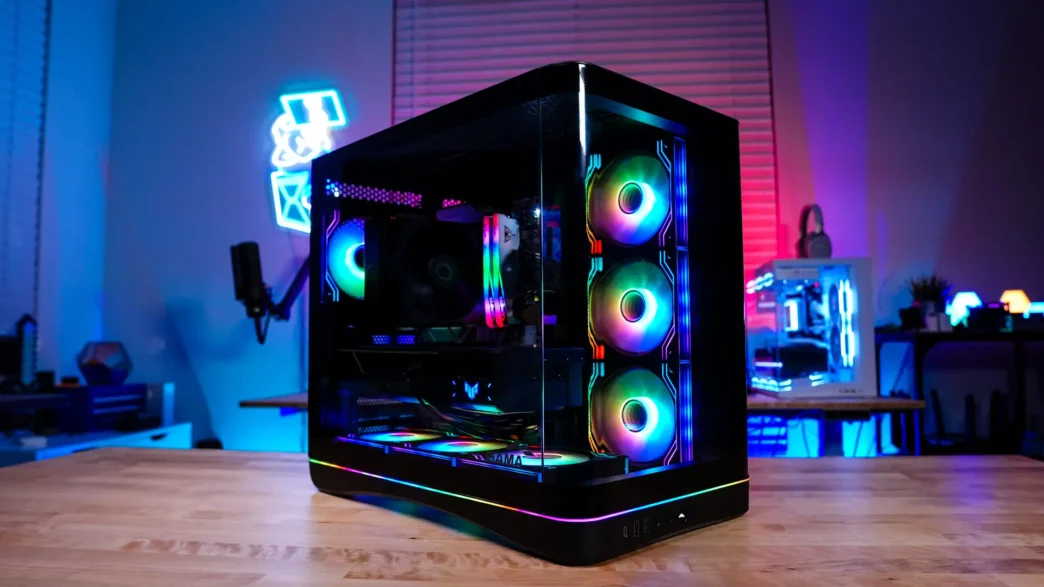
A Look Inside the SAMA V62 PC Case
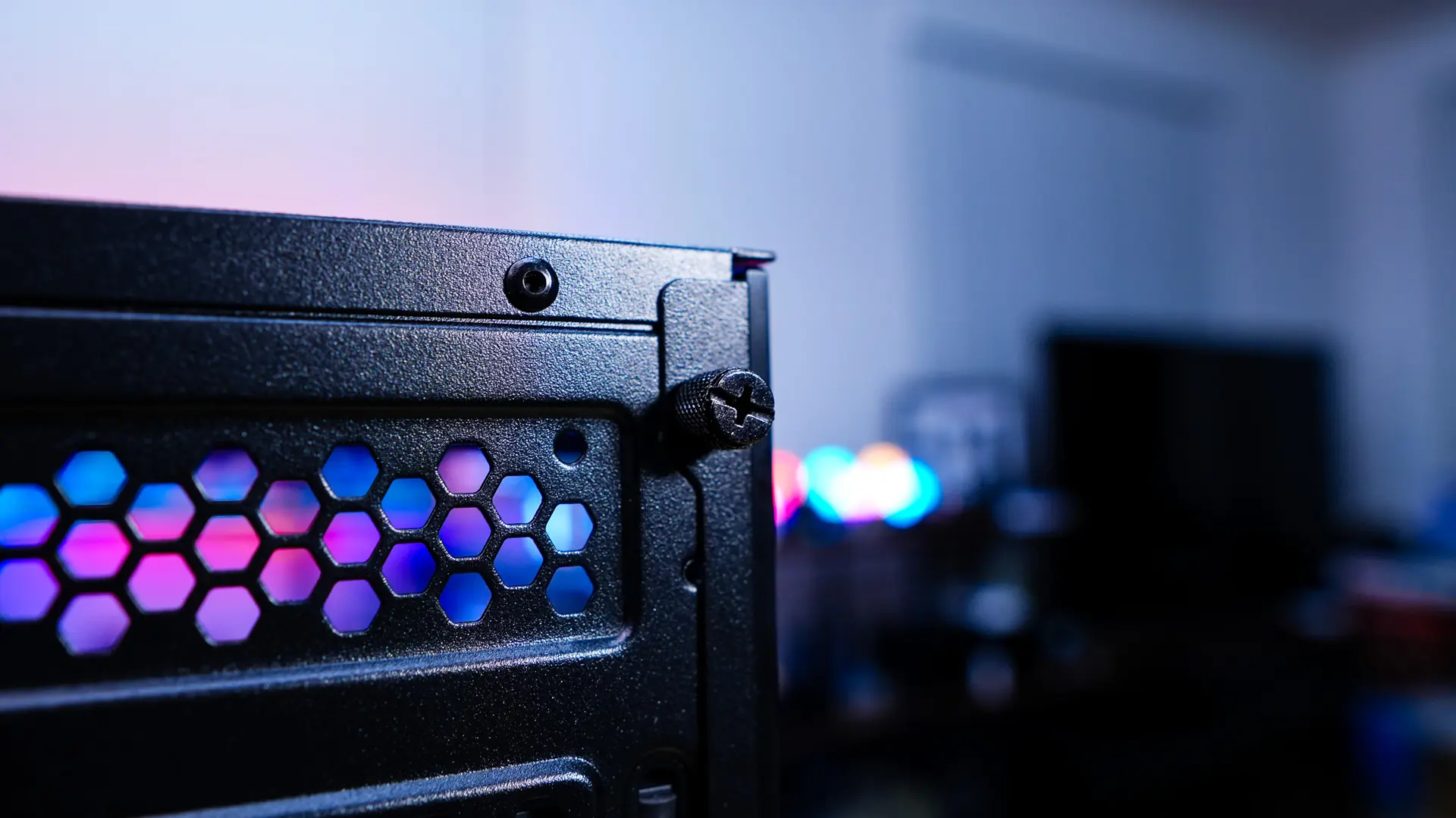
Removing the main side panel of the case and getting inside is quite easy. There are two thumbscrews that hold the side panel on, so all you have to do is remove them and slide the panel off. Keep in mind these thumbscrews are not captive, so don’t lose them! With the side panel remove we can get a look at how the main compartment of the case is designed.
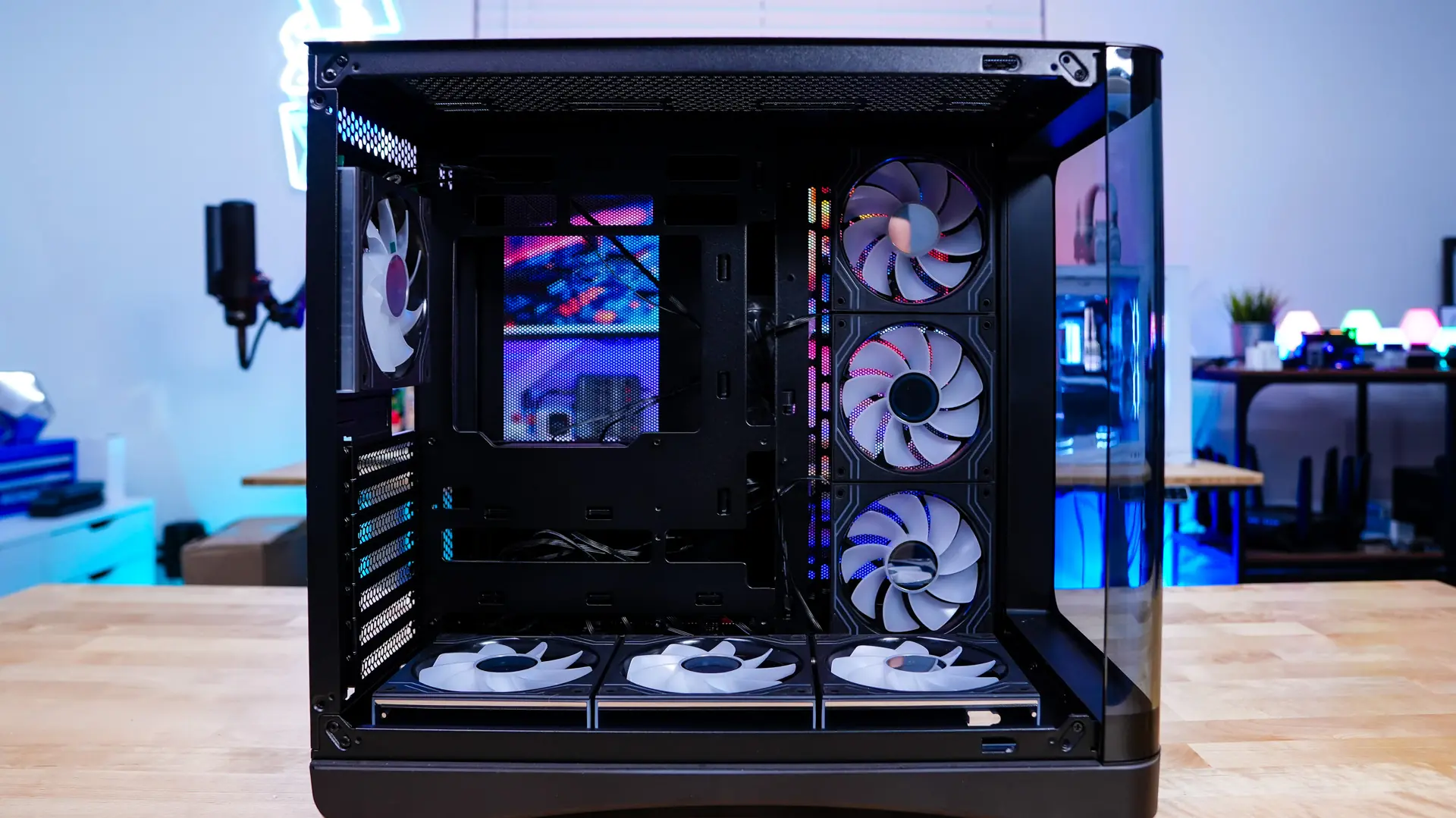
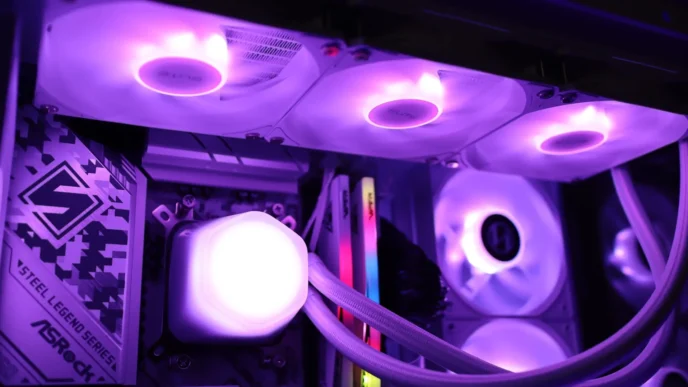
The first thing you’ll notice when you get inside the case is all of the included ARGB fans. There are a total of seven included 120mm ARGB fans, three in the side mount, three in the bottom of the case, and the single fan on the rear which we covered earlier. These fans feature an infinity window on each side as well as one in the center of the fan. Each fan requires that you remove three pieces of protective film (per fan), which can get a bit annoying. Also since these fans are already mounted it makes it a bit difficult to remove the protective film on certain sides of the fans. If you are wondering the side mount supports 280mm radiators and the bottom mount supports 360mm radiators.
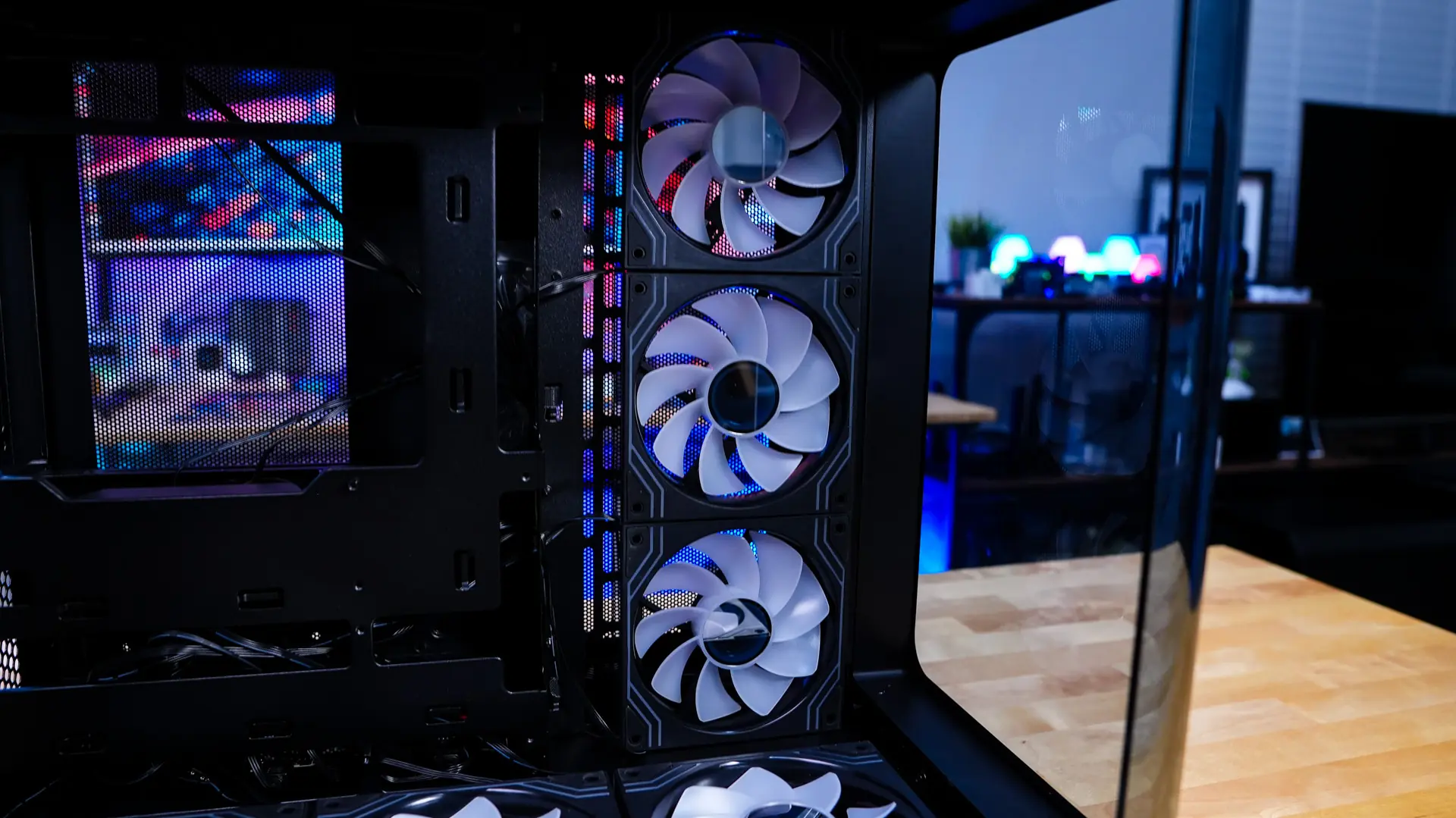
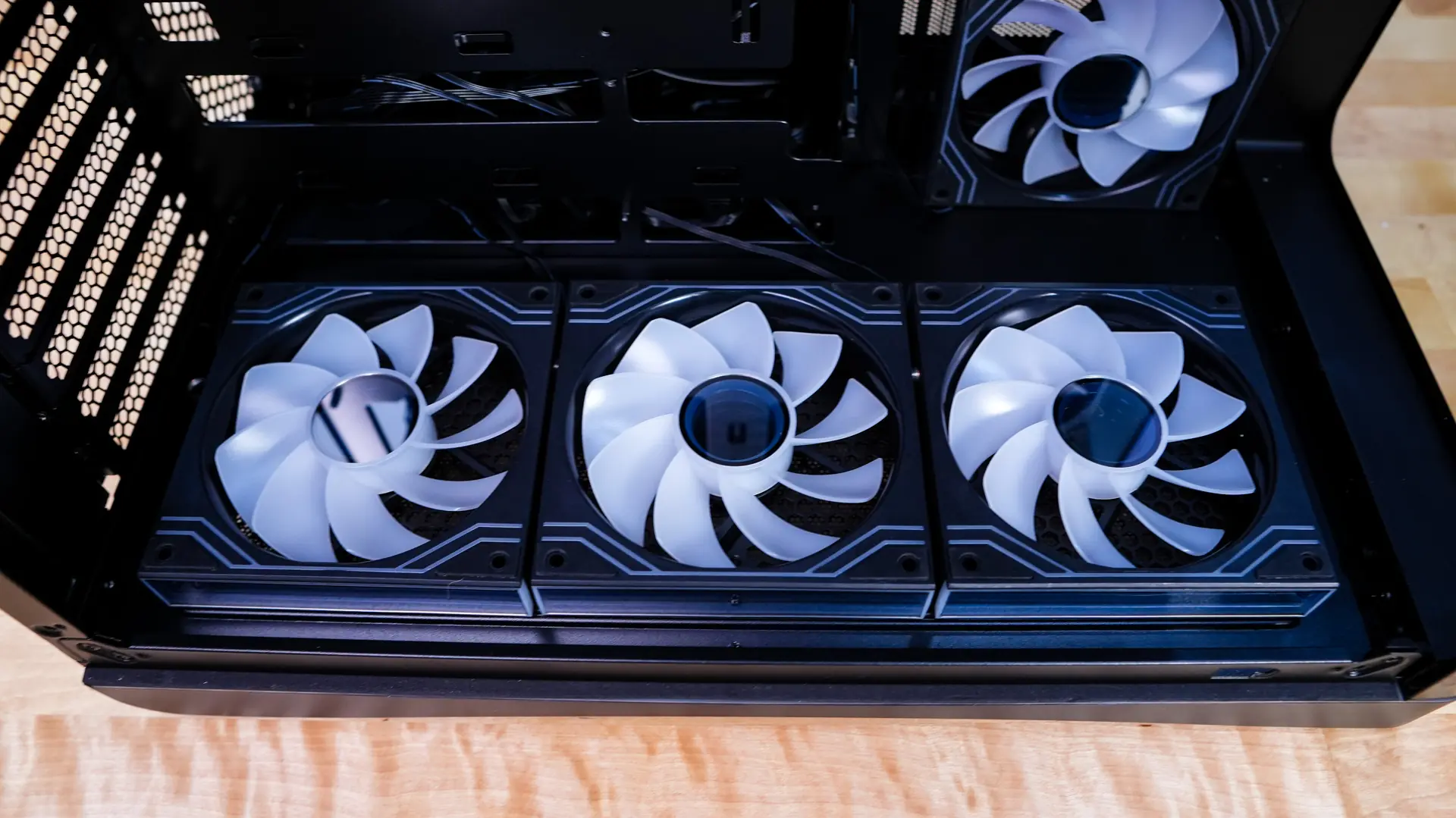
When it comes to motherboard support this case supports Mini-ITX, Micro-ATX, and ATX motherboards as well as back-connect motherboards. You are able to install graphics cards as long as 445mm and CPU coolers as tall as 160mm. There are plenty of cable routing holes around the motherboard tray as well. If you are wondering the seven expansion slots make use of normal screws.
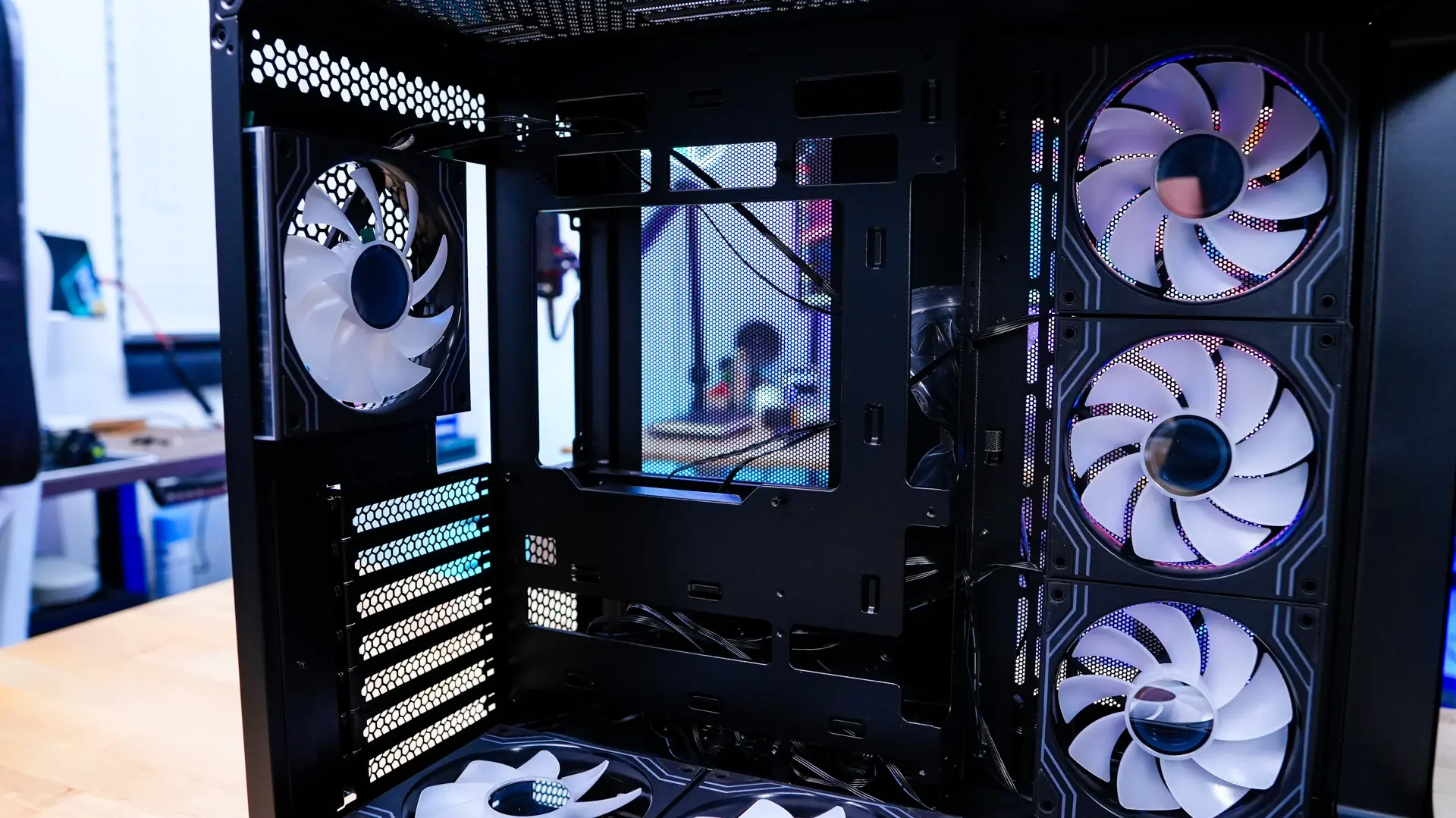
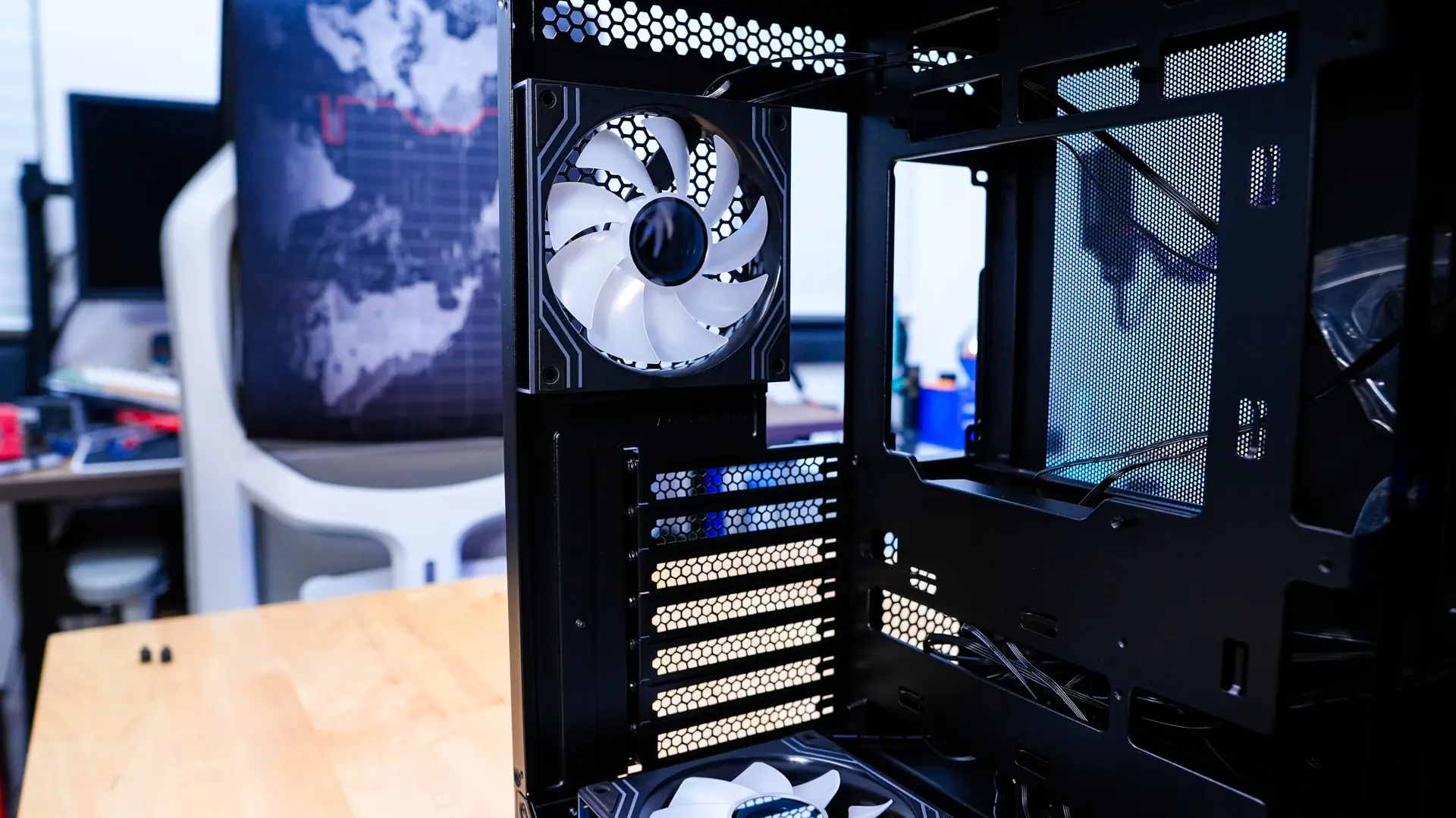
Removing the opposite side of the case is very much the same as it has identical thumbscrews as the main panel. With the back panel removed we can see how the rest of the case is set up. Behind the motherboard is where you’ll mount your power supply, which will be mounted vertically.
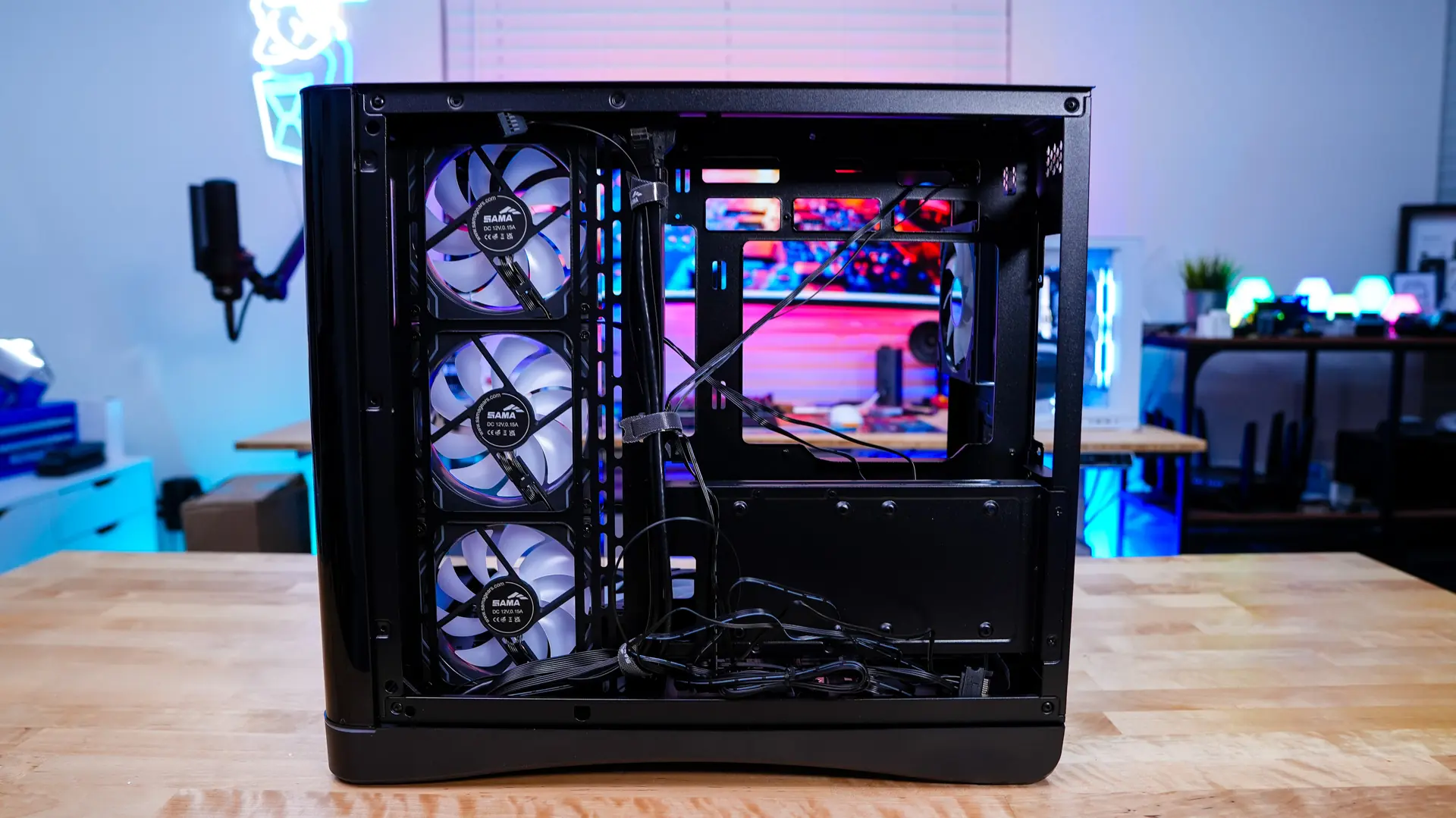
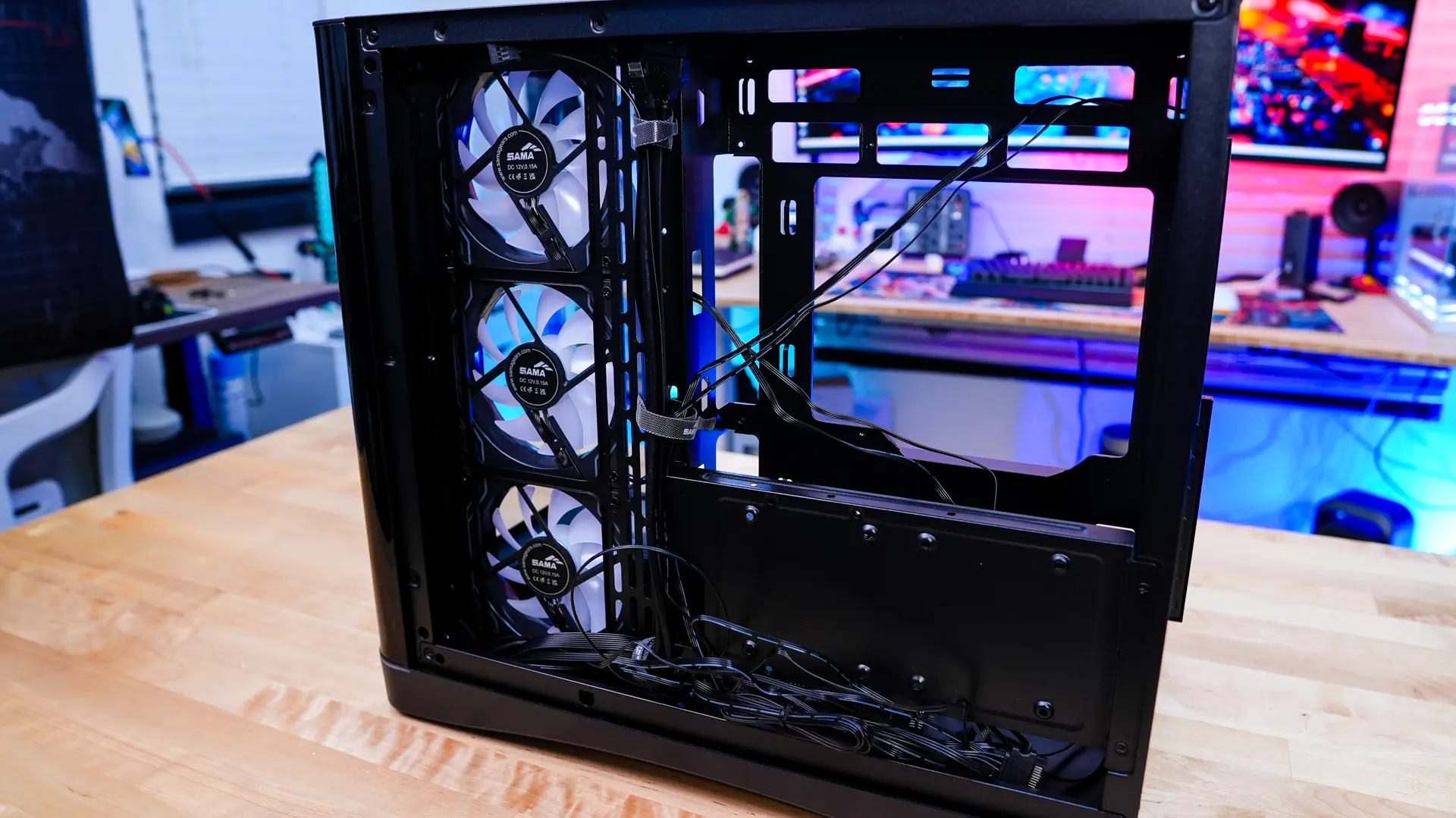
Below that is going to be a storage bracket which supports either two 2.5-inch SSDs or a single hard drive. There is also a hidden storage mount on the main side of the case (in front of the side-mount fans) which will support either a single 2.5-inch SSD or larger hard drive. So out of the box this case supports three hard drives. The storage bracket is fully removable from the case which will make installing your drives quite easy.
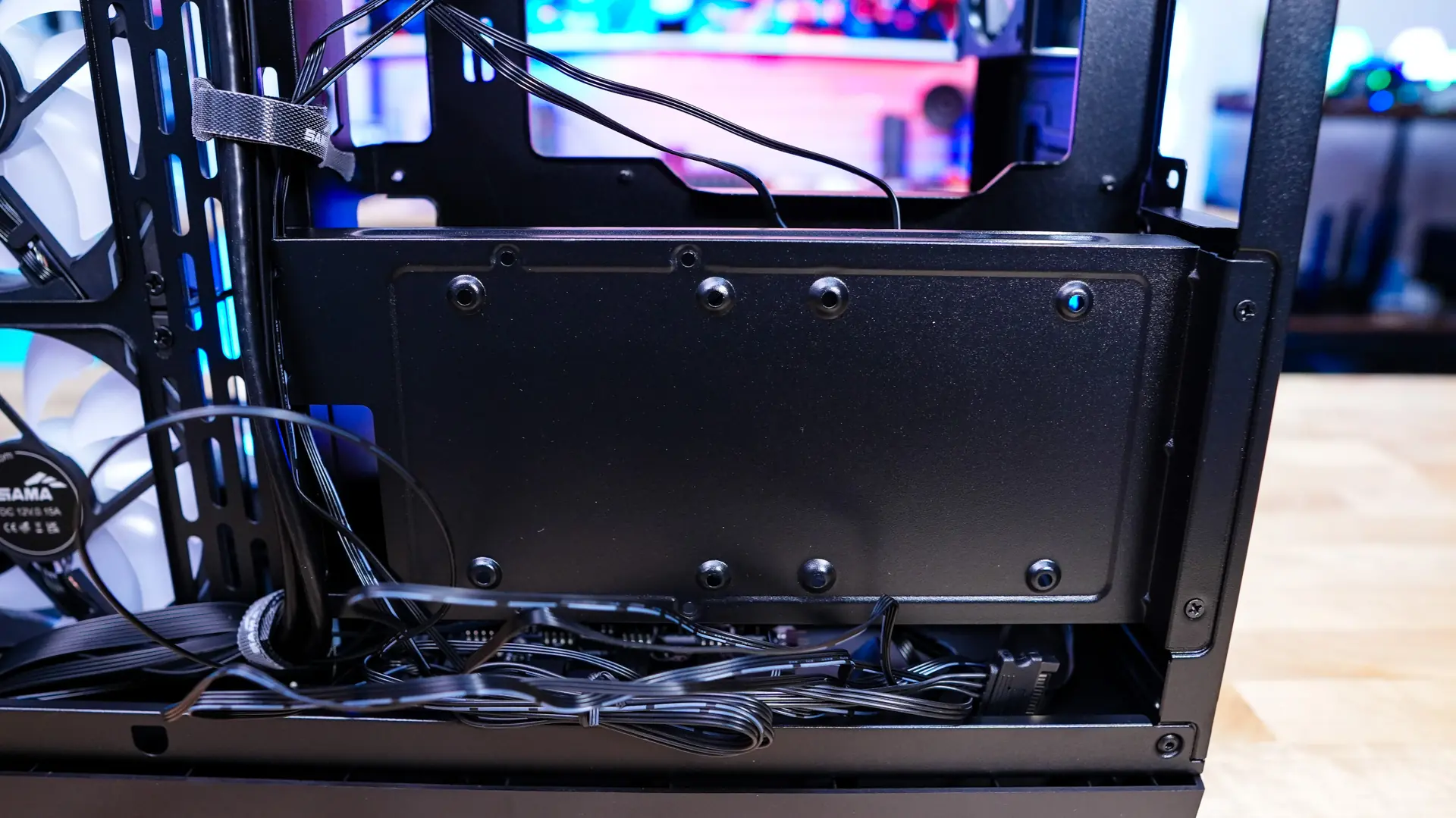
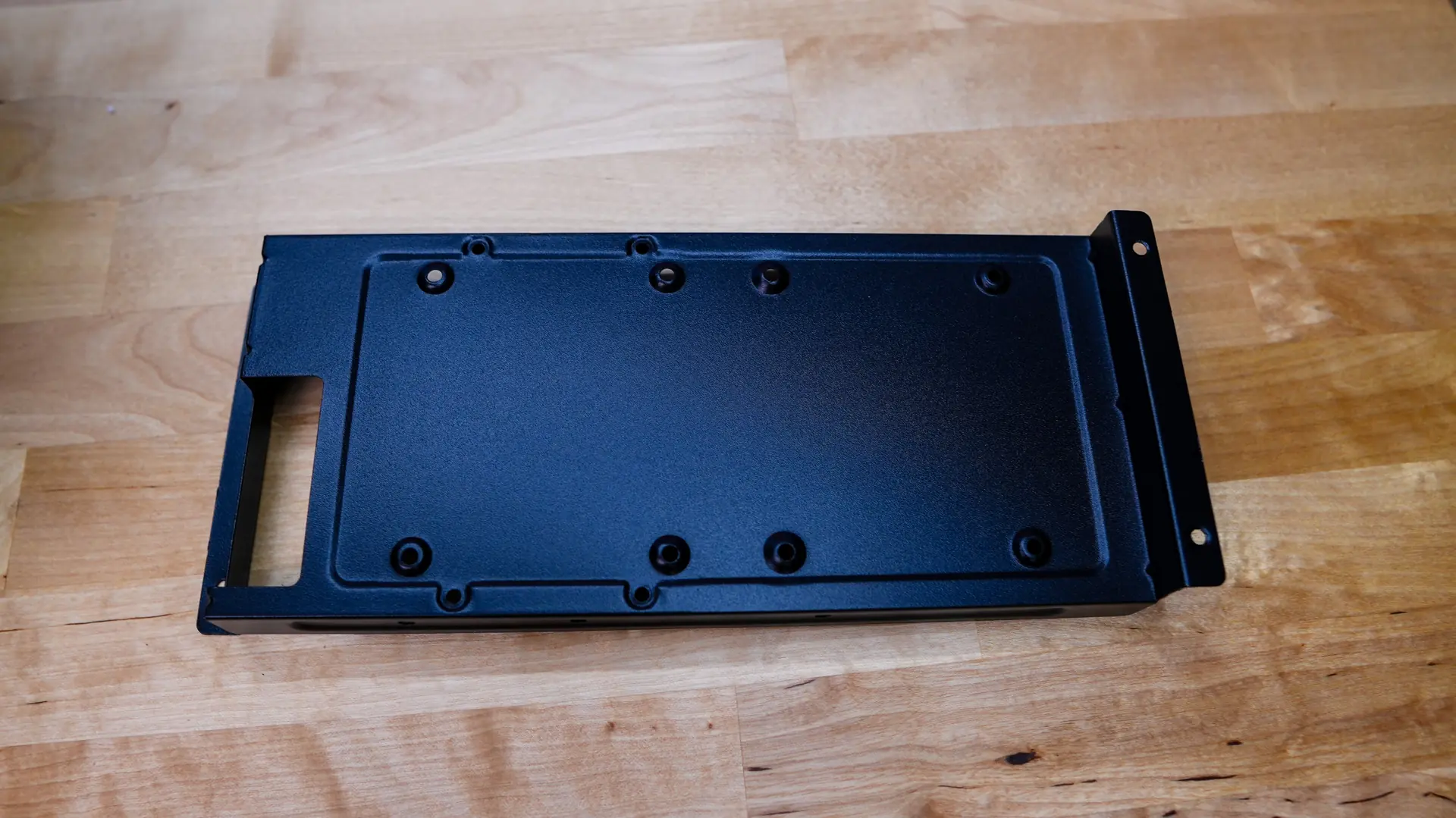
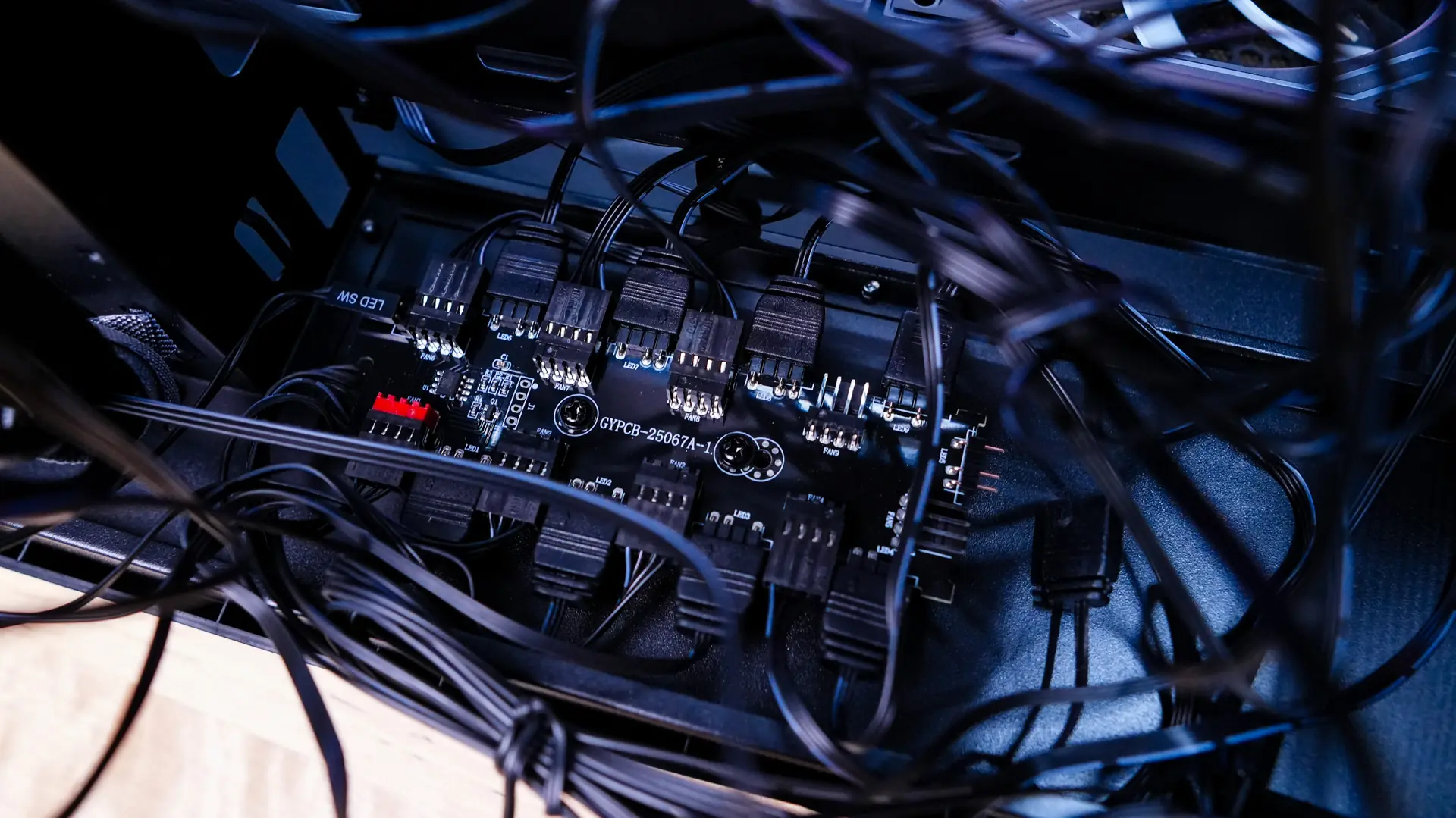
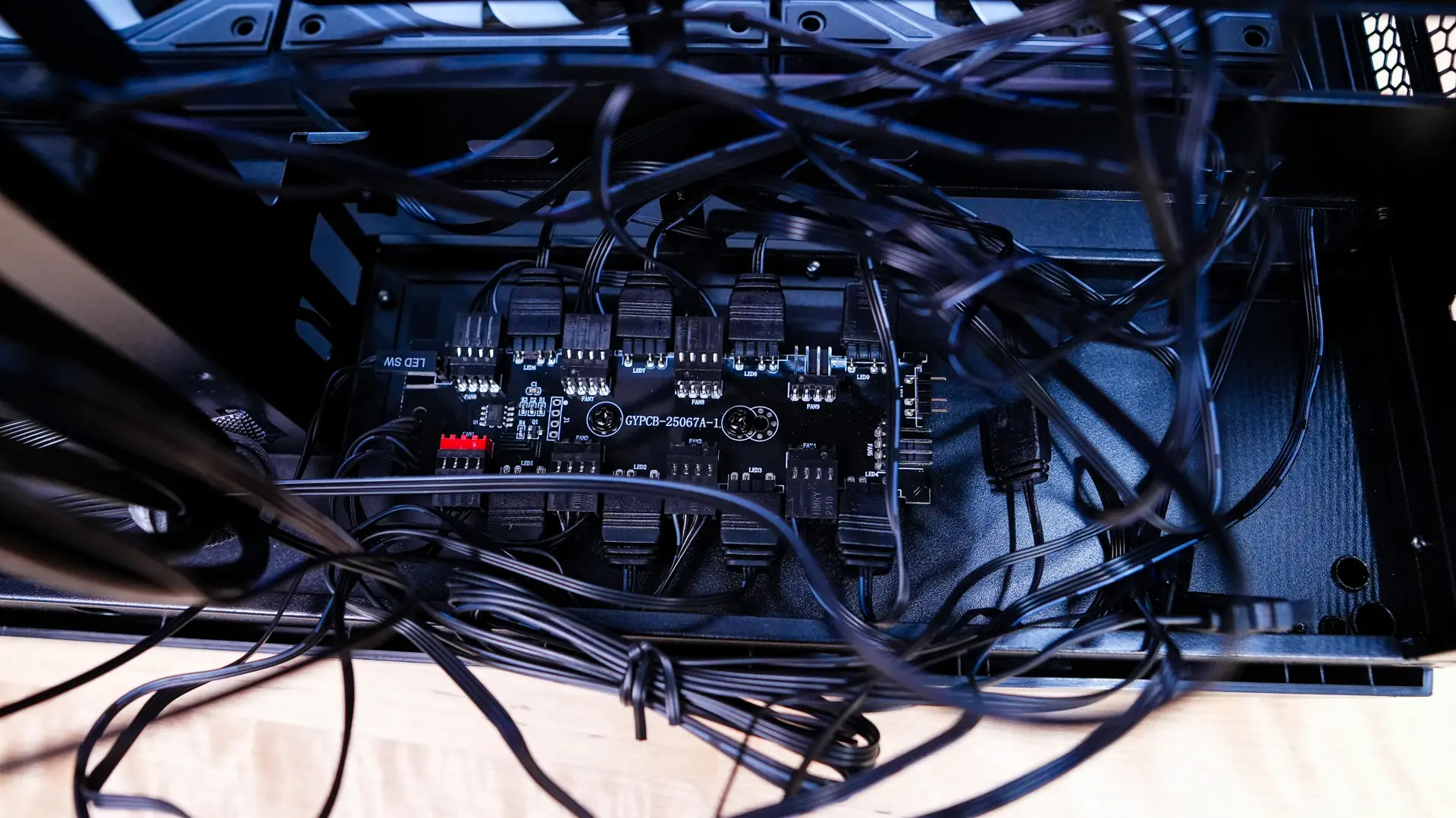
With the storage bracket removed we can get a good look at the fan and ARGB hub, which all of the fans are pre-wired to. The smaller button on the front of the case is wired to this so you can easily switch between colors and effects. You can of course pass-through the ARGB signal to your PC for software control as well. While it was nice that all of the fans were pre-wired to this controller it did create quite the cable mess on the backside of the case. It would have been nice if things were cleaned up a bit.
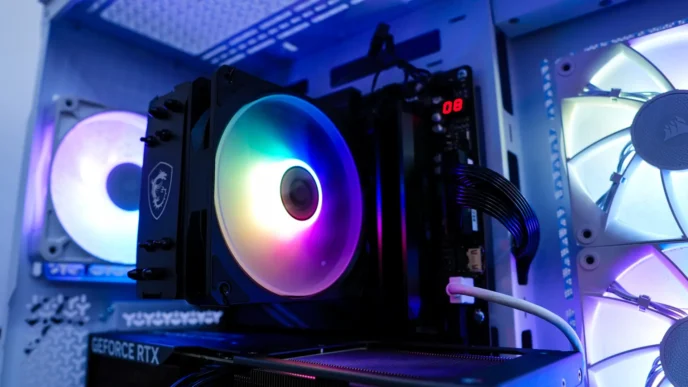
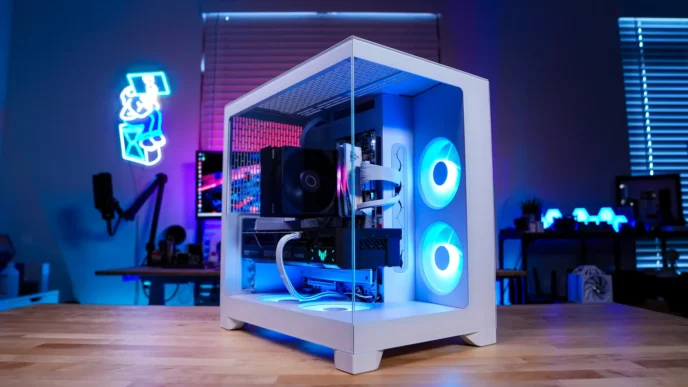
Sorry, not for me. I’ve given up on AIOs for now so only cases wide enough to hold a Noctua D15 G2 168mm cooler for me. Also, no sign that they are selling additional fans to match the included fans so the top won’t match. And I’m not really excited about fans with mirror hubs because of all the jiggling.