


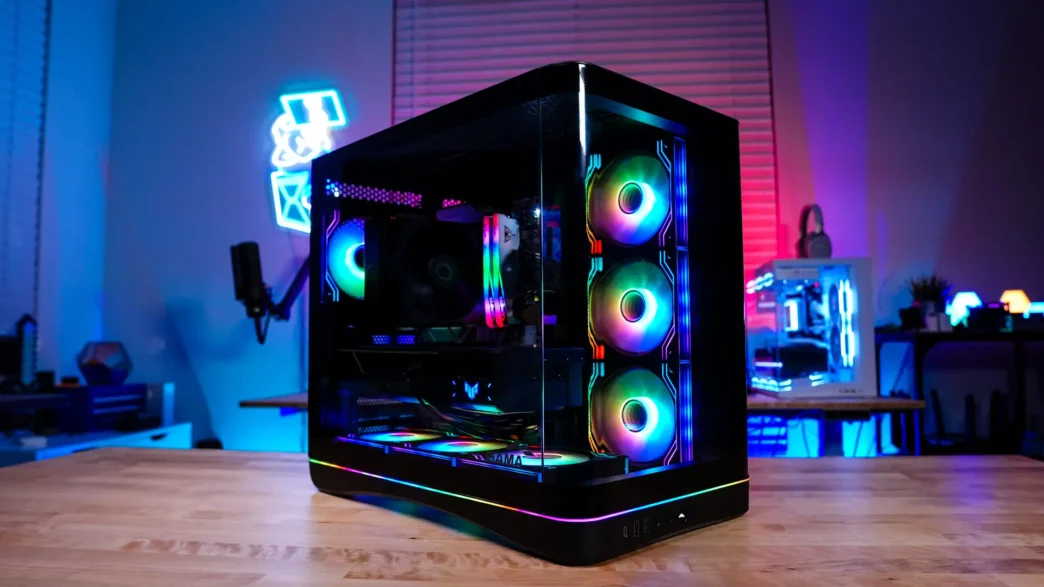
Installation in the SAMA V62 PC Case
When it comes to installing your hardware inside the SAMA V62 it is pretty straight-forward, but there are some things you definitely want to be aware of as you go through installation.
The first thing is that for some reason SAMA did not install all of the motherboard standoffs on the motherboard tray, so if you plan on installing an ATX motherboard you’ll have to install three more standoffs. Next you’ll want to route and connect any cables you’ll be connecting to the bottom of your motherboard as these connections are pretty much not accessible after you install your motherboard.
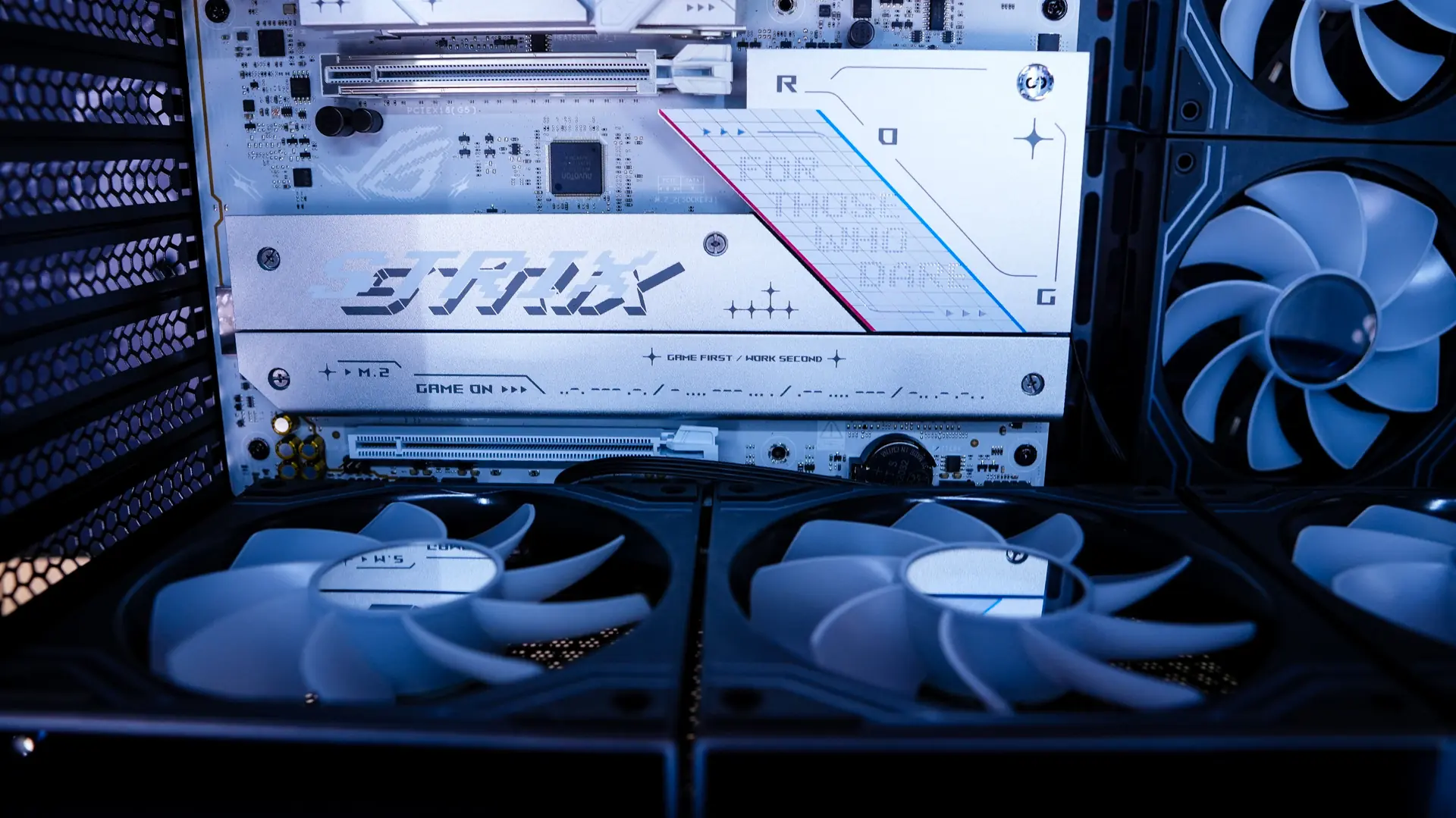
With that said after figuring these things out our motherboard went in no problem. Because we do have the included fans in the bottom of the case its is very likely that your bottom expansion slot on your motherboard will be unusable as well.
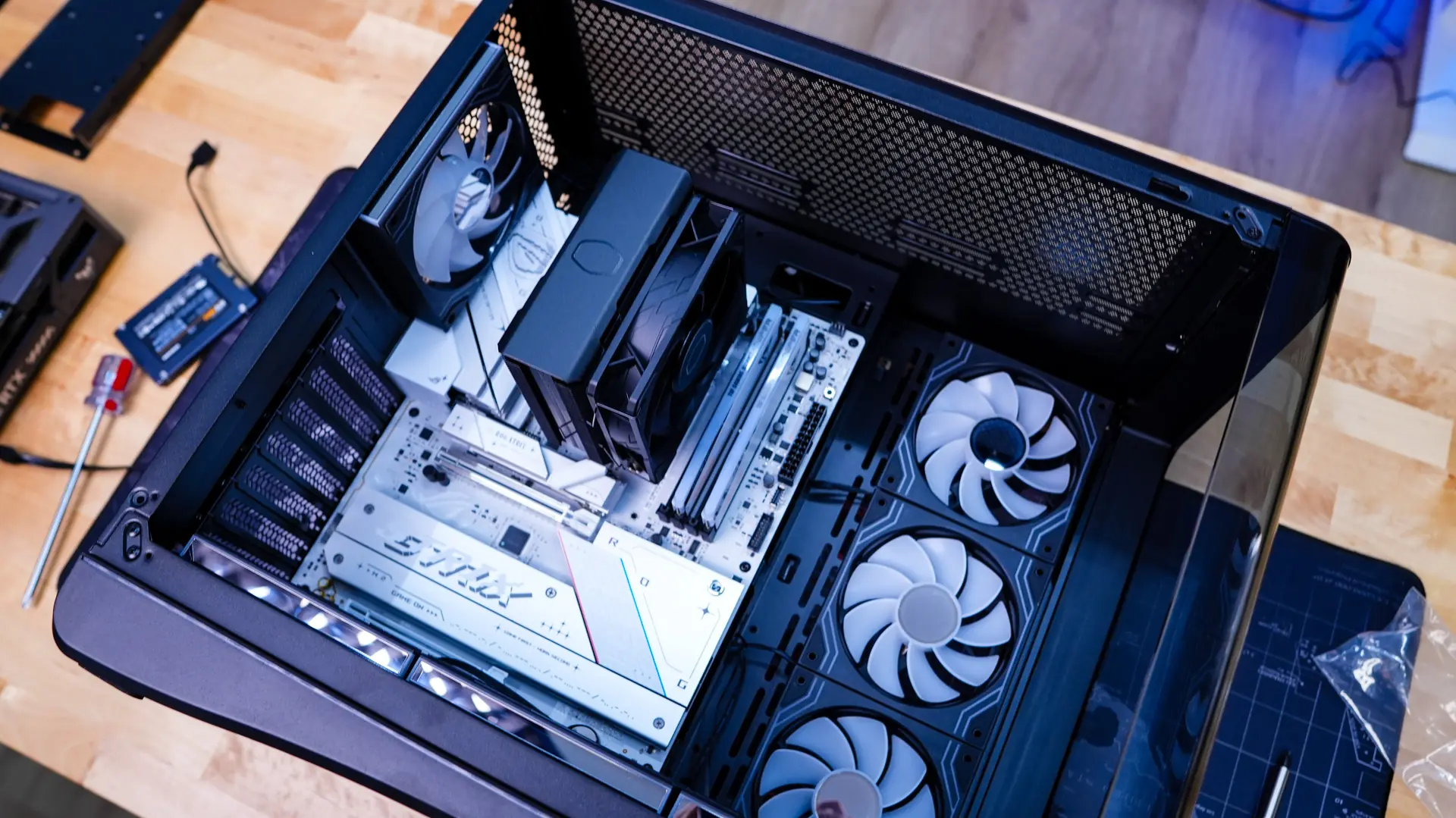
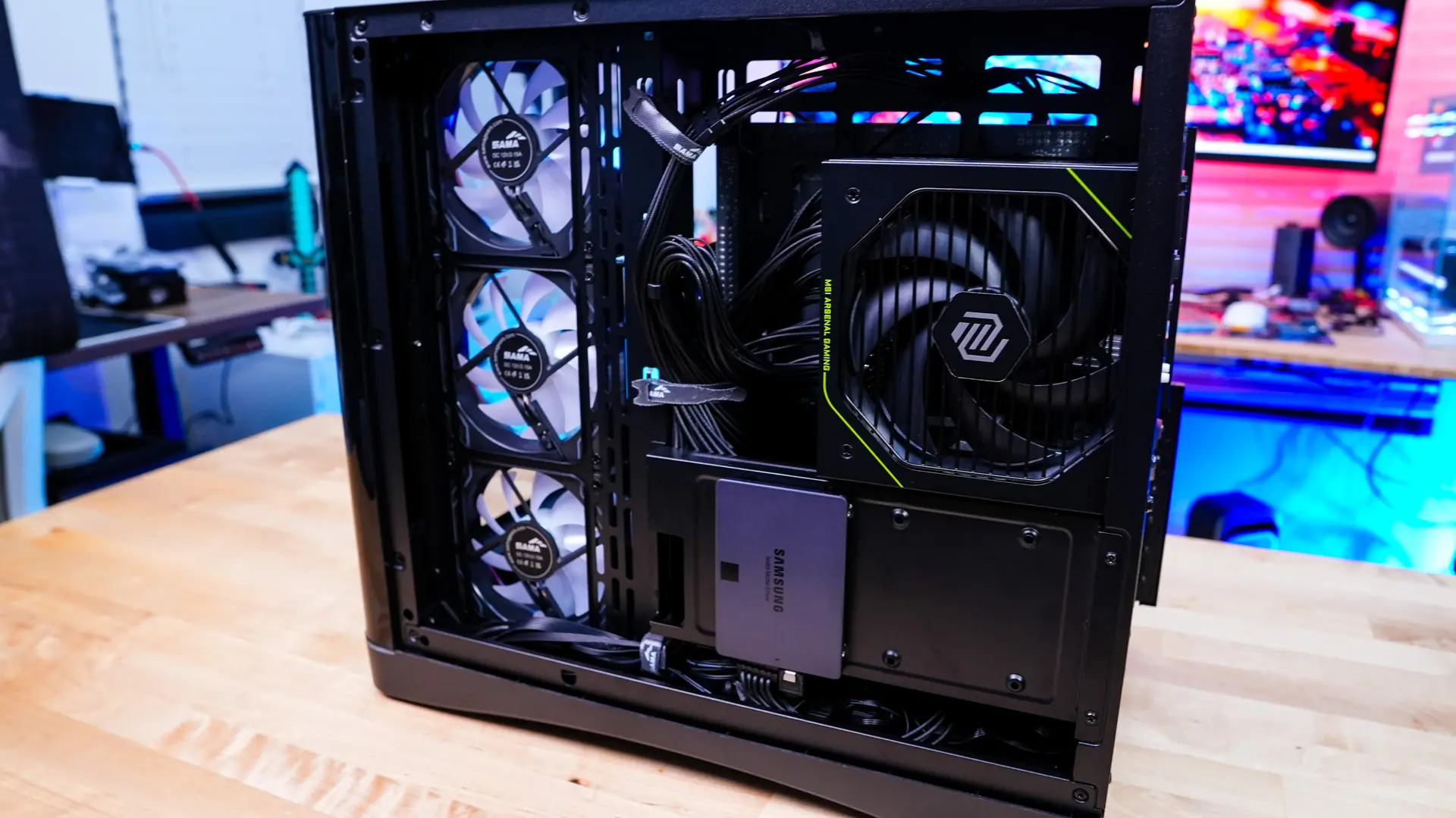
Moving to the backside of the case it is time to install our power supply. The power supply slides in very easily and you secure it with 4 screws. Of course be sure to install it with the fan facing towards you.
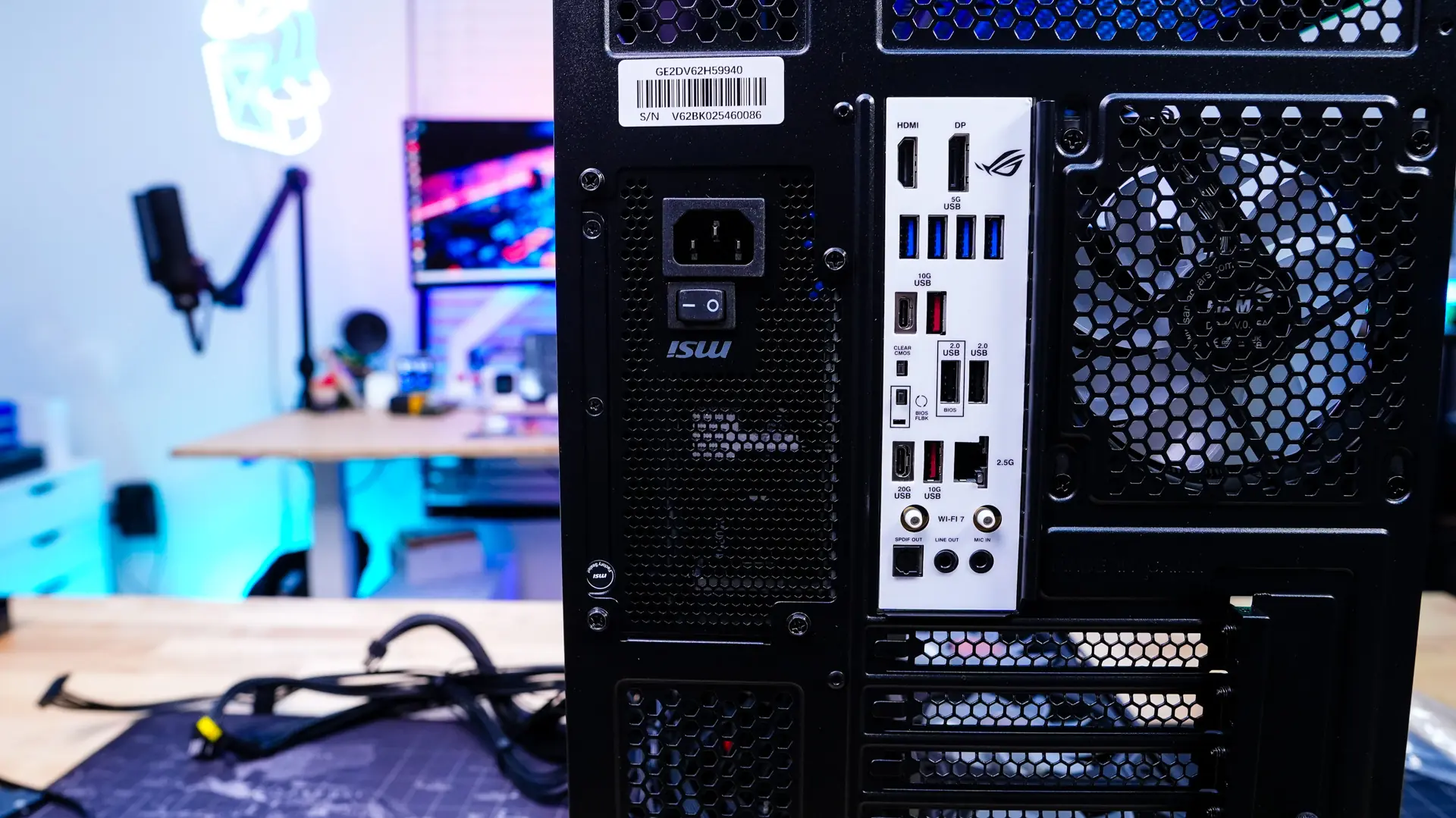
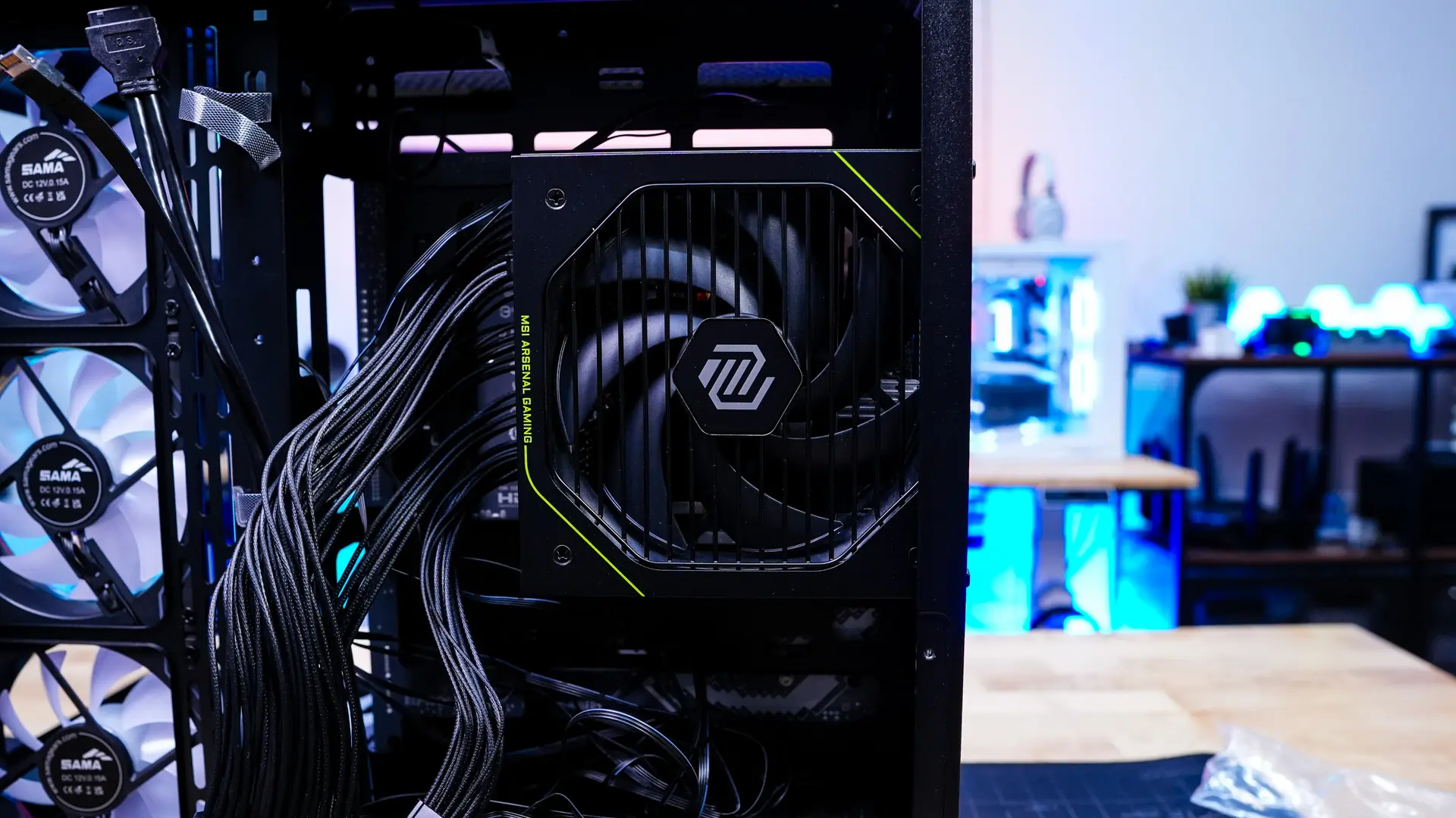
Typically I would install my storage next, but you’ll actually want to do that last in this case, so our graphics card is next. Our graphics card slots in quite easily without any issues. If you are routing your GPU power cable under your card make sure it is tight as it could get caught in one of the bottom fans.
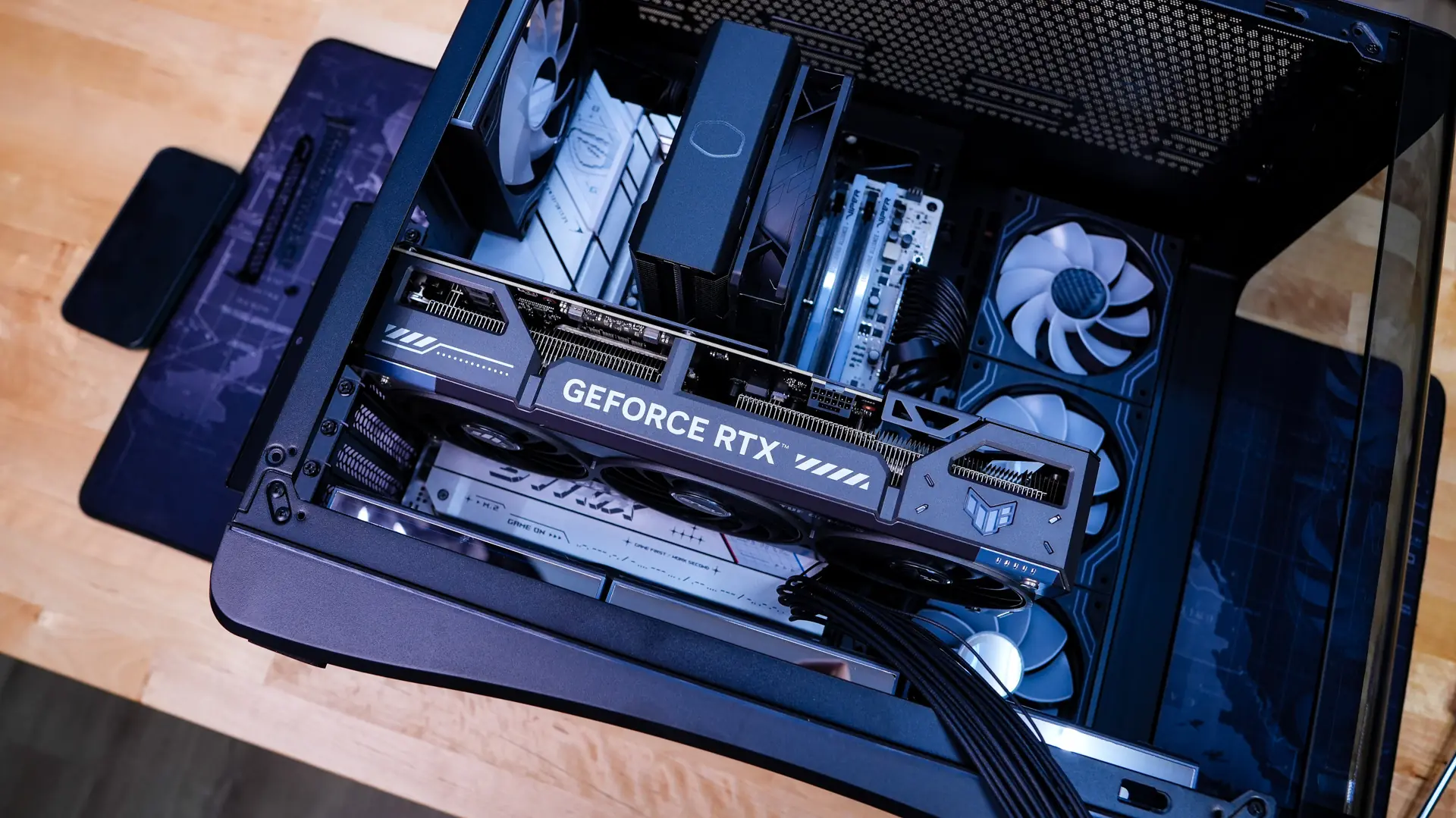
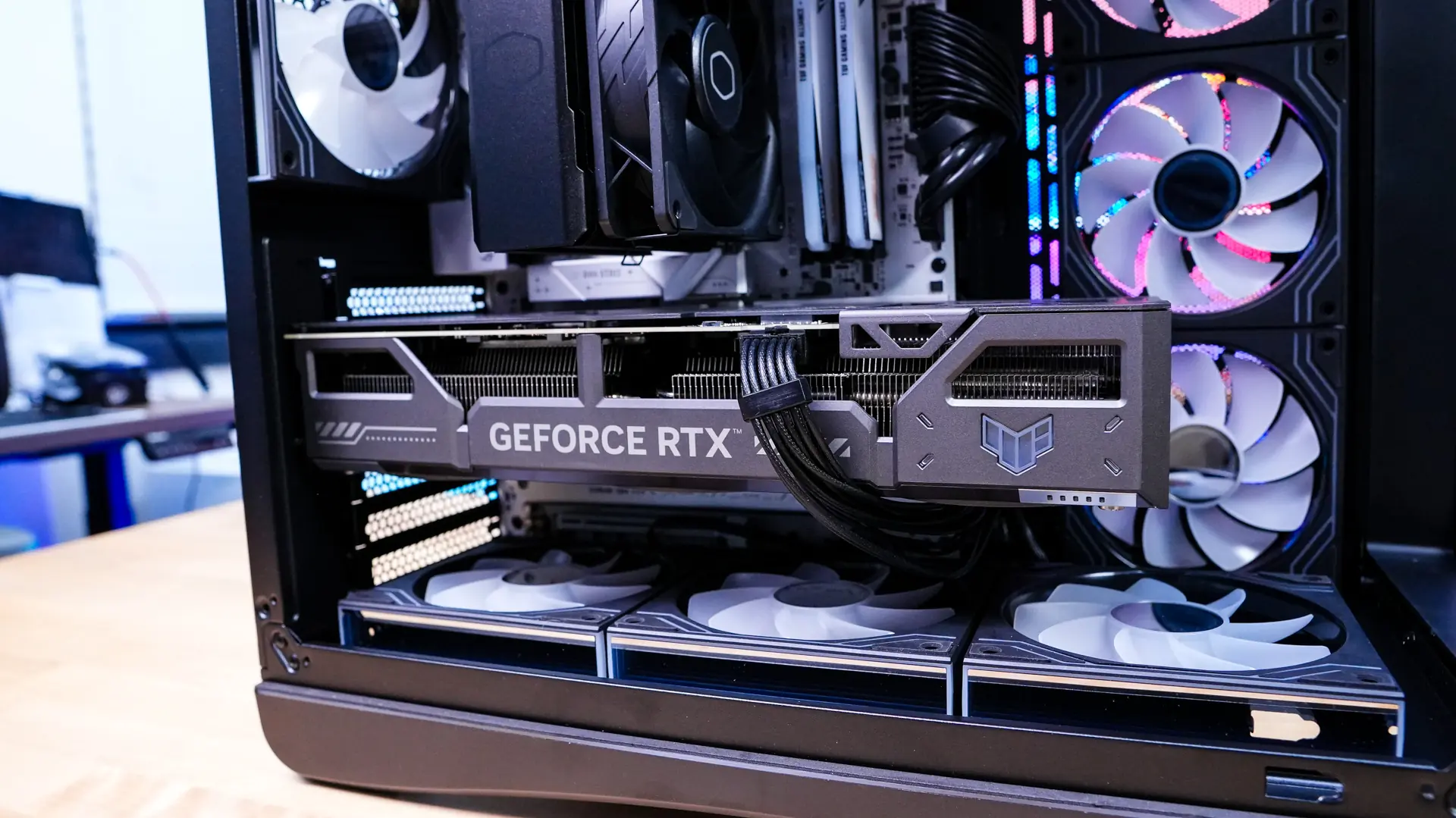
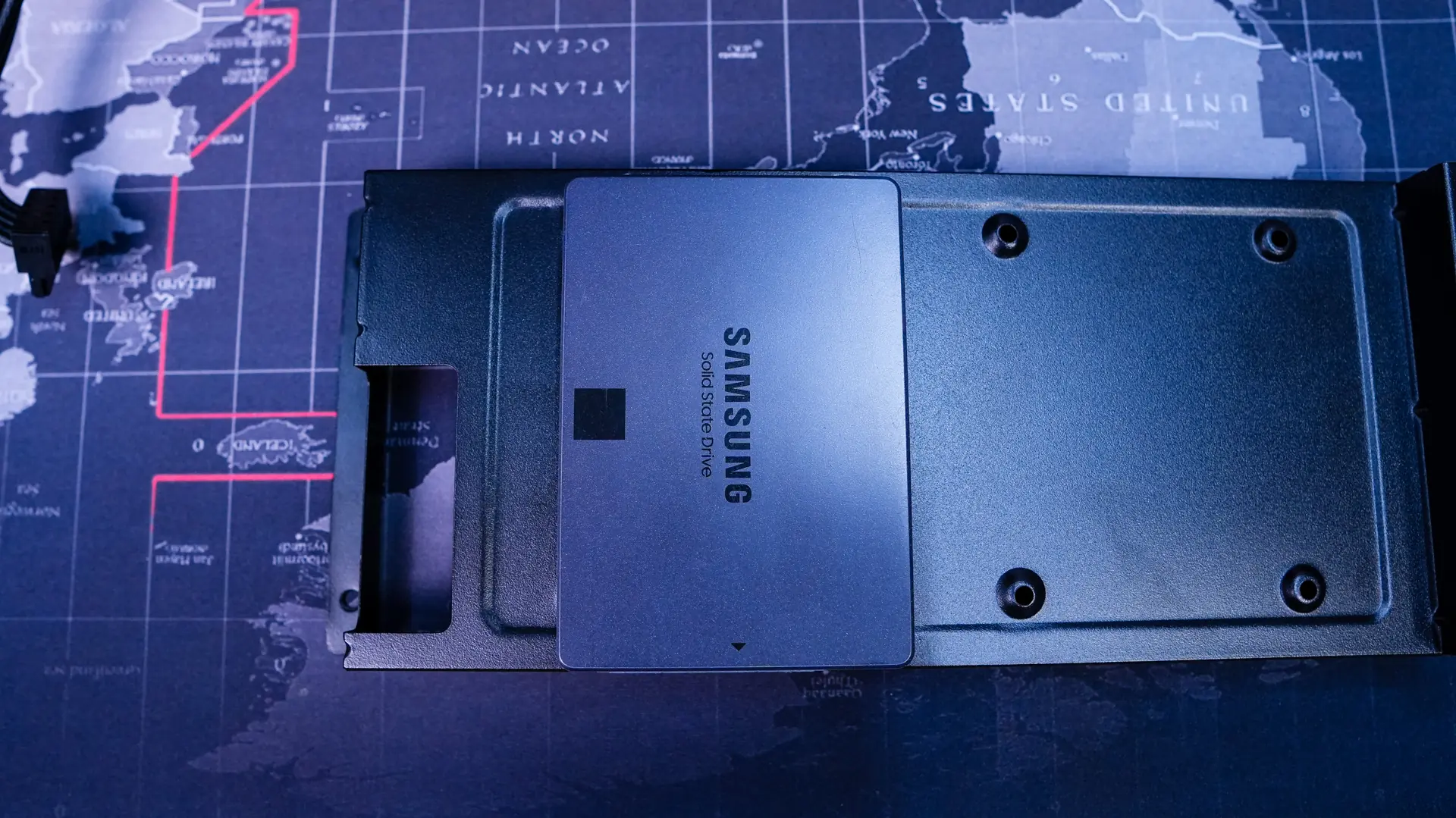
Now for our storage. You can easily remove the storage bracket from the case to install your drives. For 2.5-inch solid state drives you’ll want to make sure you install them with the connections facing down as if you have them the other way your power supply will get in the way. Once you have your drives mounted to the bracket you’ll want to reinstall it. Before you reinstall it you’ll also want to make sure you route all of your cables as once you put the bracket back in the case most of your cables can’t be accessed.
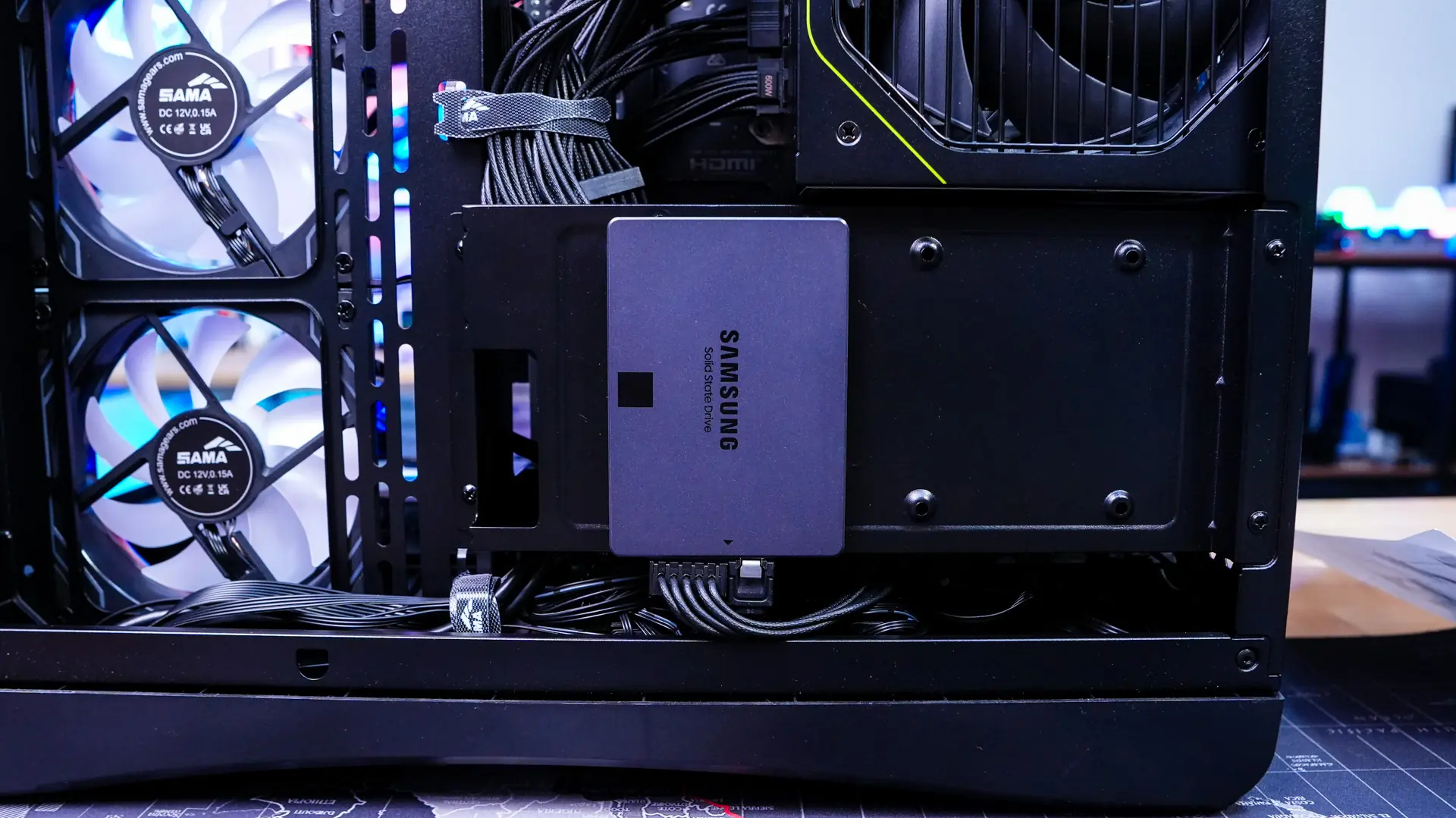
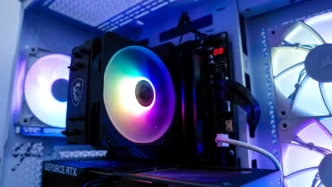
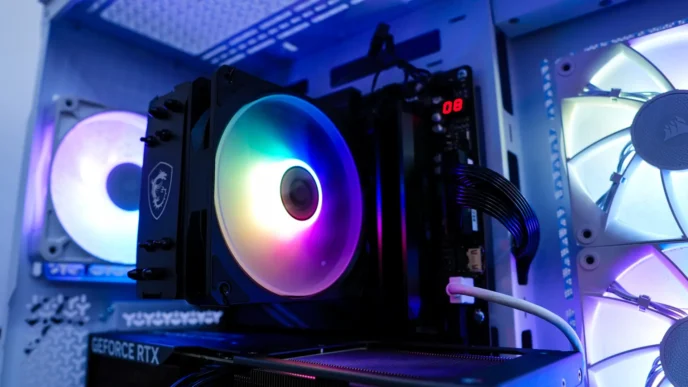
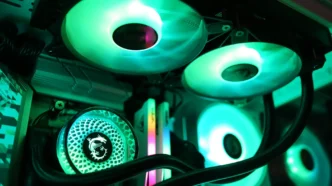
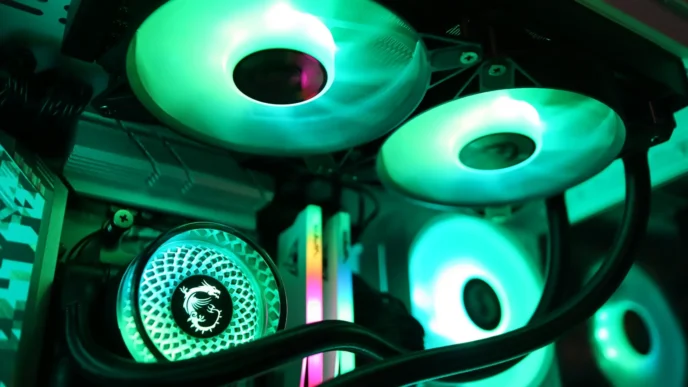
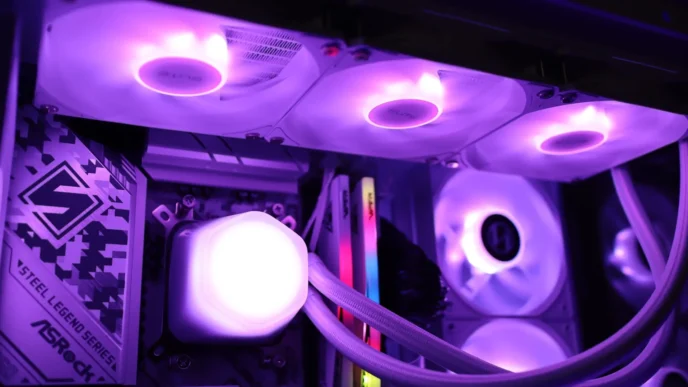
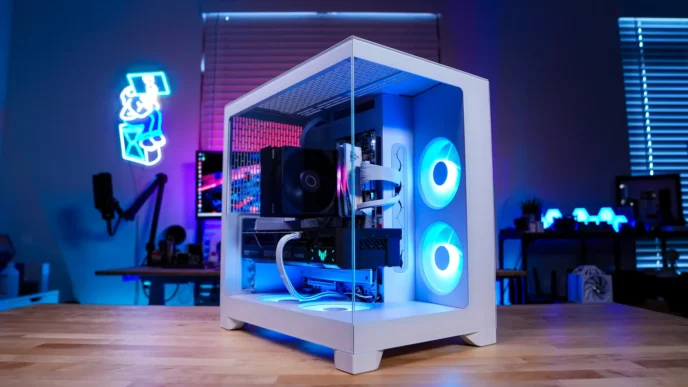
With everything installed we have a very clean build on both sides of the case.
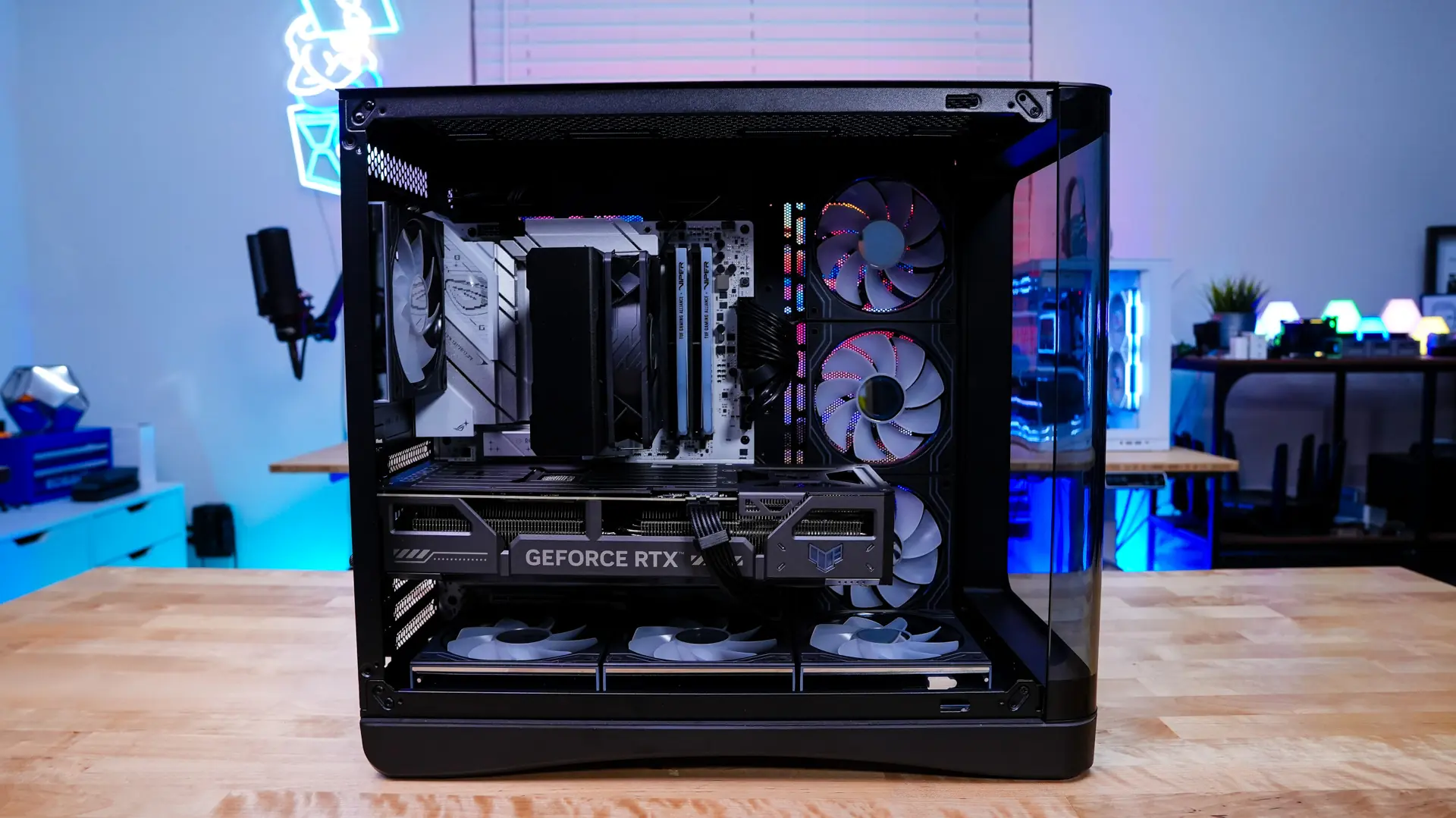
Sorry, not for me. I’ve given up on AIOs for now so only cases wide enough to hold a Noctua D15 G2 168mm cooler for me. Also, no sign that they are selling additional fans to match the included fans so the top won’t match. And I’m not really excited about fans with mirror hubs because of all the jiggling.