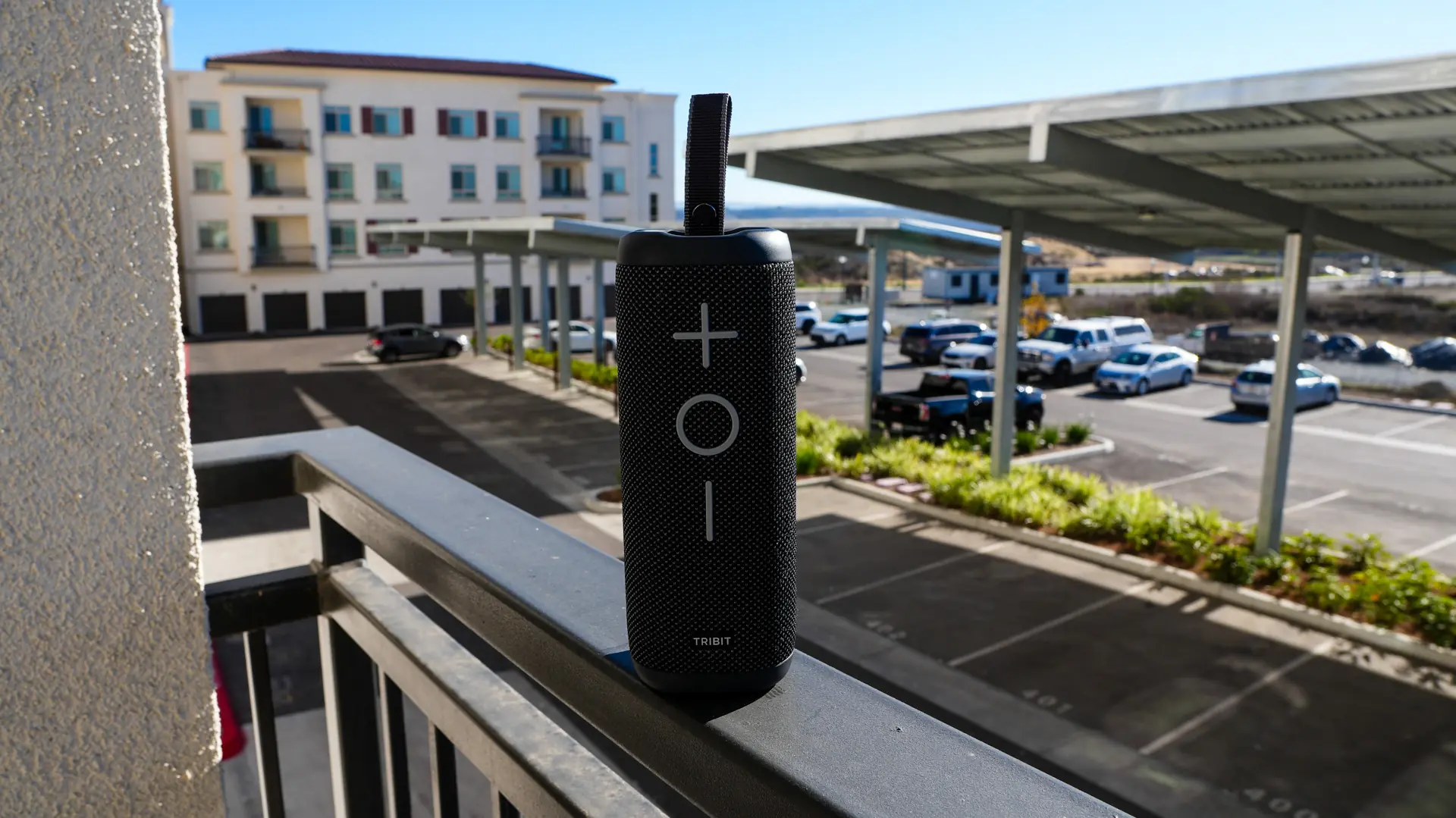
Setting up and Using the TRIBIT StormBox 2 Portable Bluetooth Speaker
Getting the StormBox 2 all setup and ready to use is quite easy. You are going to want to turn it on by pressing the power button. Once on the Bluetooth button will start flashing and you should see “StormBox 2” in the available Bluetooth devices on your phone or other device. Select it and you’ll be paired to the speaker, it really is that easy!
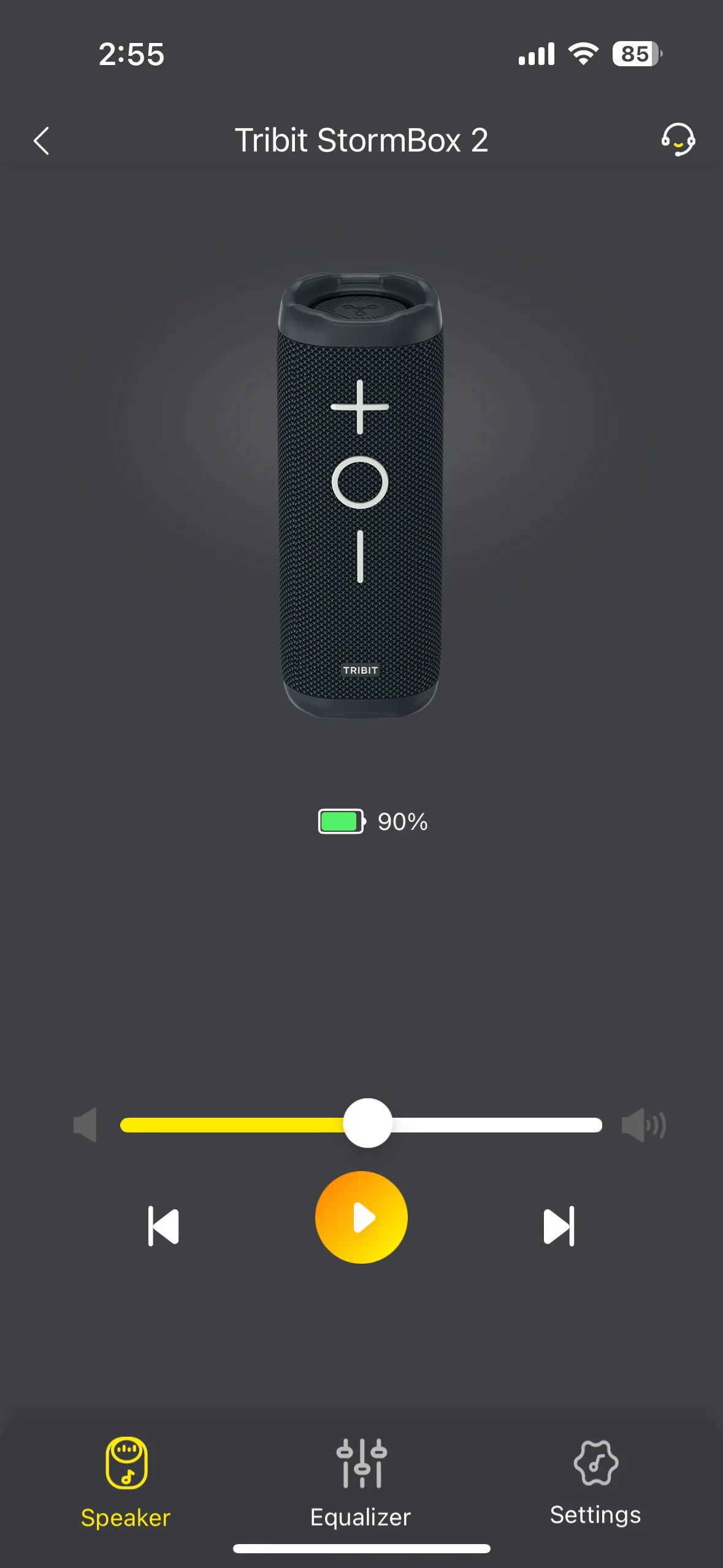
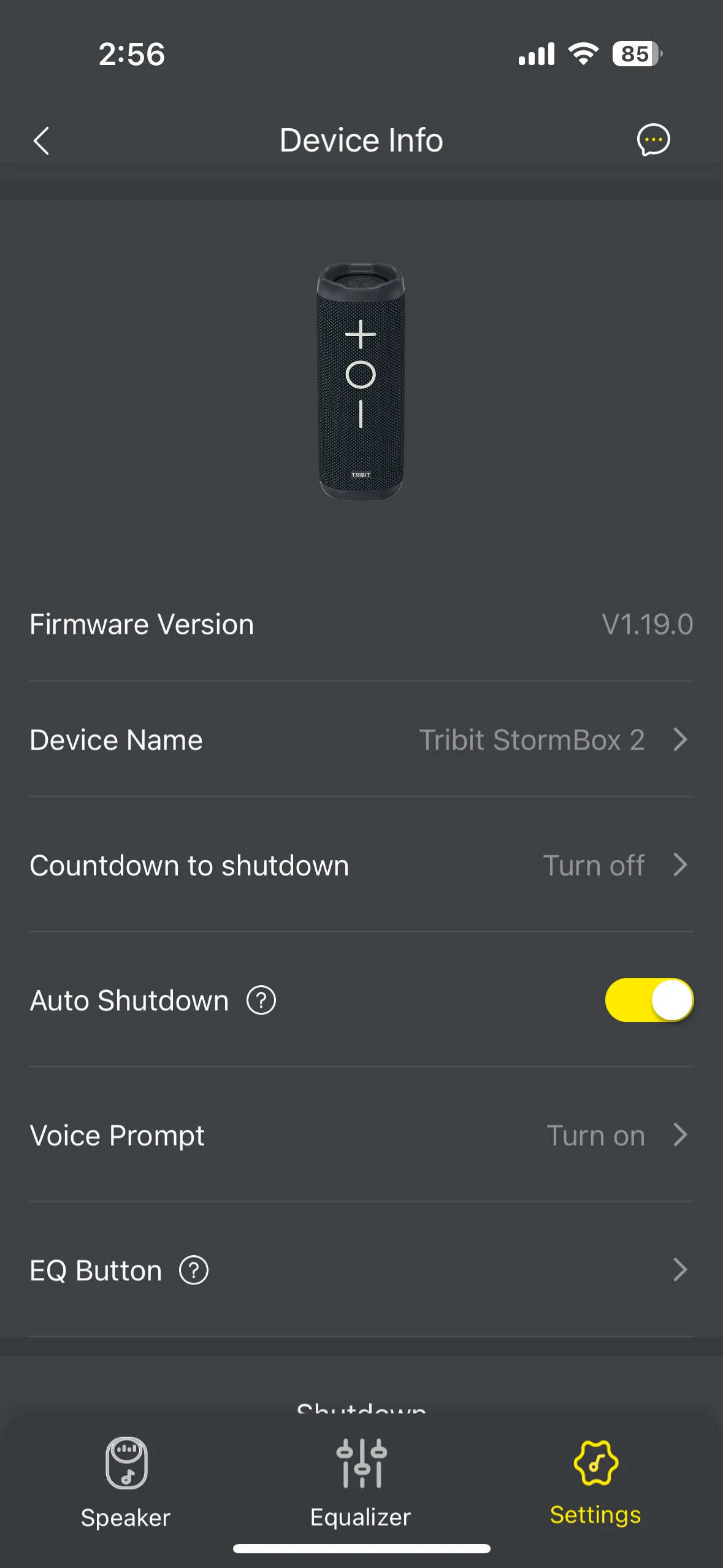
Now you’ll be able to use the speaker no problem, but if you want to do any type of customization you’ll need to download the TRIBIT app. Once you have the app installed you’ll be able to add the speaker. In the app you can see the batter level, adjust the volume, switch tracks, and play or pause music. There are six different preset EQ modes and you can also create your own.
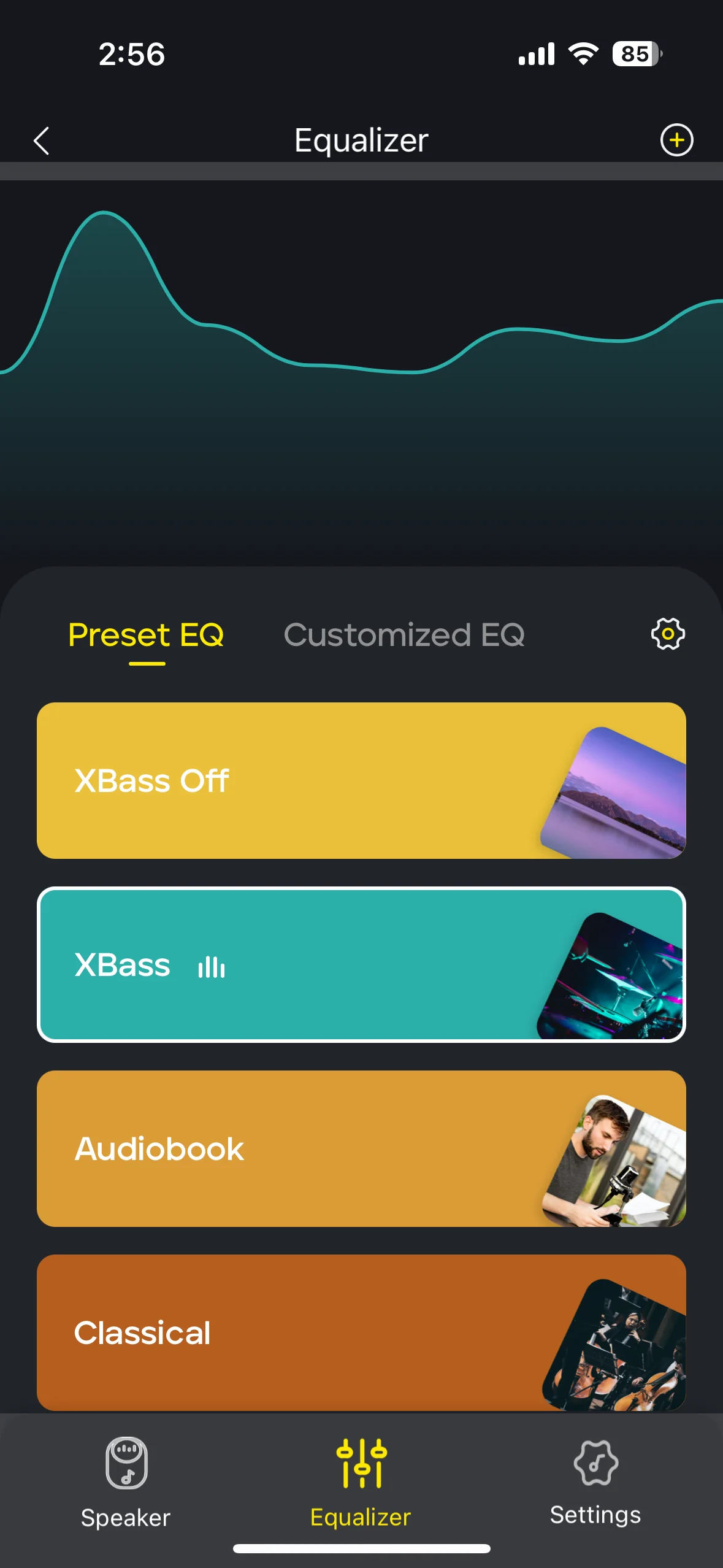
When it comes to audio quality the StormBox 2 delivers impressive performance for its size class. The dual passive radiators provide surprising bass response that doesn’t overwhelm the mids and highs. Vocal clarity remains crisp even at higher volumes, and there’s minimal distortion when pushing the speaker to its limits. The XBass button feature effectively enhances low frequencies for bass-heavy genres without muddying the overall sound profile.