Can You Customize the screen on the TRYX HOLO ARGB 360 Liquid CPU Cooler?
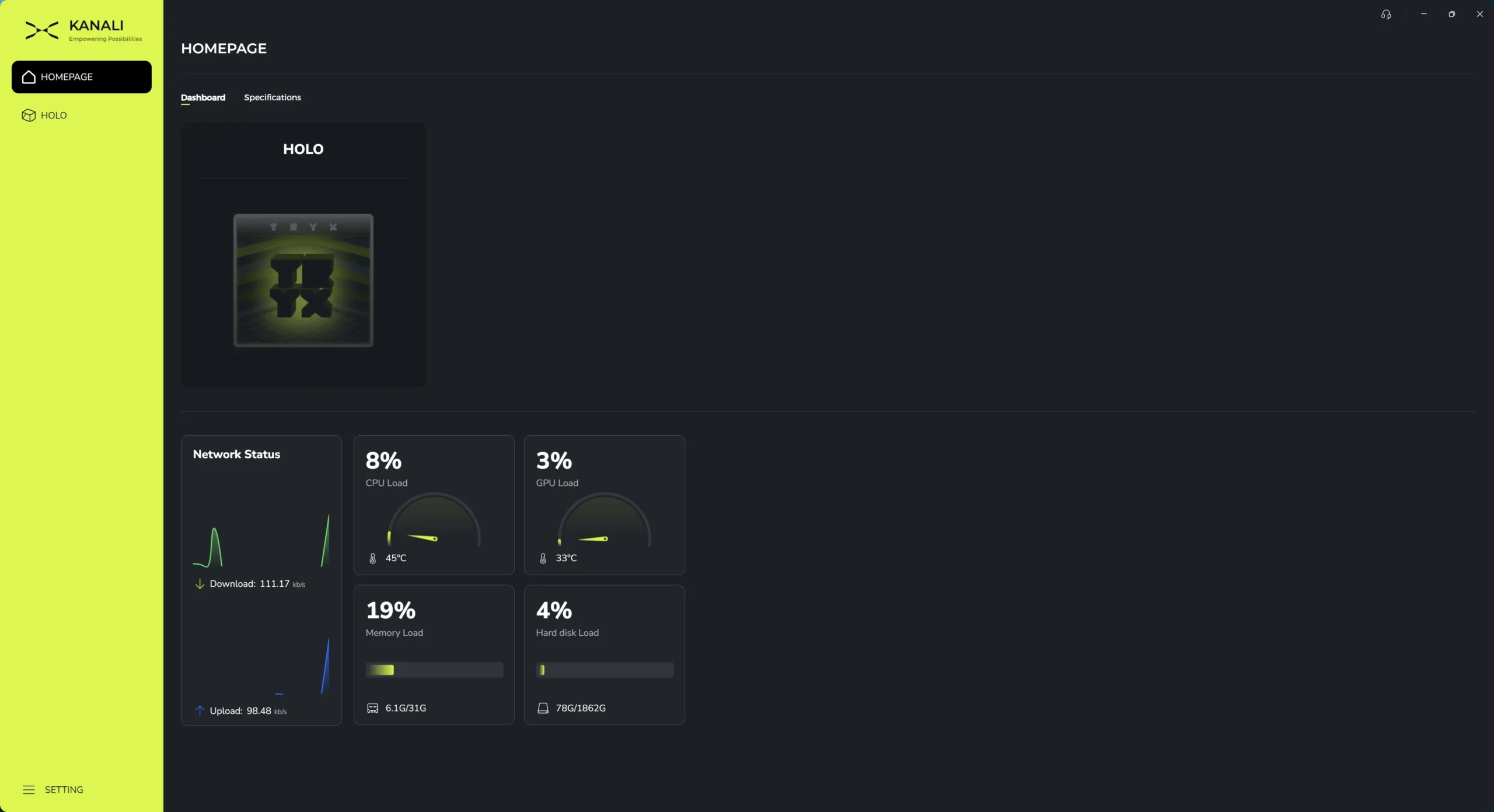
To customize the screen on the HOLO you’ll need to download the TRYX Kanali software. Opening it up we are brought to our “Homepage” which shows what TRYX components we have installed and a list of system stats that include network status, CPU load, GPU load, memory load, and hard disk load.
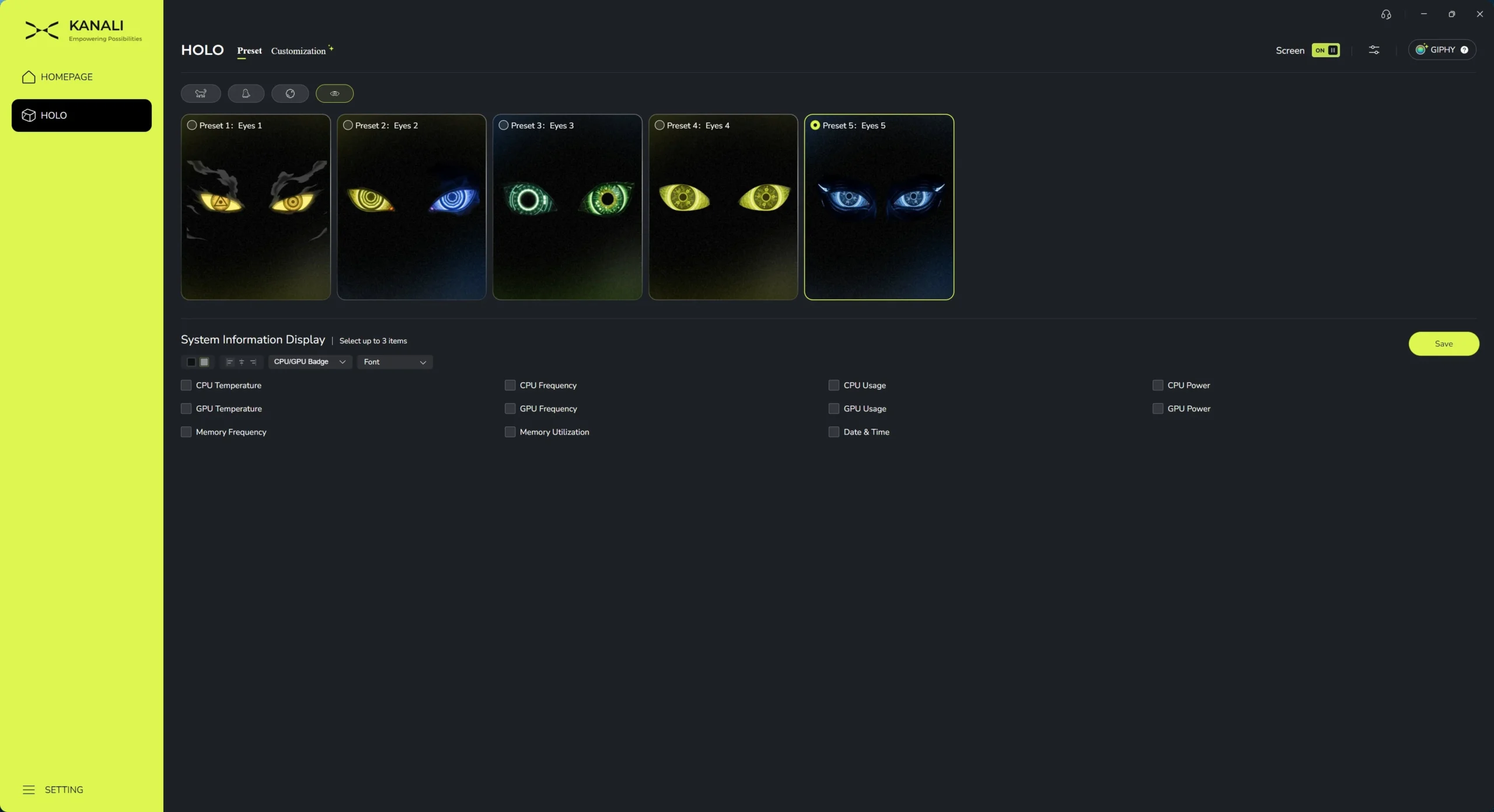
Clicking into the “HOLO” section here we can customize what gets shown on the screen. By default TRYX has essentially 4 different character types that were specifically made specifically for the HOLO. In each section you’ll find a handful of different animations. Below you can see the screen for “Eyes”. On each animation you can also display 3 different pieces of system information from the check boxes below. ou can also show a badge of what CPU and GPU you have. The overlay can be shown in both white and black text, but I really would have liked to have seen some time of either shadow or outline as the text is a bit hard to read.
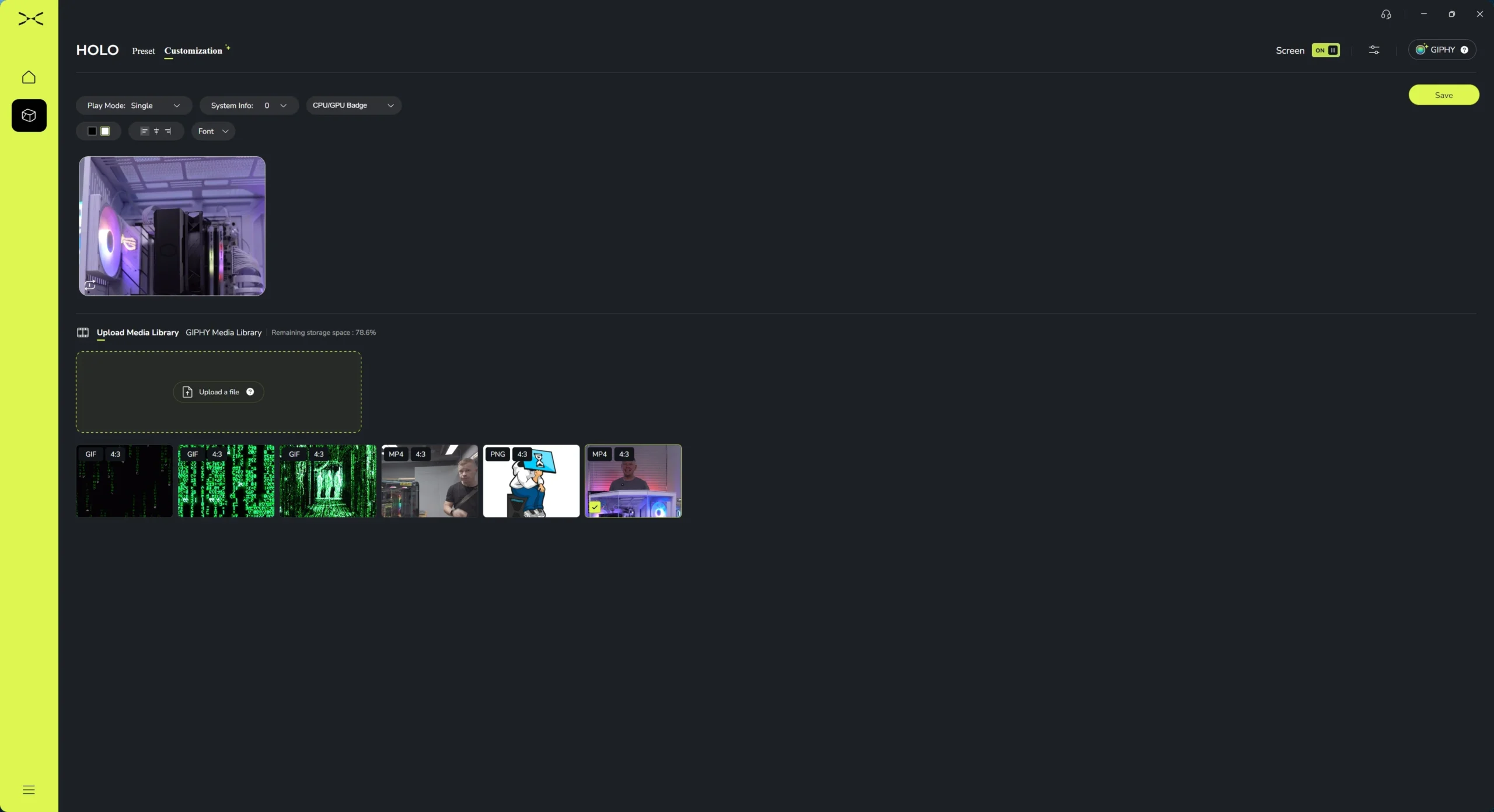
If you aren’t into any of the pre-set animations you can choose your own media to be displayed on the screen by clicking on “Customization”. I was able to load in my own images, GIFs, and full-on videos. To my knowledge the limitations on what you can display is just 500mb and a 1920 x 1080 resolution. Since the display is at a 4:3 aspect ratio, once you add something to the media library you’ll be prompted to crop it.
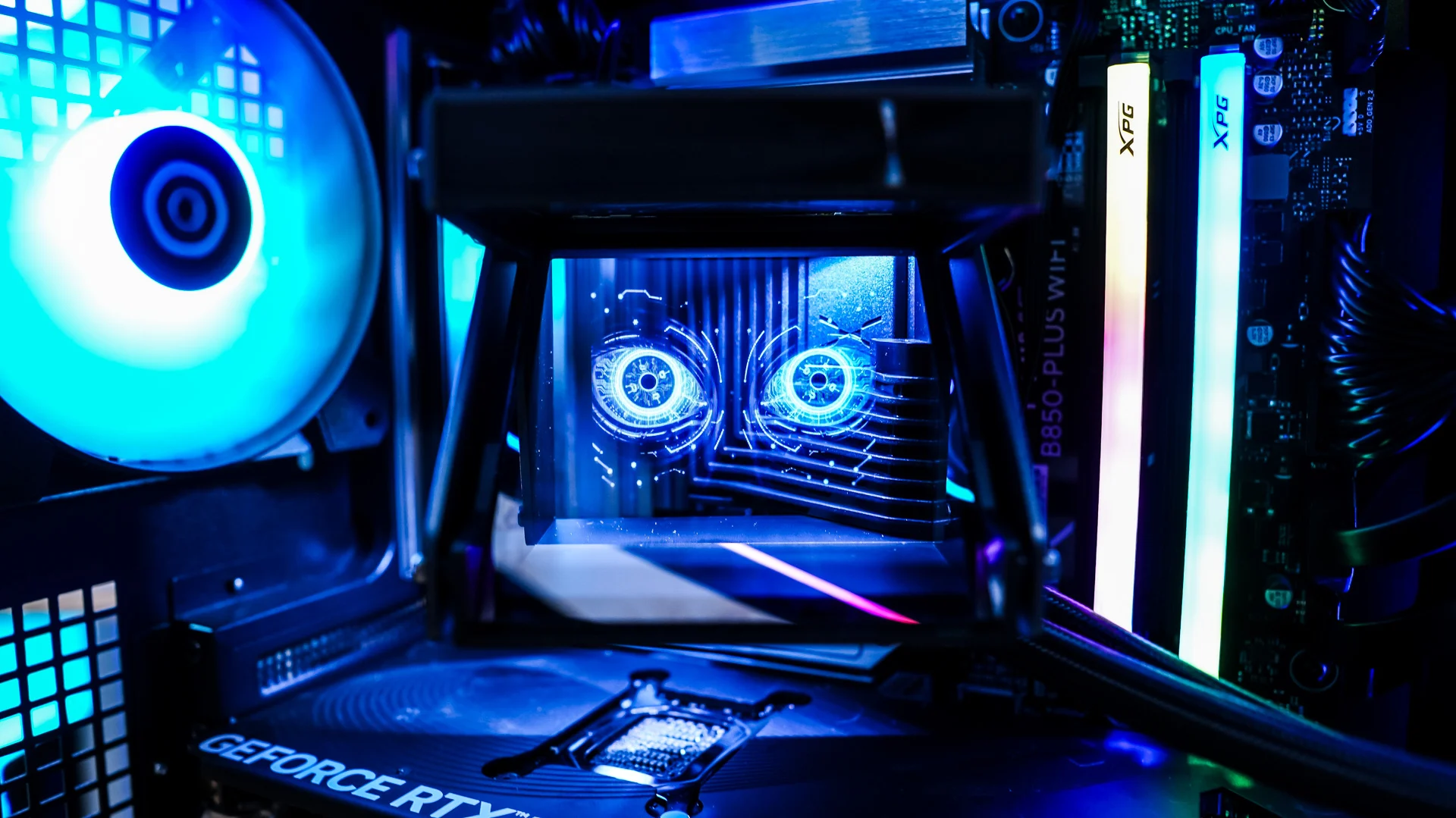
What does the screen look like on the TRYX HOLO ARGB 360 Liquid CPU Cooler?
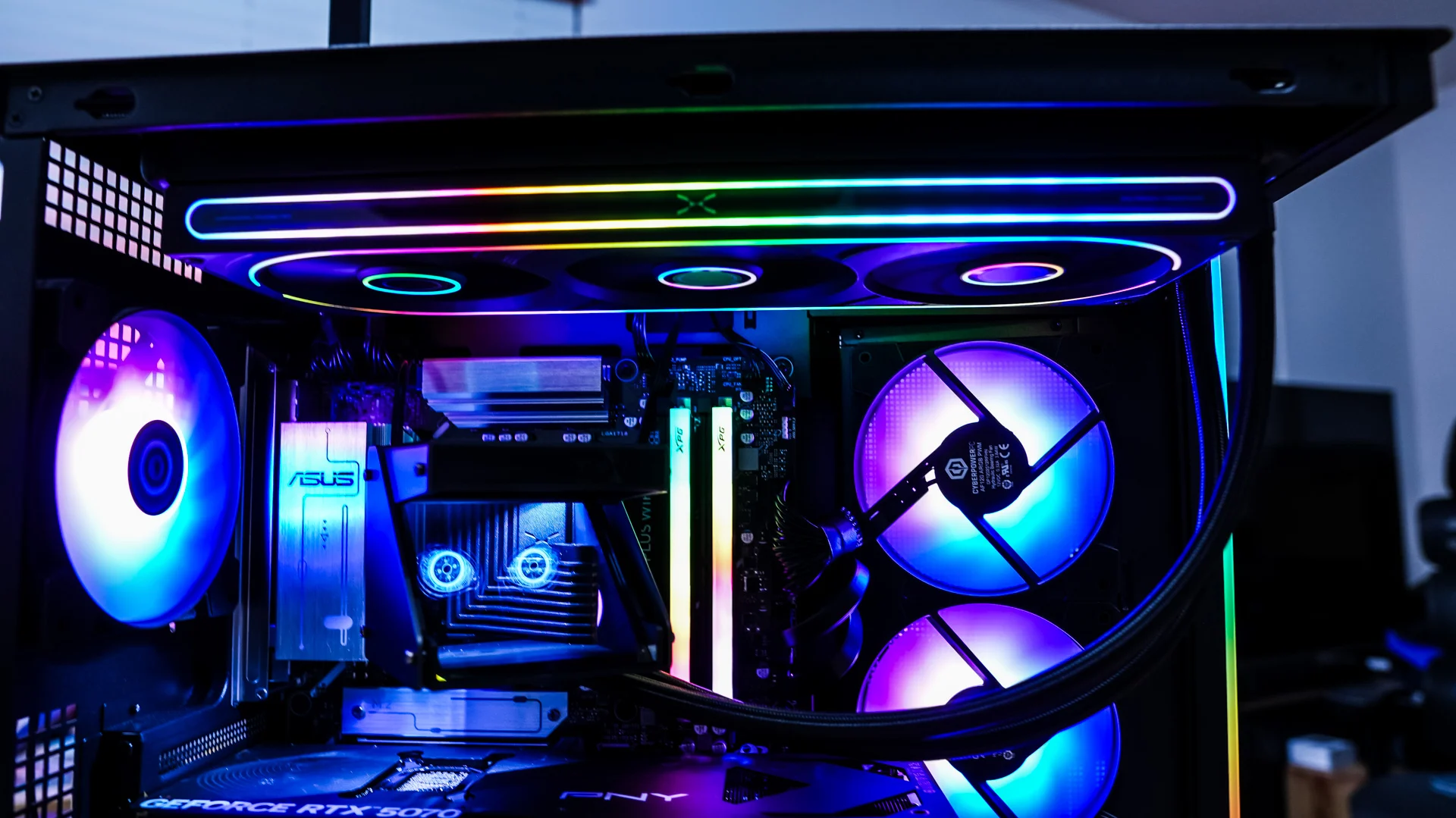
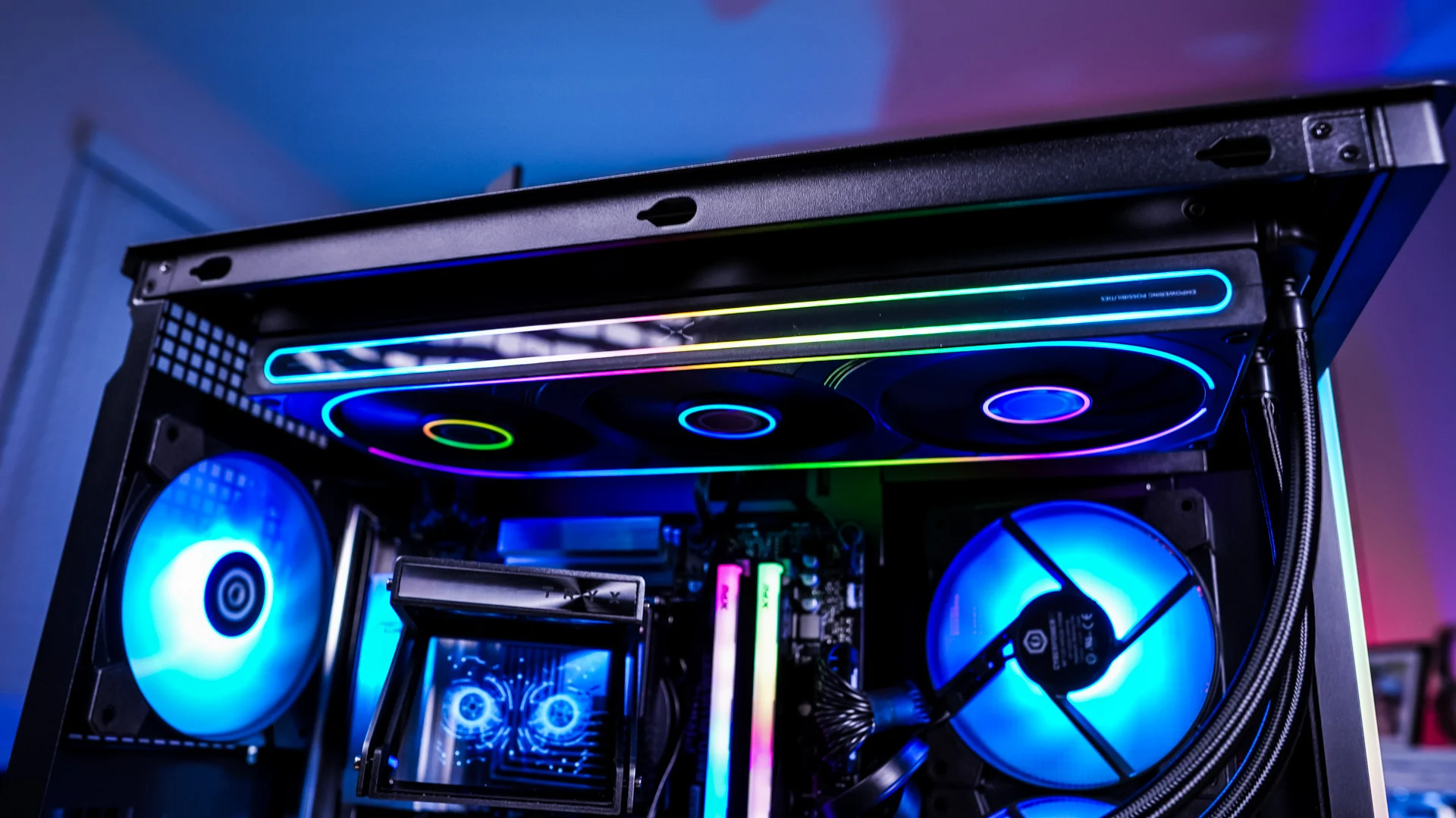
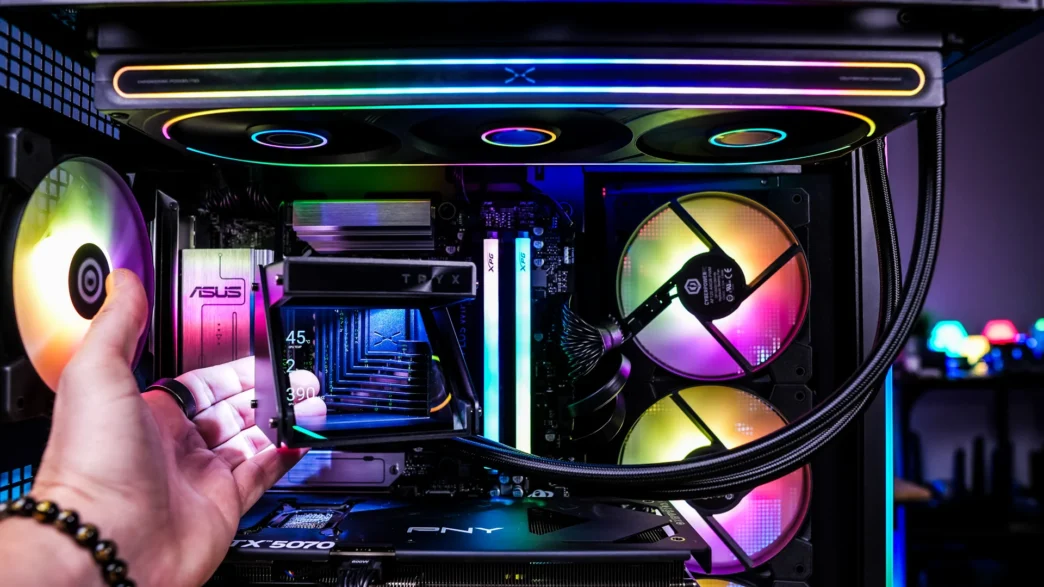
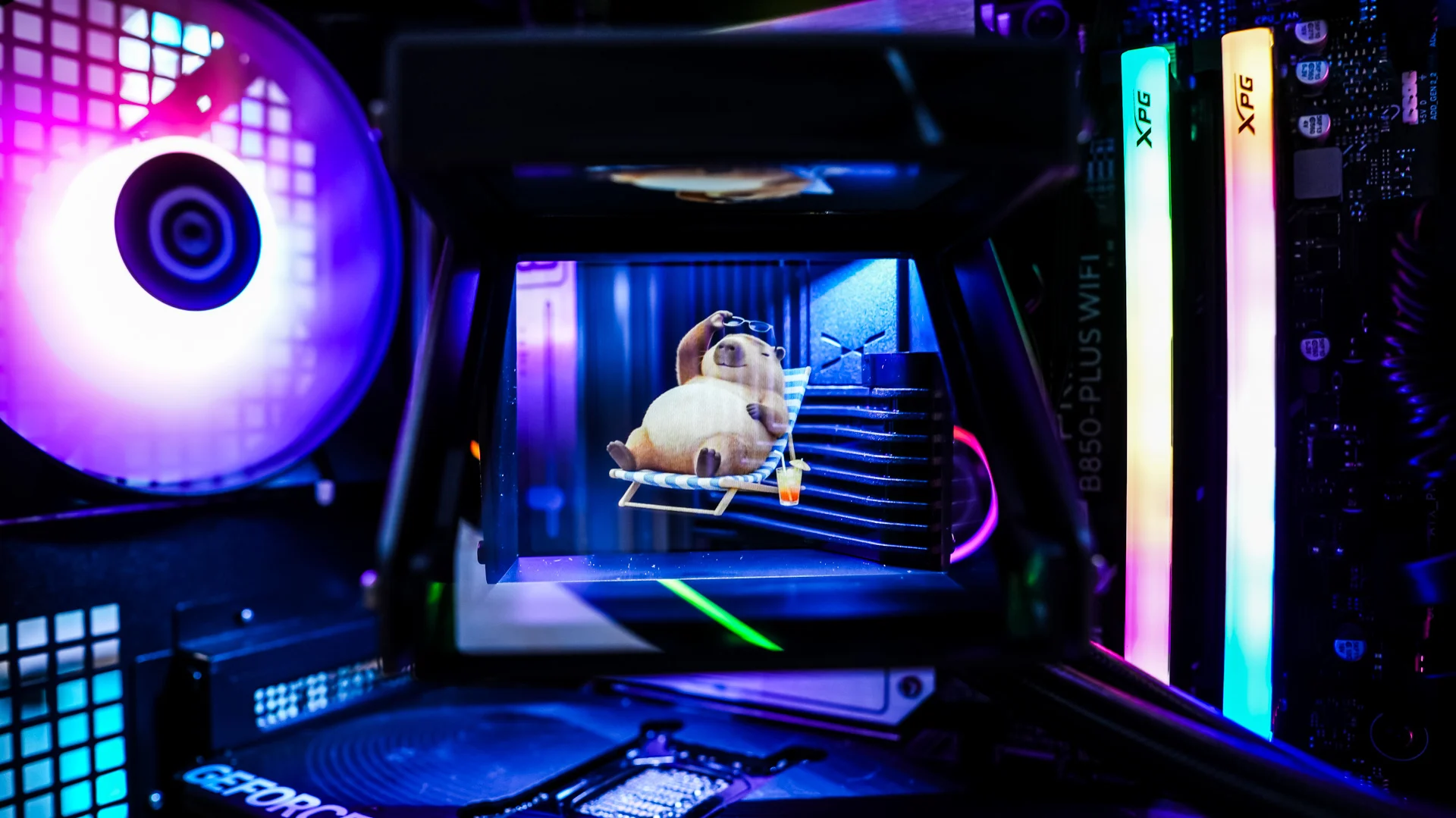
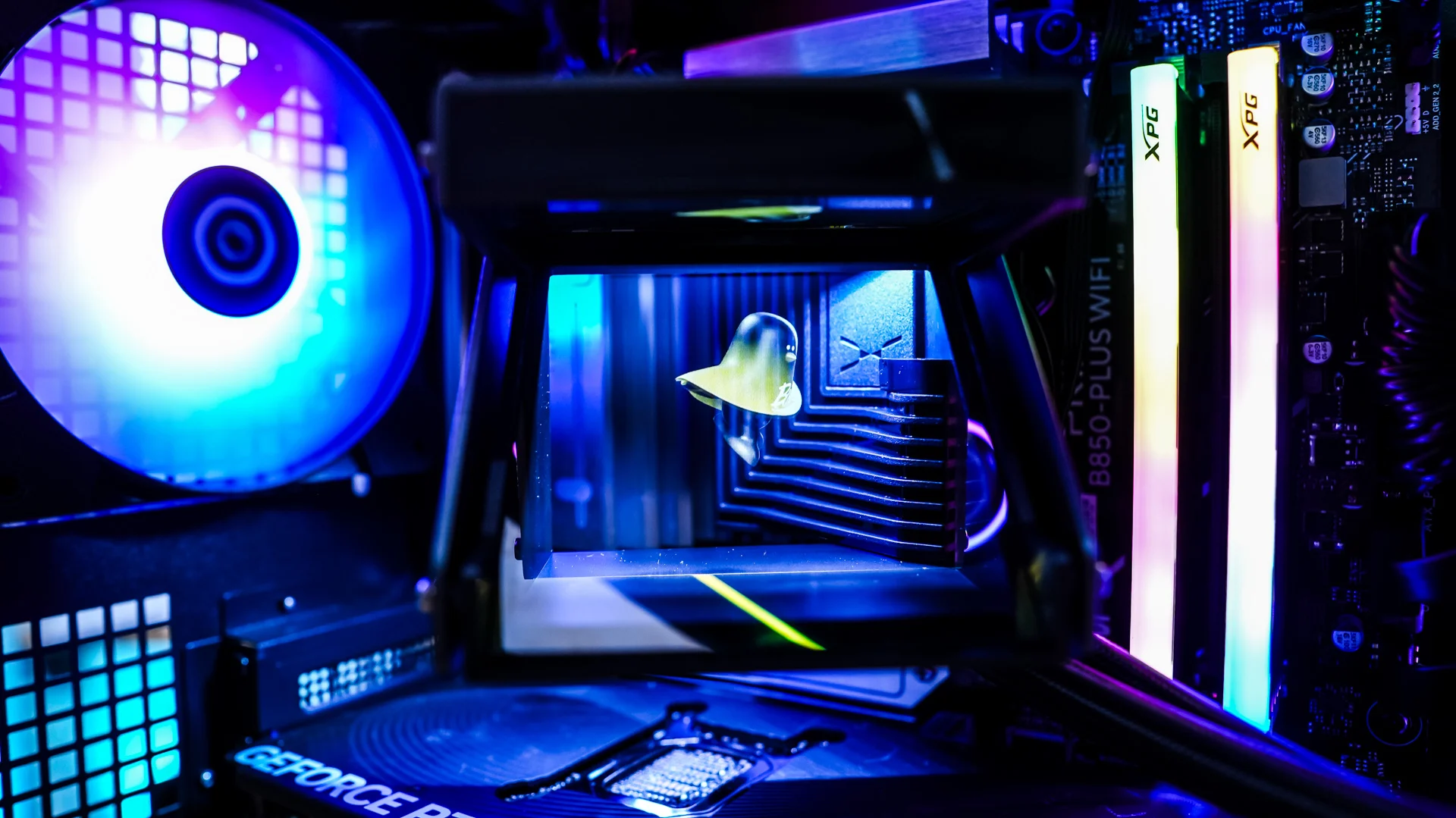
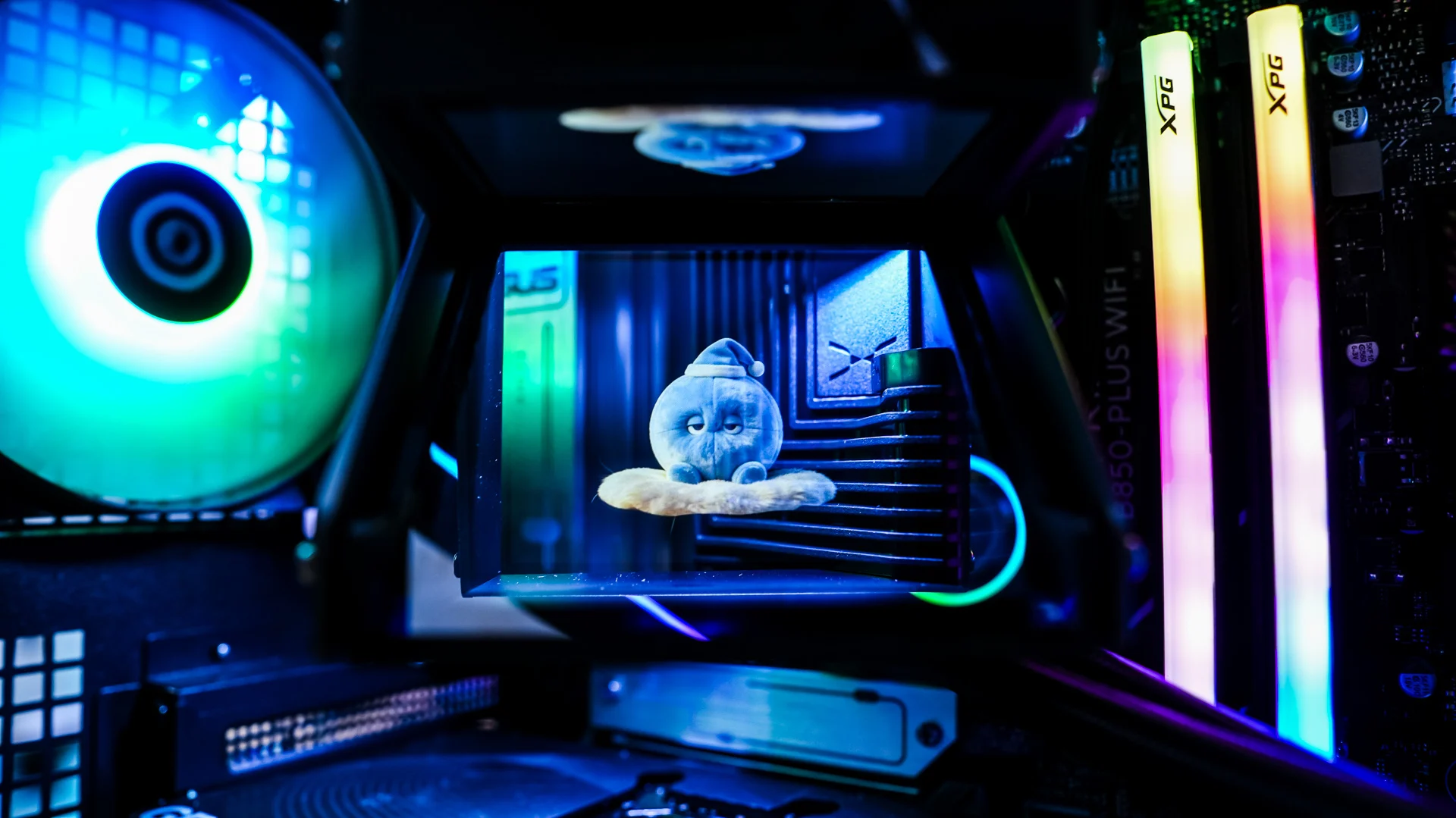
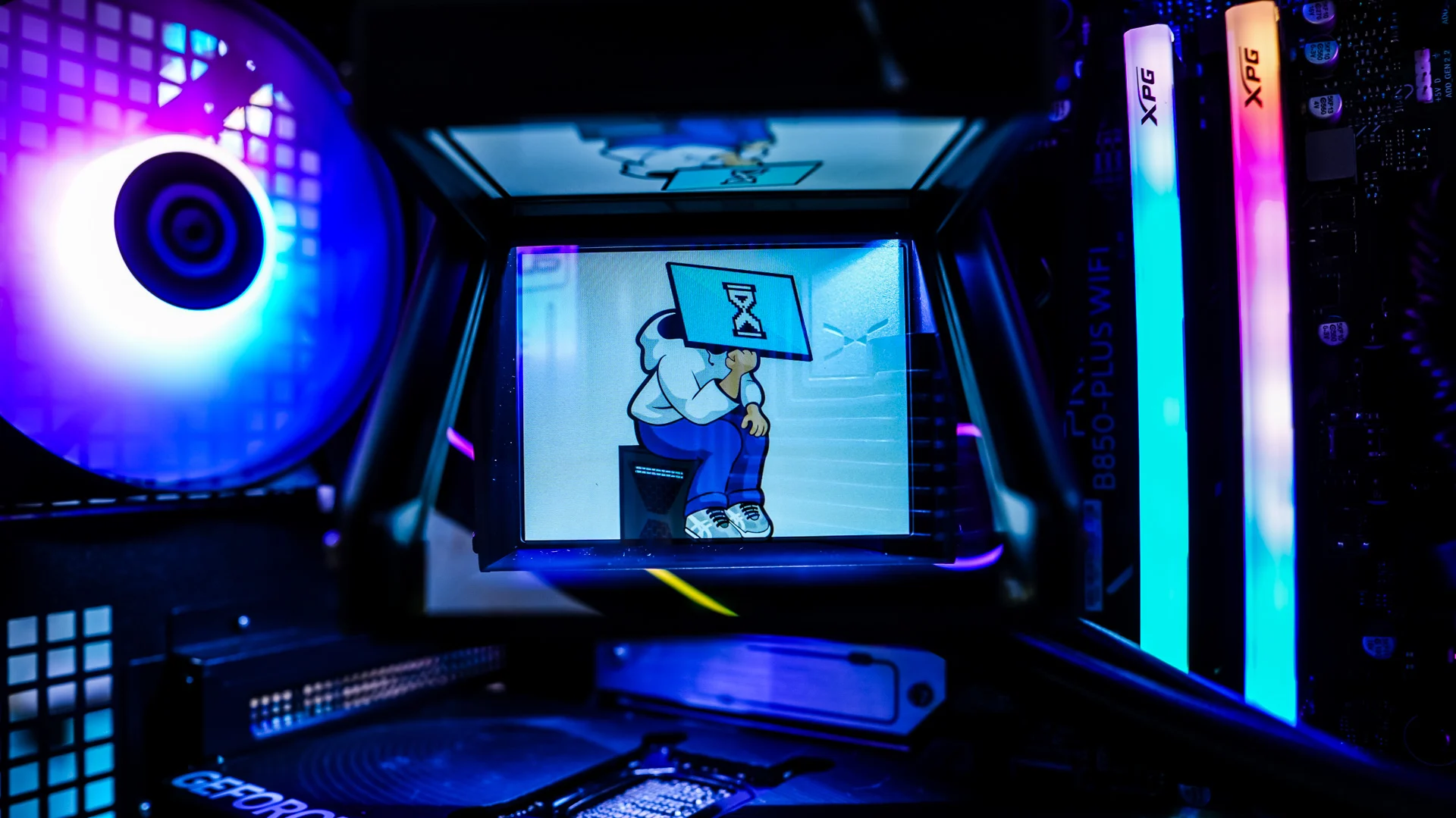
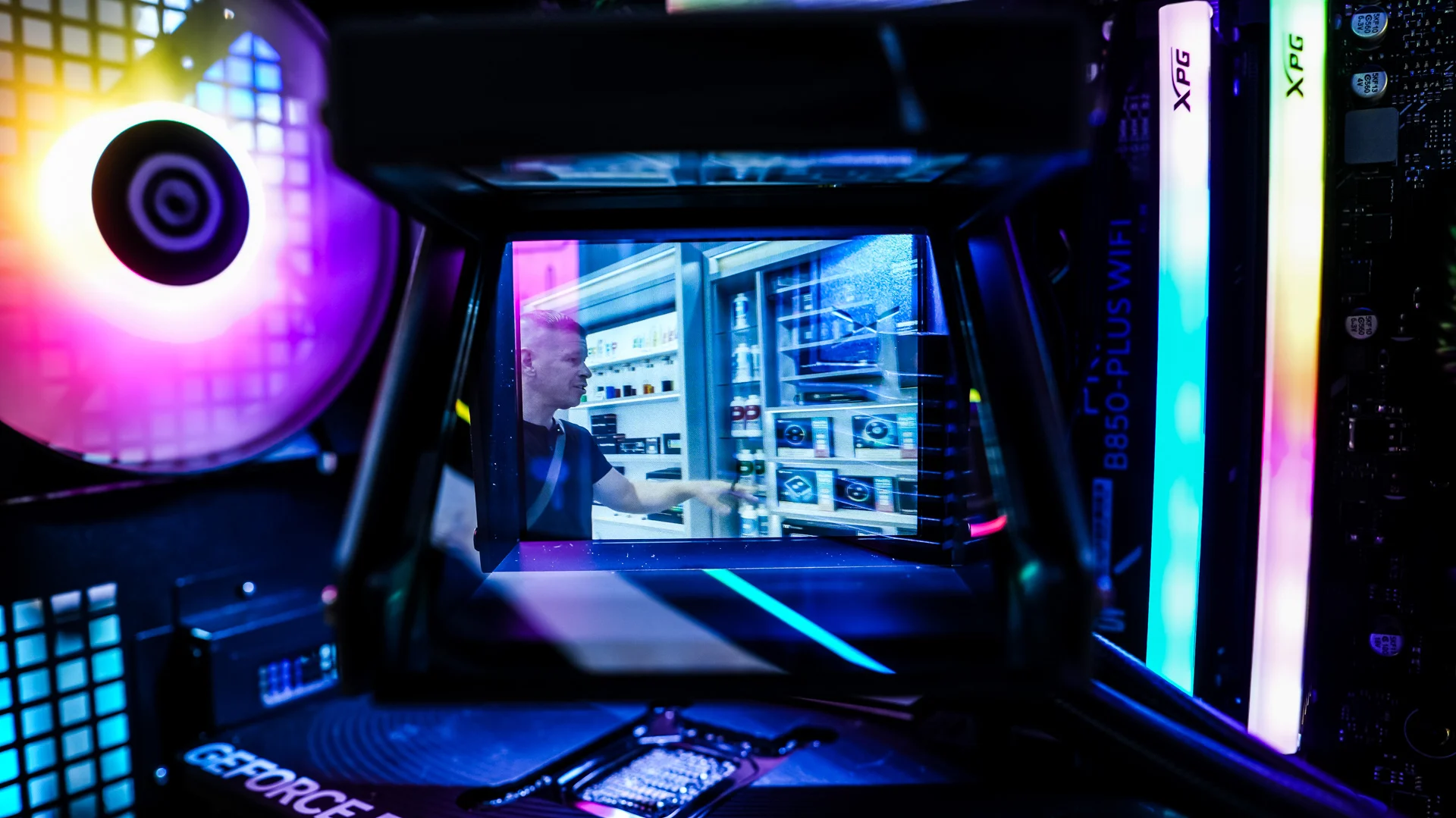
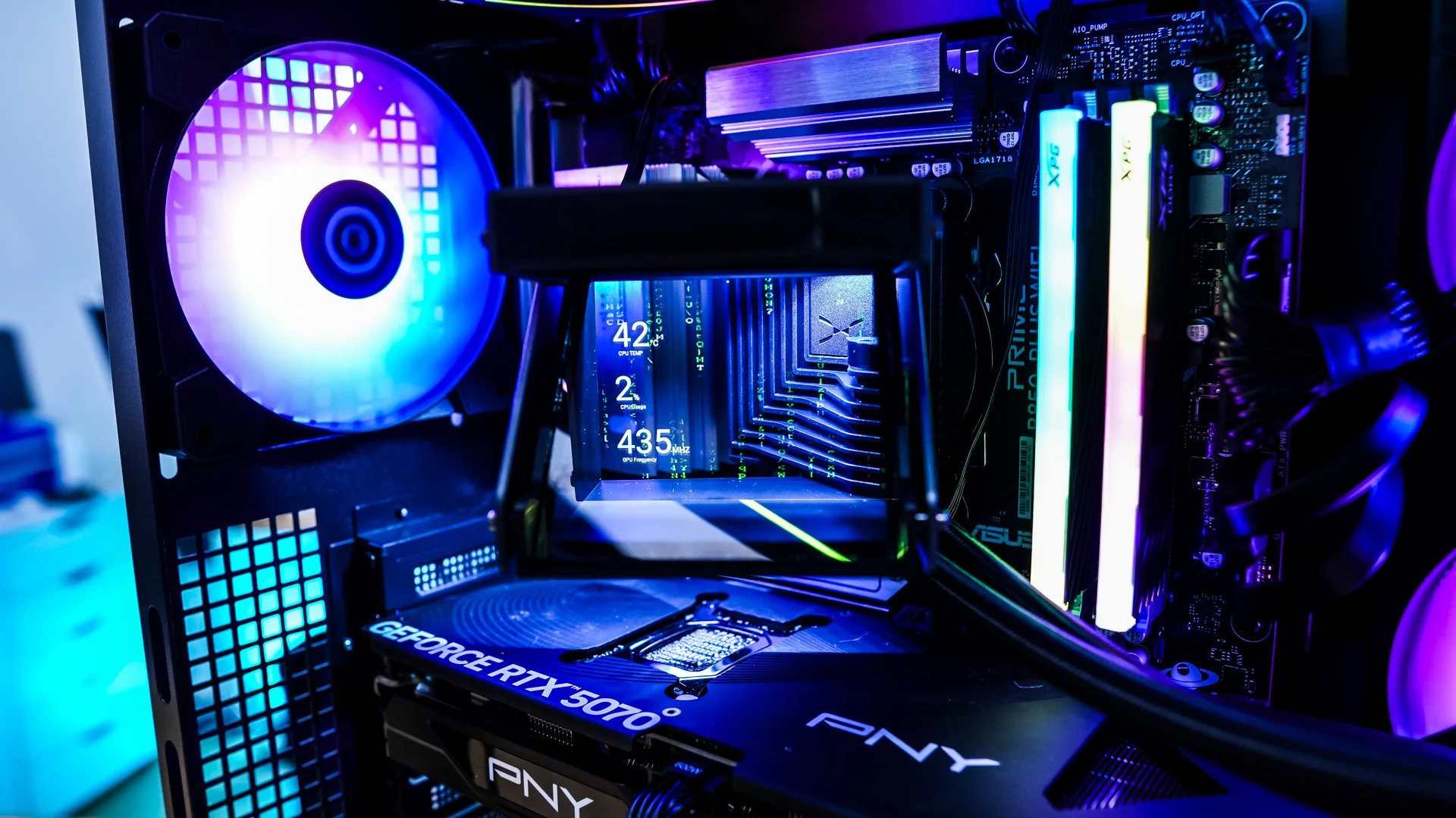
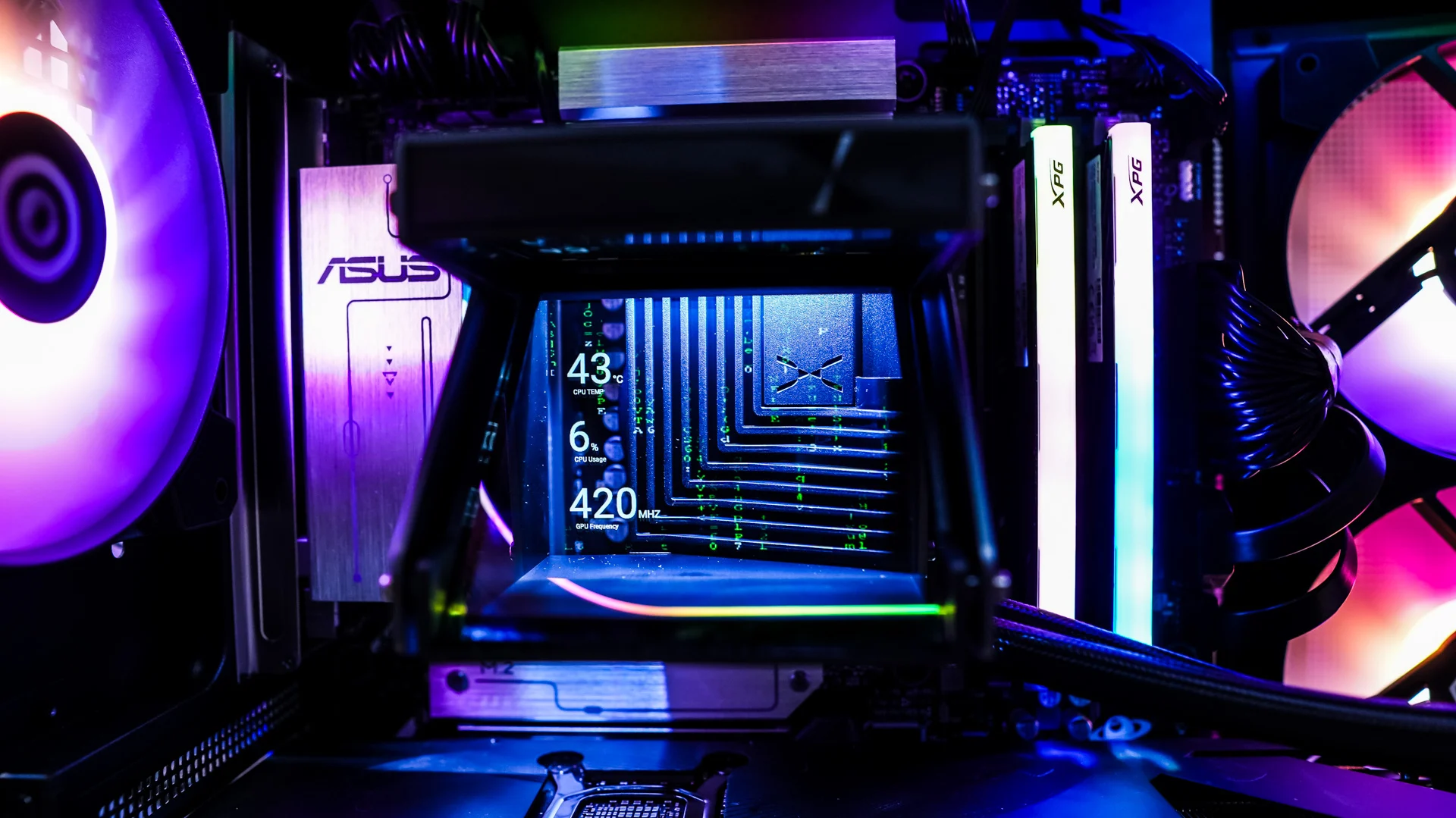
The screen on the HOLO is going to look a lot different than your traditional screen on a cooler. The display works with a professional-grade beam-splitting optical system to make images and animations appear suspended inside the pump head. While this does look cool, don’t expect the same type of visual fidelity as you’ll get from more traditional screens. If you were wondering the resolution of the screen is 640 x 480. Below are some shots of it in action, it is quite cool you can essentially see through the display!
What does the ARGB Lighting on the fans look like?
The 360mm fan array features ARGB lighting. You’ll get an outline around the fans themselves, around the center of the fans, and then finally around the edge of the fans. It does look quite good.