


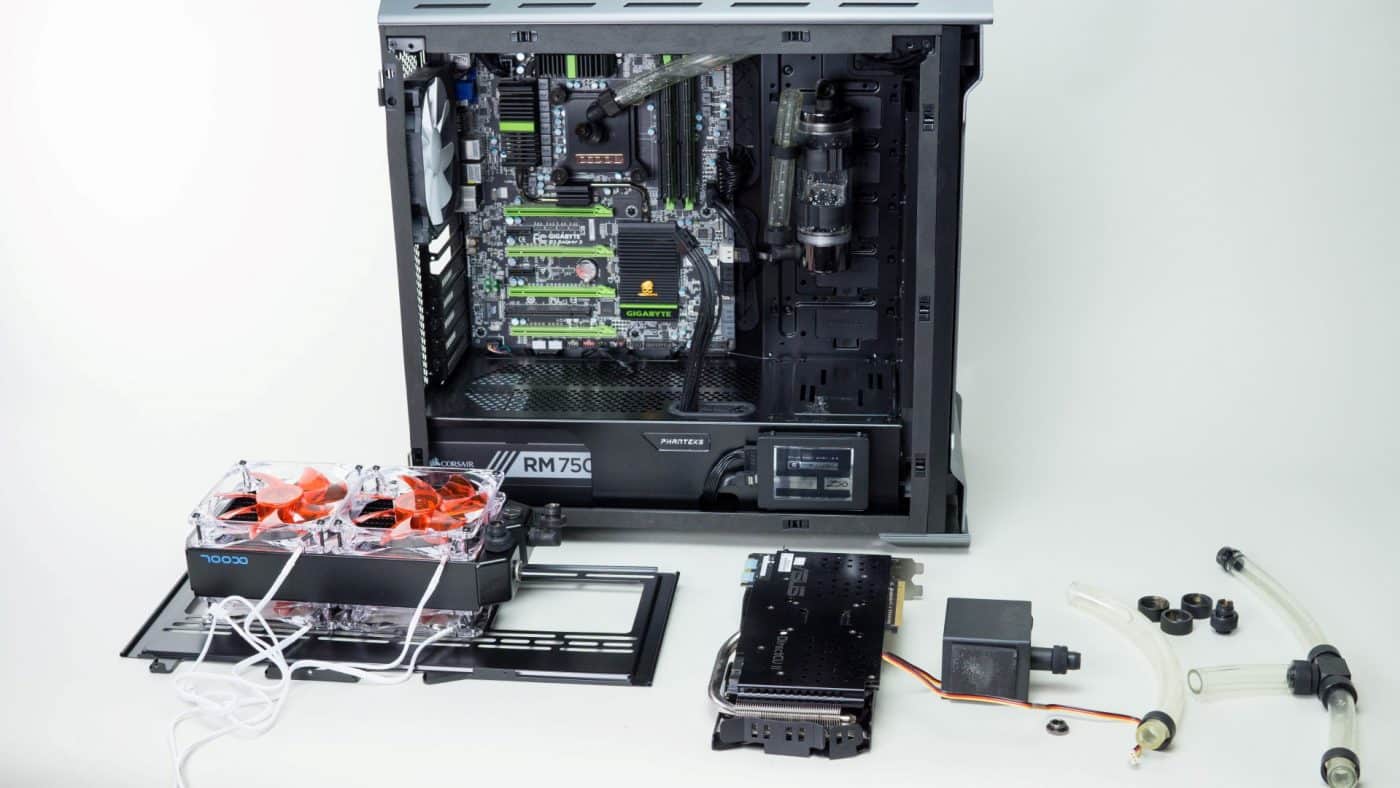
Testing
Of course watercooling isn’t only about drooling over the look and flow of your finished loop; performance is a huge factor. We did some testing to see how our additions affect our loop’s performance.
Components:
Motherboard: Gigabyte G1.Sniper3
CPU: Intel 3770K
Memory: Crucial Ballistix DDR3 1600 8GB Kit
GPU: Asus GTX970 Strix
Storage: OCZ Vertex 3 120GB
PSU: Corsair RM750x
With the processor set to 4.5ghz @ 1.18V vCore, we grabbed a quick screenshot showing both our CPU temps and GPU temps at idle.
Ambient: 72°F / 22.22°C
Idle Avg CPU: 102.2°F / 39°C
Idle Avg GPU: 78.8°F / 26°C
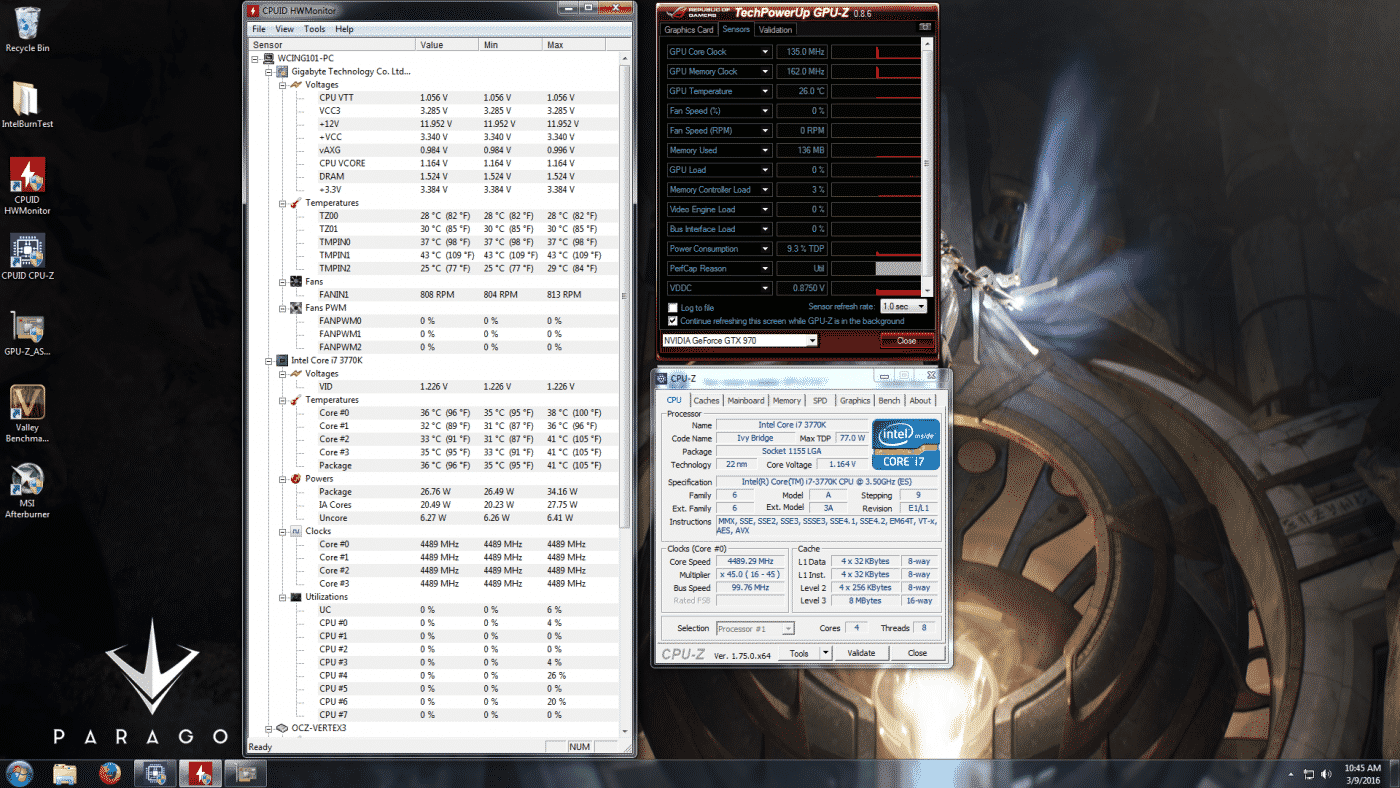
These are pretty legit idle temps with the GPU down to 26°C. Let’s see what happens when we run IBT for a pass on Very High to stress our CPU.
4.5ghz @ 1.18V vCore
Load Avg: 161.6°F / 72°C
GPU: 26°C(idling)
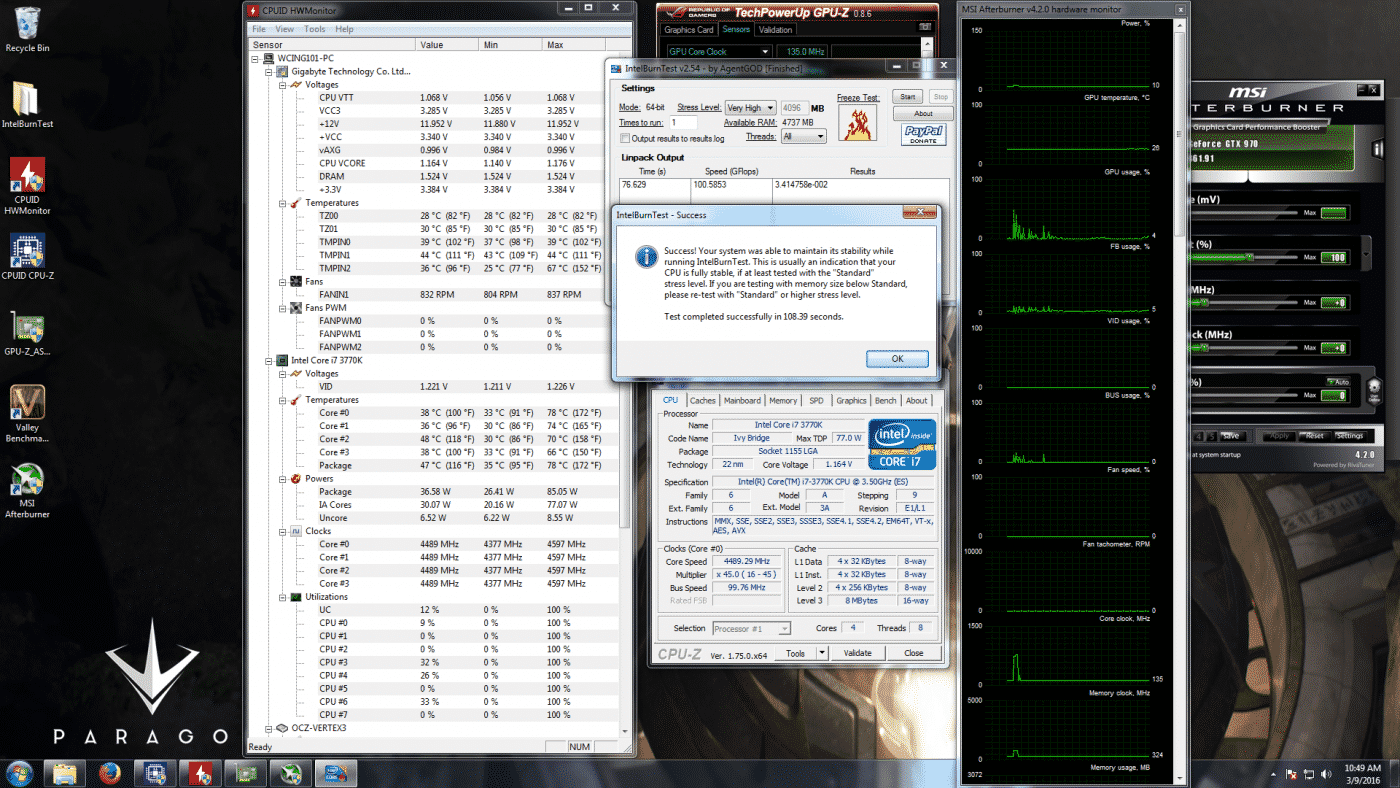
So we actually dropped our CPU temp by 2.25°C! Not only that but our idle GPU just sat still at 26°C. So we not only added some heat to the loop in the form of the GPU, but we were able to drop the CPU load temps a bit. Not bad at all. Finally we’ll run Unigine’s Valley Benchmark to see what sort of temps we should expect from our system while gaming.
4.5ghz @ 1.18V vCore
Load Avg CPU: 135.5°F / 57.5°C
Load Avg GPU: 91.4°F / 33°C
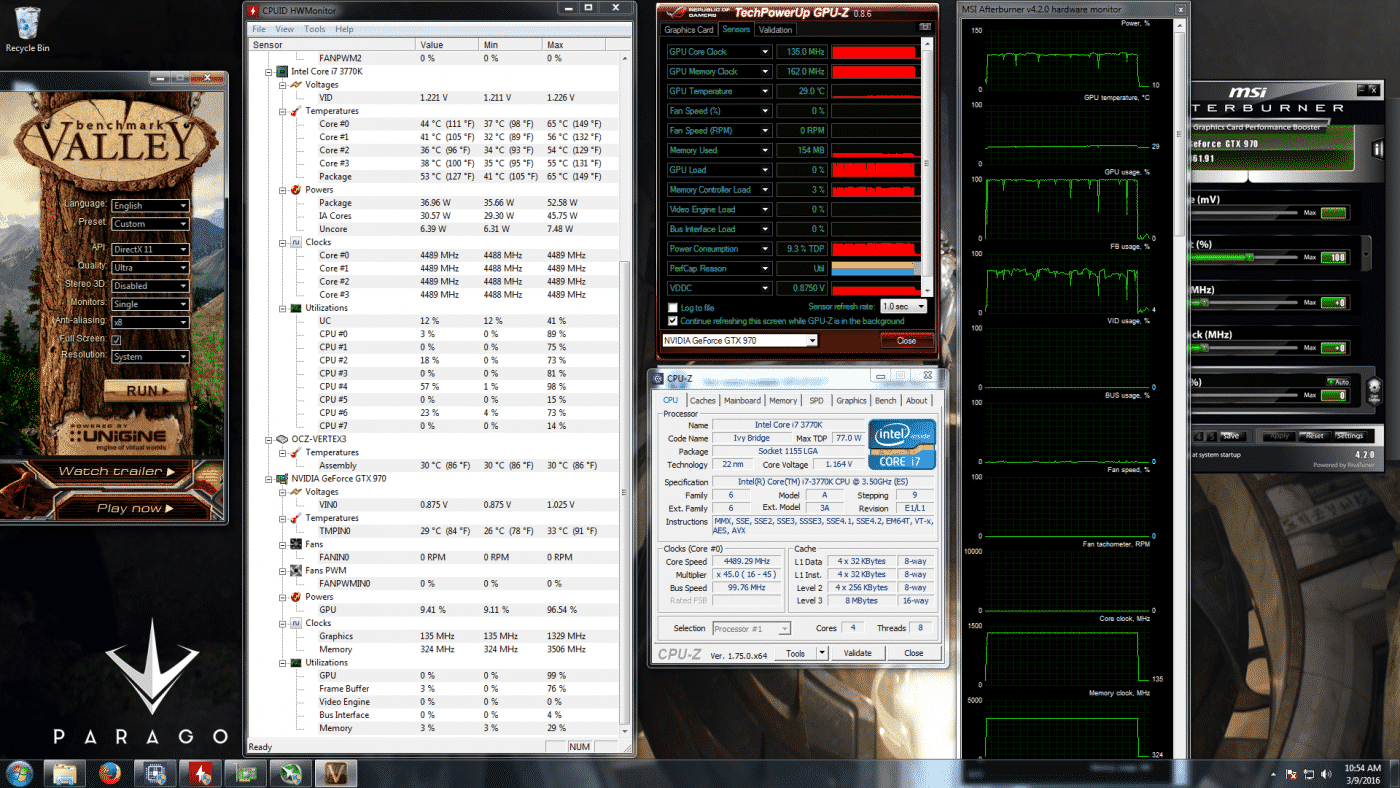
Very impressive! Our CPU average temp is well below 60°C and the GPU temperature under full load is only 7°C over it’s idle temp. While we’re not going to get into overclocking this Asus Strix GTX 970, I can assure you we would run into a voltage limit before a thermal limit. You literally could barely do any better on cooling for your GPU than this.
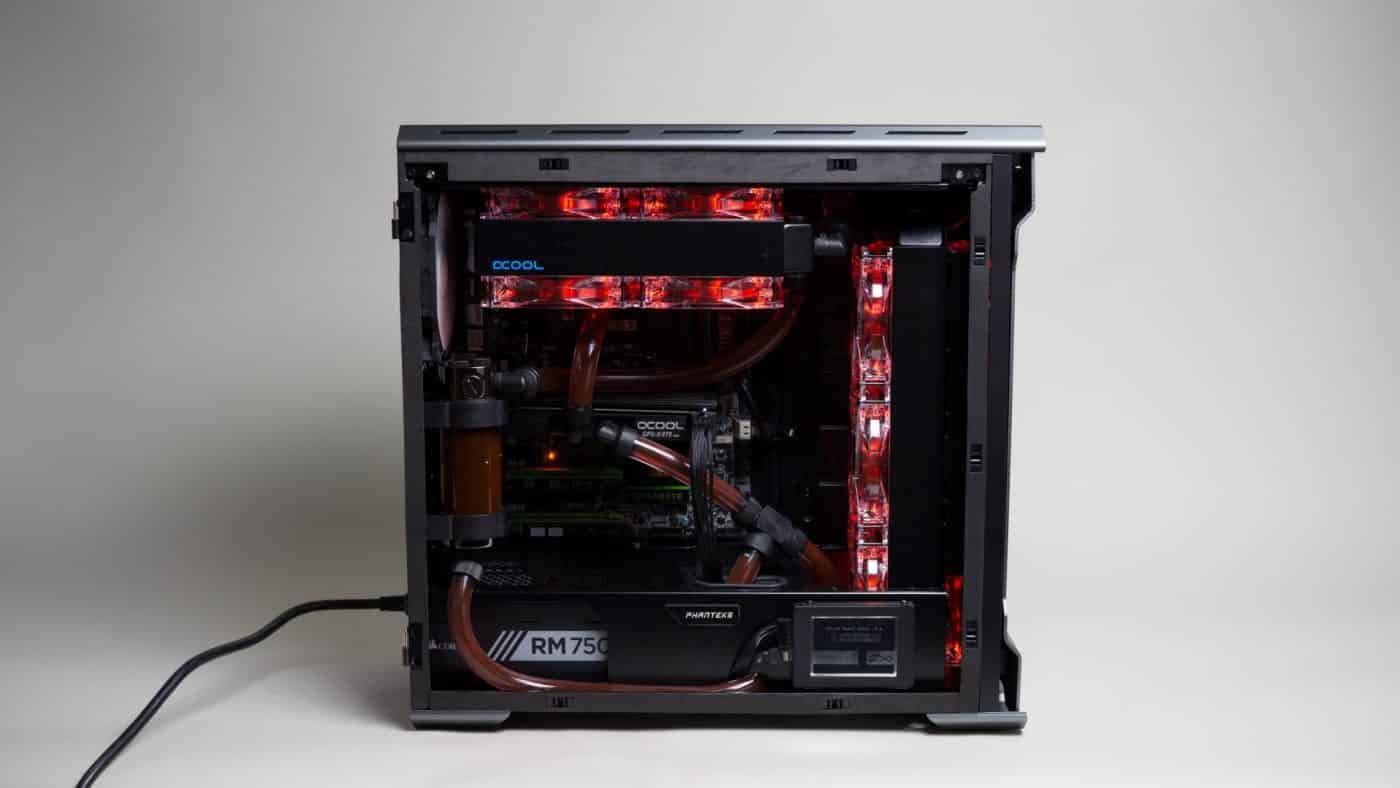
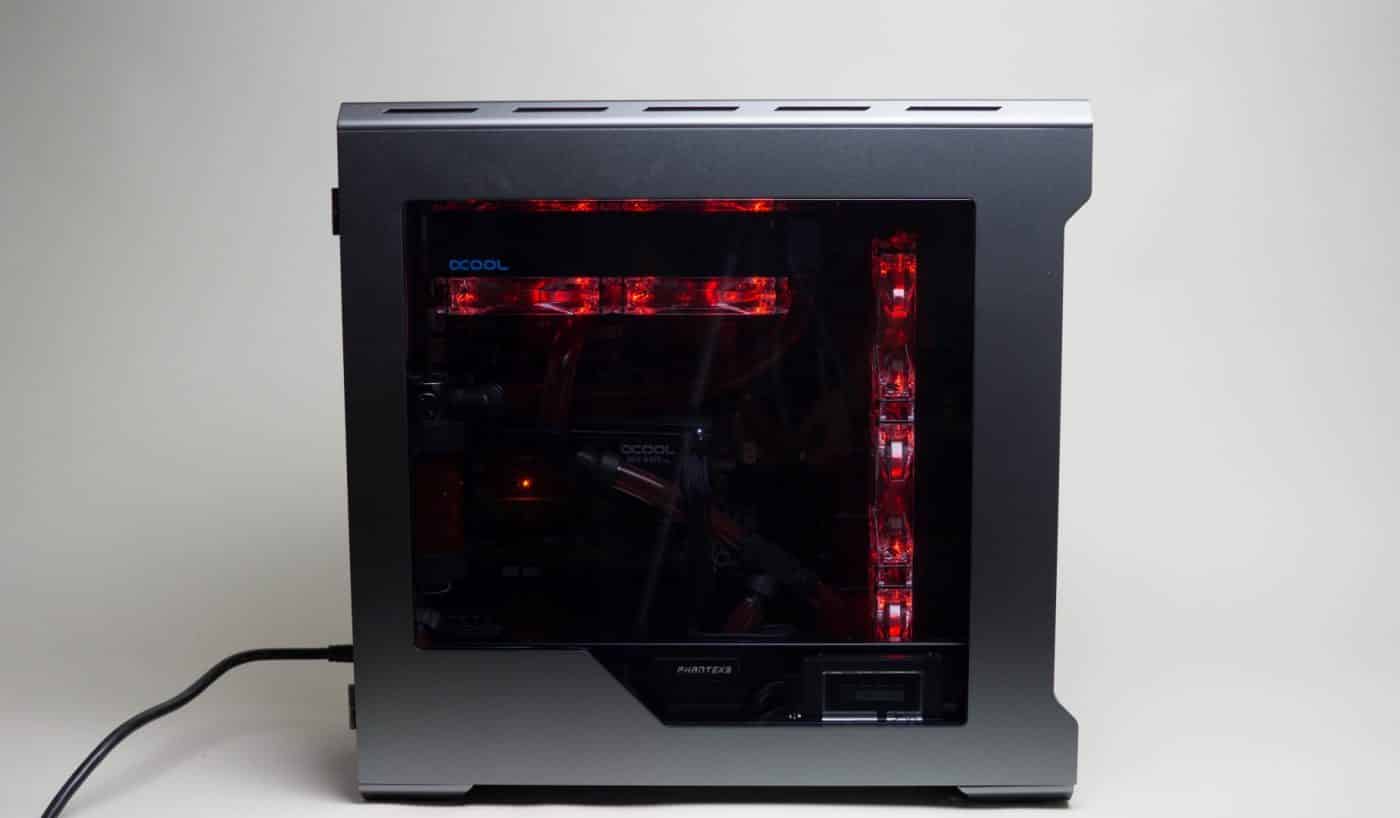
And with that I feel this upgrade is complete. With the looks and performance we achieved here I would be more than happy to run this as my personal gaming rig 24/7. However, for the ThinkComputers Water Cooling 101 series, of course we’re not quite done upgrading yet. Join us next time for Water Cooling 101 Episode 7; we take things to the advanced level by adding our memory to the loop using a pair of Phobya memory blocks that are primed and ready to go!
If you missed any of the previous Water Cooling 101 articles be sure to check them out!


When talking about upgrading/expanding a water loop, you should mention quick-disconnect fittings.