


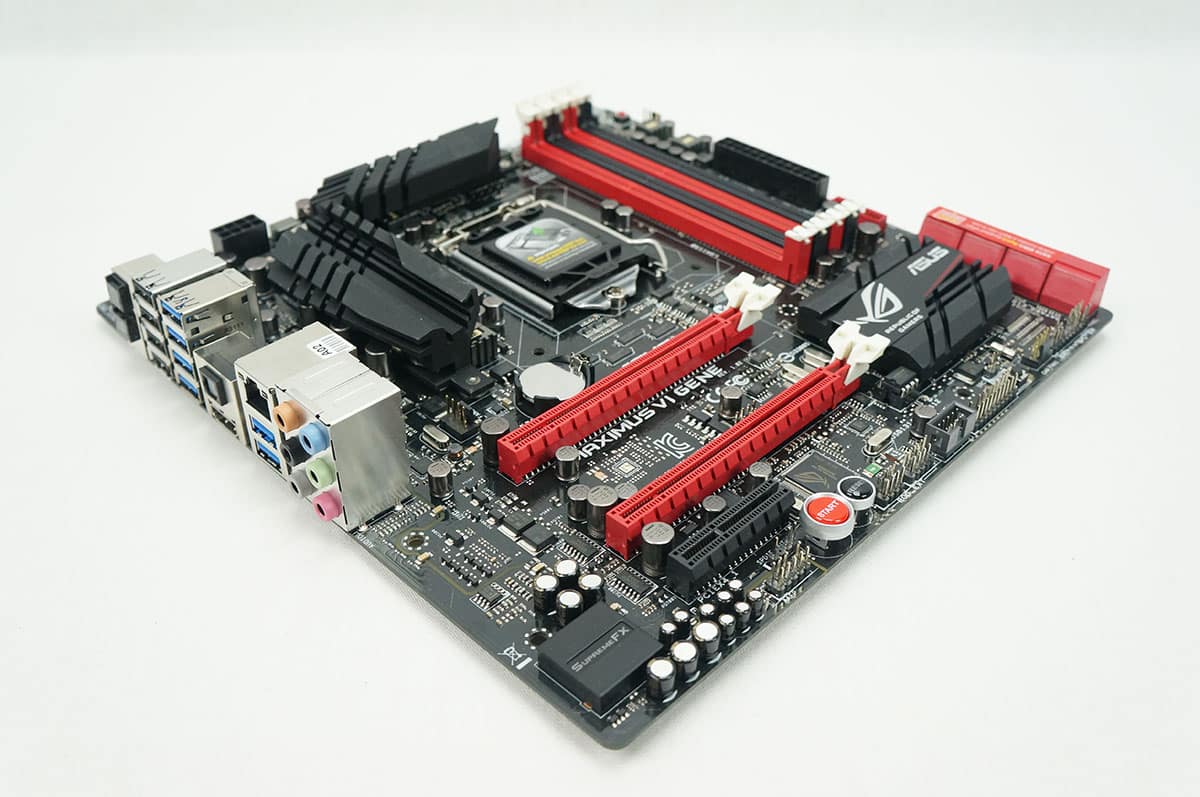
The BIOS
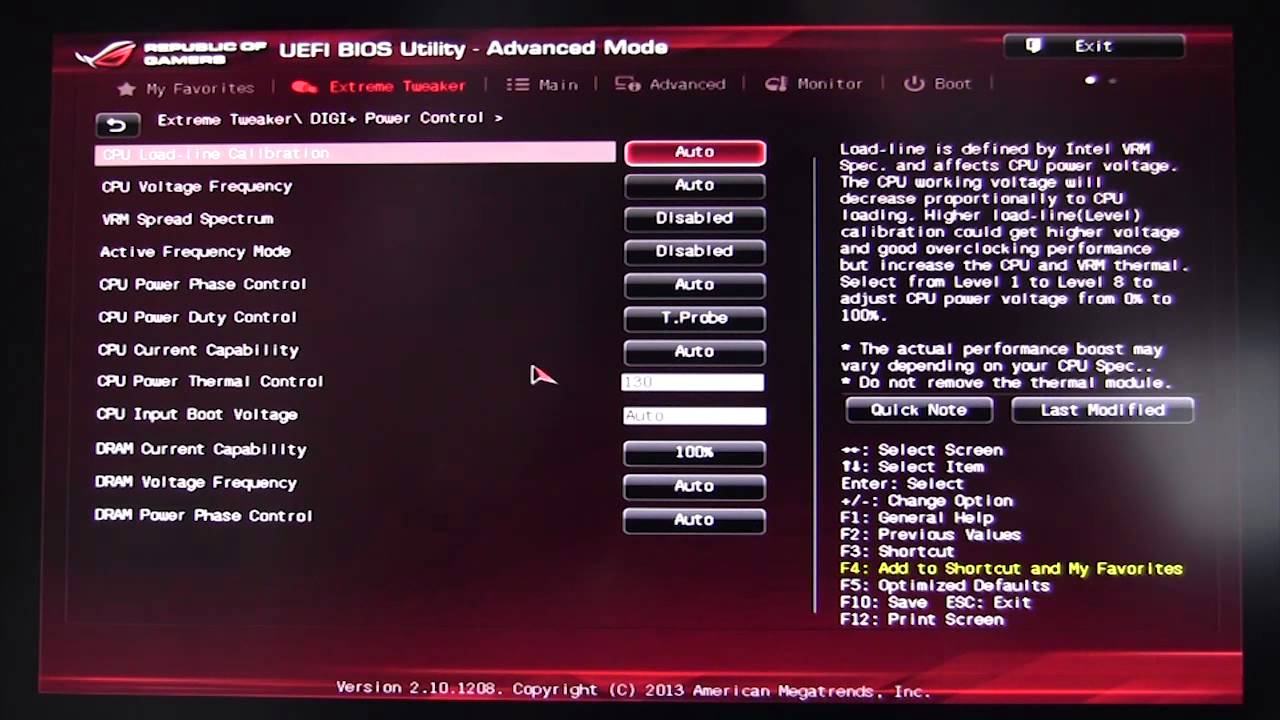
We have been a fan of ASUS’s UEFI BIOS for a while now and that is no exception on the Maximus VI Gene motherboard. The BIOS is actually identical to the one on the Maximus VI Hero that we reviewed a while ago so here is the video showing off the UEFI BIOS.
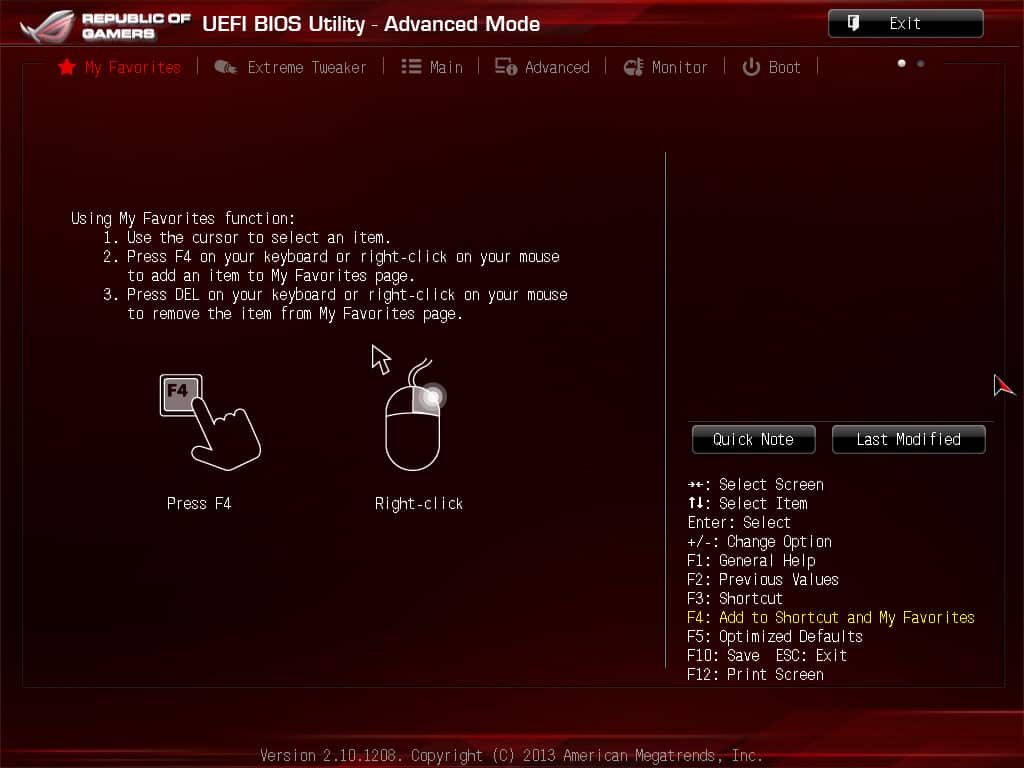
One of my favorite features of the BIOS is the Favorites screen. You can add any BIOS option to the screen for fast and easy access.
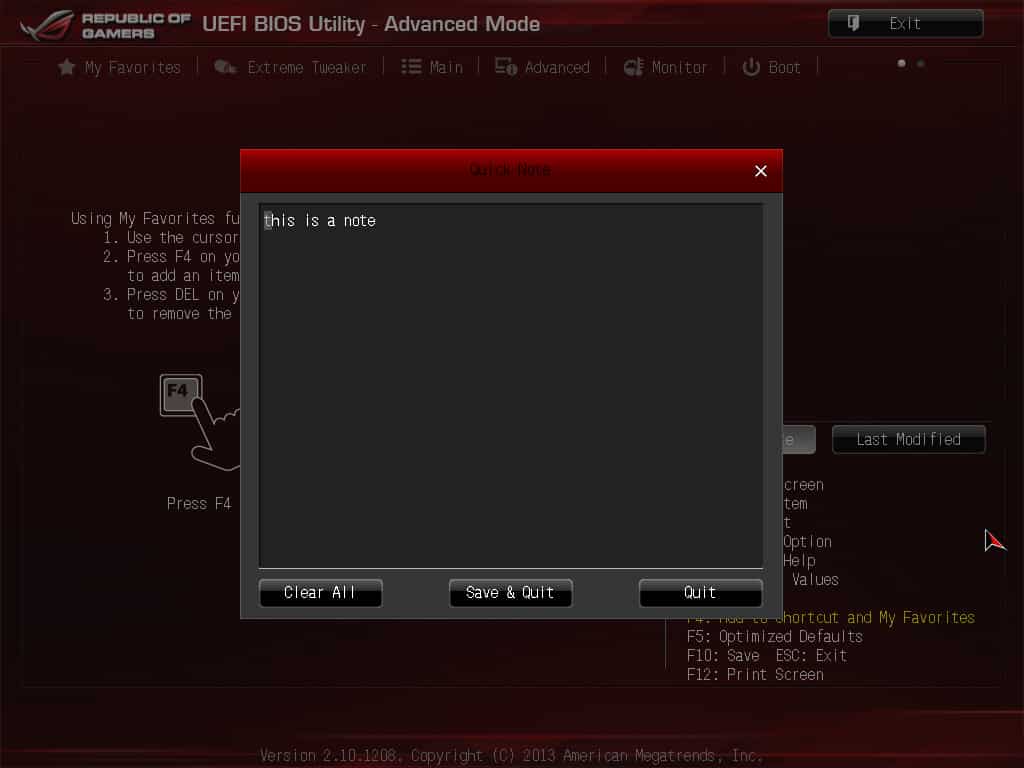
Another great feature of the ASUS BIOS is the quick note feature. This allows you to take notes right in the BIOS. You will see a quick note button on the right side of the screen, it will bring up a text box where you can write notes. When overclocking I always take notes, which end up getting lost, this features keeps them in a safe place!
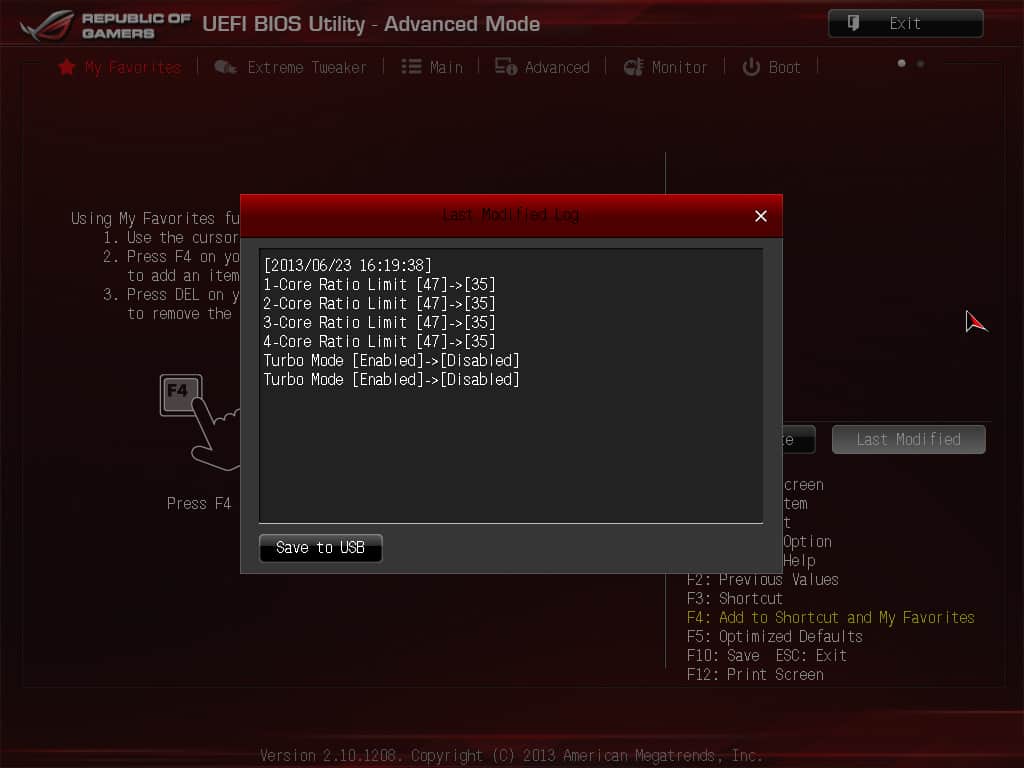
Beside the quick note button is a last modified button. This will show the last modified changed that you made to the BIOS. So if something is not working you can work back and see what all you may have changed. Also when you are going to save your settings the BIOS will have a similar popup that shows all the changes you are about to make.



Would you prefer this board to the Gigabyte Sniper M5? I’ve bought two of the gigabyte boards in the last week. First DOA board I’ve ever had and I got two in a row so I think I’ll try this Asus board next instead.
Maybe I’m just old, but maybe not…is it not better to have 1 really good GPU, compared to having 2 (or more) mediocre GPU’s?
I know that ROG is a great standard of components; but does a typical gamer really need to run more than 1 GPU (if it’s of a high-end variety)…unless he/ she is running 4K graphics?
You are correct, if you are gaming in 1080p 1 GPU is all you are going to need. You will not see a huge difference in performance even if you add another GPU, this is only seen in 4K and multi-display gaming.