


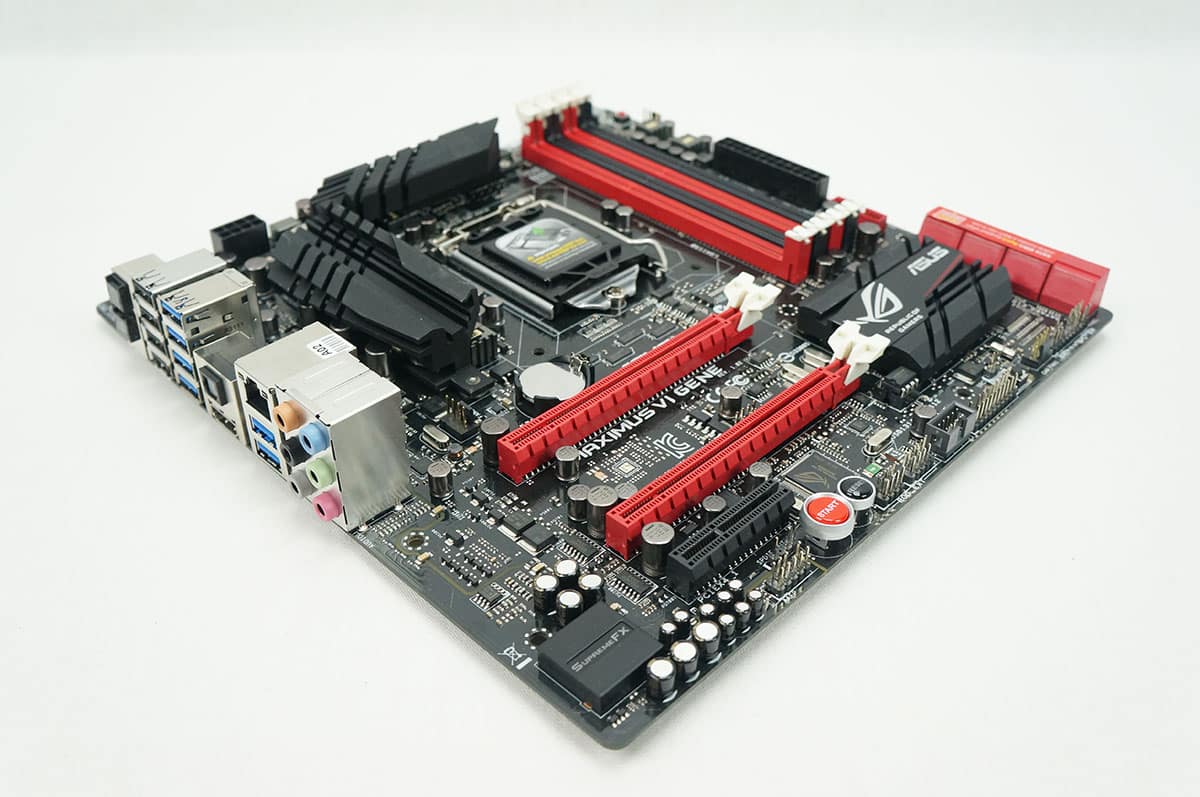
Included Software & Features
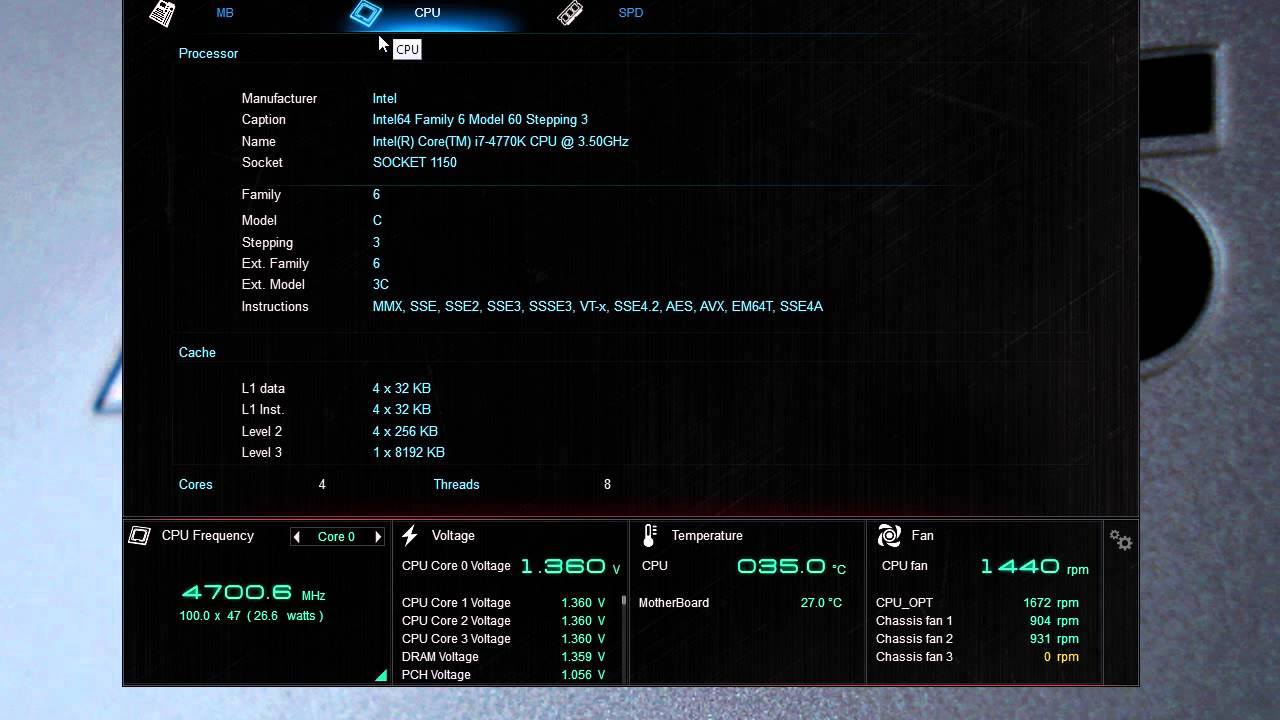
ASUS always tries to bring added value with their software that they include with their motherboard. Again this software is exactly the same set of software that we saw with the Maximus VI Hero so here is a video going over the AI Suite III, RAMDisk and Mem TweakIT software.
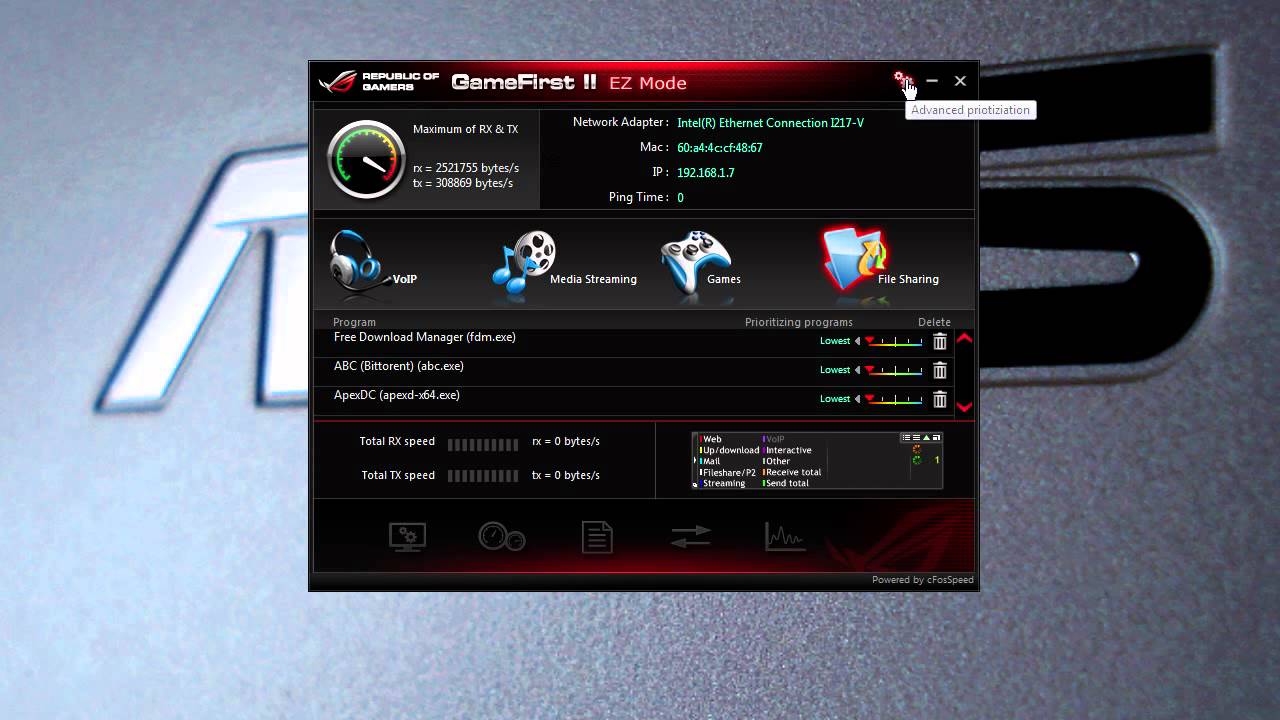
Another Republic of Gamers exclusive is the Game First II software. This software allows you full control over your network adapters. We go into detail in the video below.
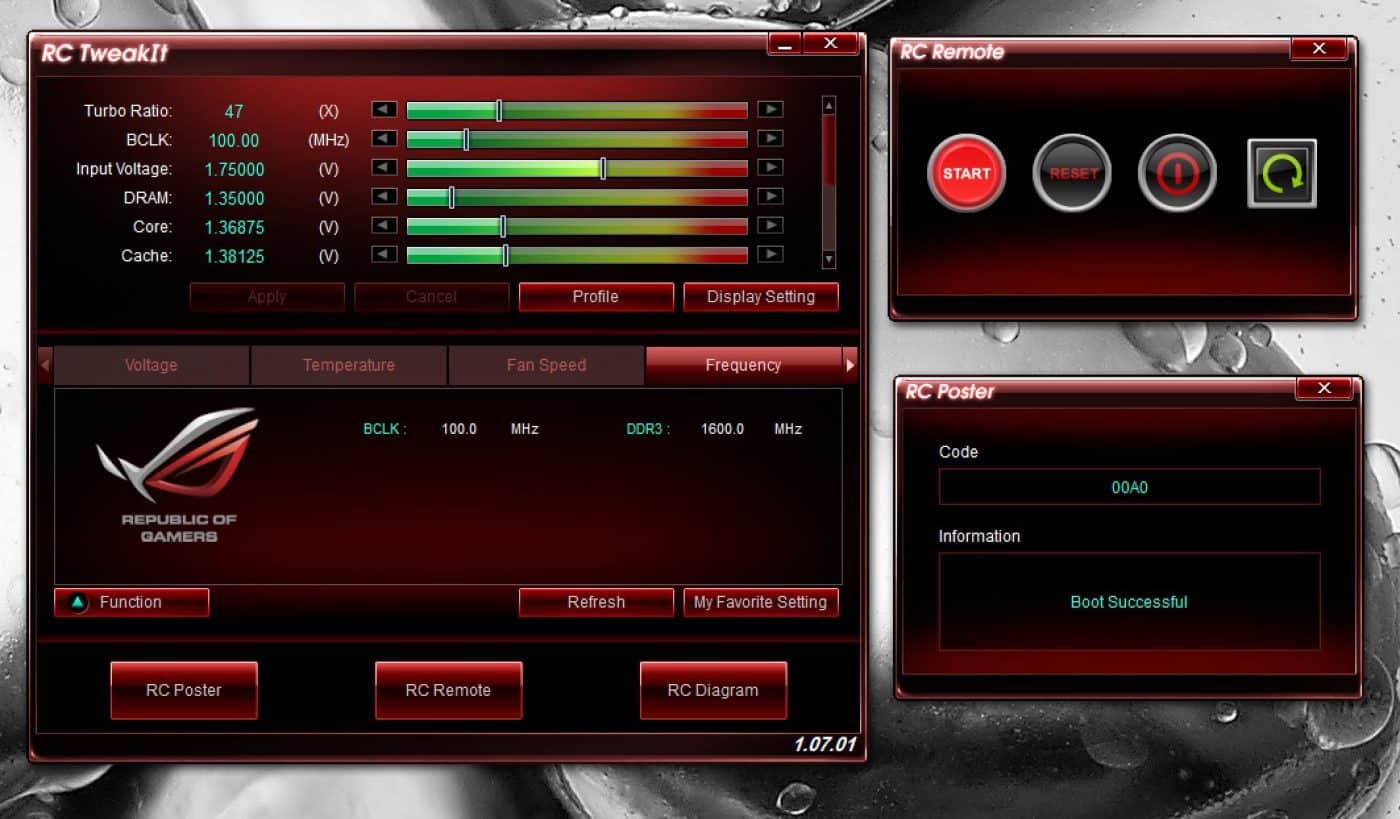
ROG Connect has been on Republic of Gamers motherboard for a while and it allows your to tweak and monitor your system with another computer such as a laptop using a USB cable. Funny thing ASUS does not include a USB cable to do this, but we had our own. Once you have both systems connected via USB you press the ROG Connect button on the back of the motherboard and you will be able to use the ROG Connect software. From here you can tweak your system to your liking, remotely turn the system on or off and even see the POST codes on the board and what they mean.
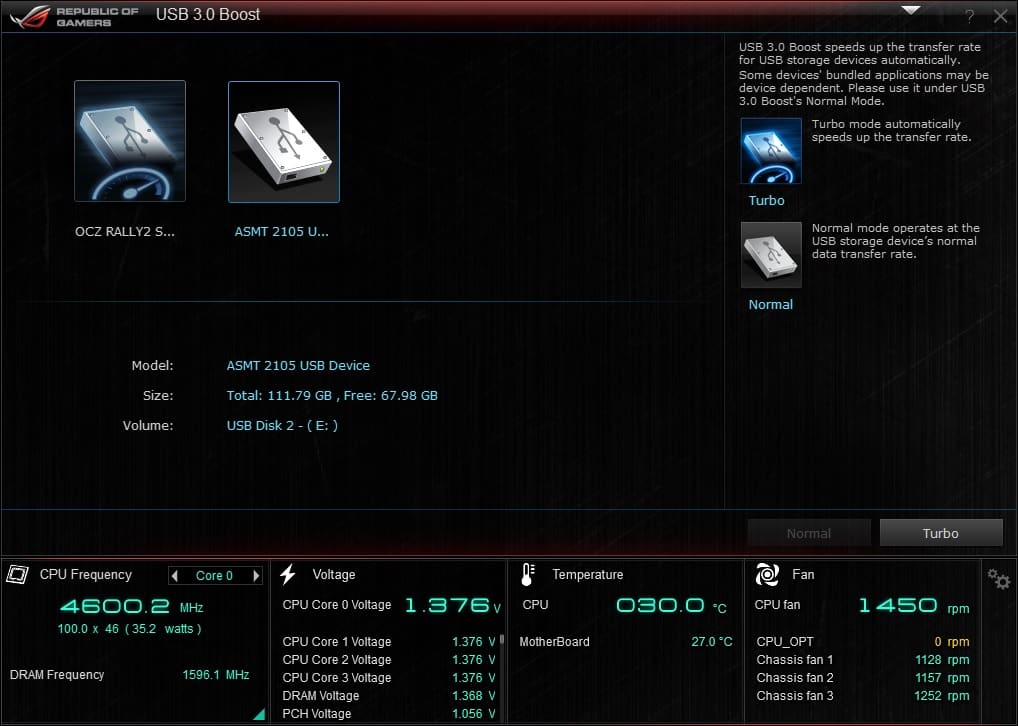
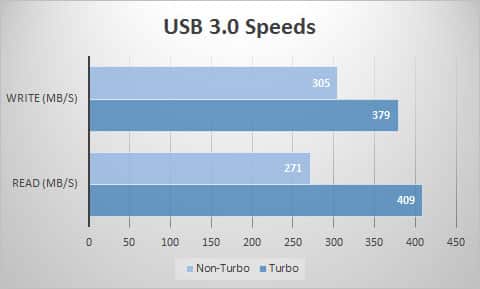
The USB 3.0 boost will make your USB 3.0 devices even faster! Don’t believe us? Check out the graph below showing you our USB 3.0 drive in normal mode then again in Turbo mode.
Would you prefer this board to the Gigabyte Sniper M5? I’ve bought two of the gigabyte boards in the last week. First DOA board I’ve ever had and I got two in a row so I think I’ll try this Asus board next instead.
Maybe I’m just old, but maybe not…is it not better to have 1 really good GPU, compared to having 2 (or more) mediocre GPU’s?
I know that ROG is a great standard of components; but does a typical gamer really need to run more than 1 GPU (if it’s of a high-end variety)…unless he/ she is running 4K graphics?
You are correct, if you are gaming in 1080p 1 GPU is all you are going to need. You will not see a huge difference in performance even if you add another GPU, this is only seen in 4K and multi-display gaming.