
Installation in the be quiet! Light Base 500 LX
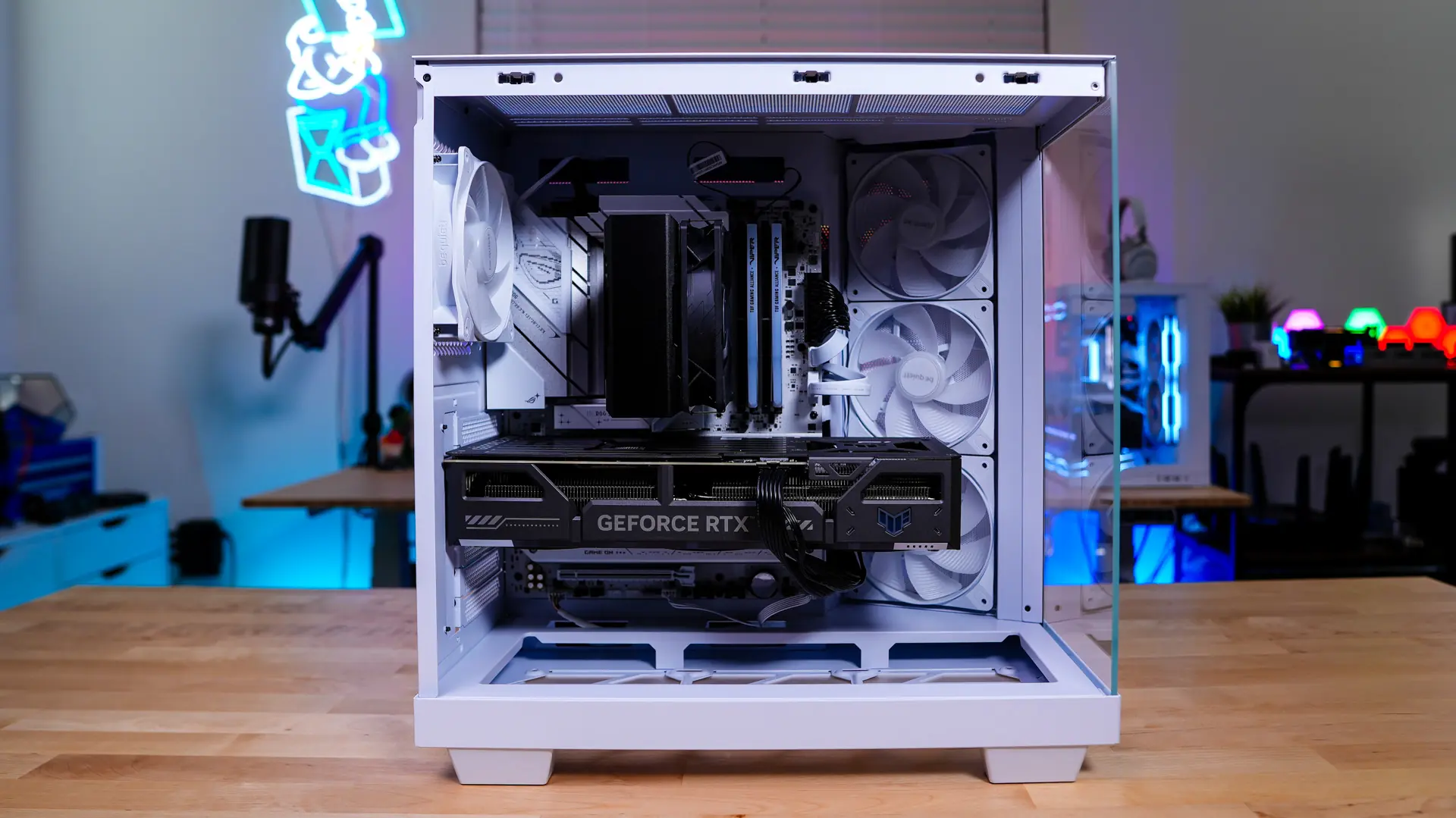
When it comes to installation in the Light Base 500 LX things are quite easy. The first thing we are going to install is going to be our motherboard. With plenty of room to work with I had no issue getting it installed.
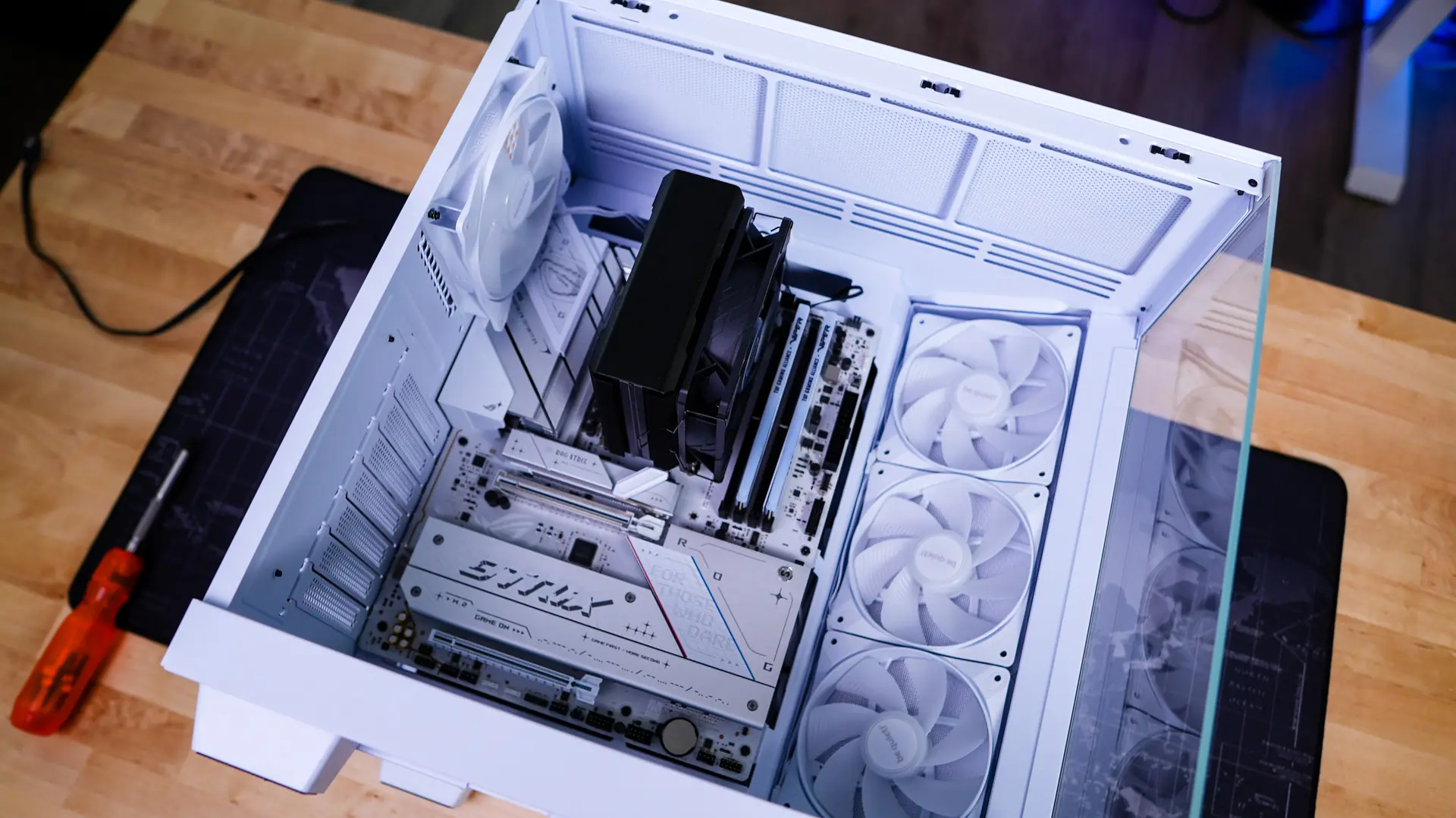
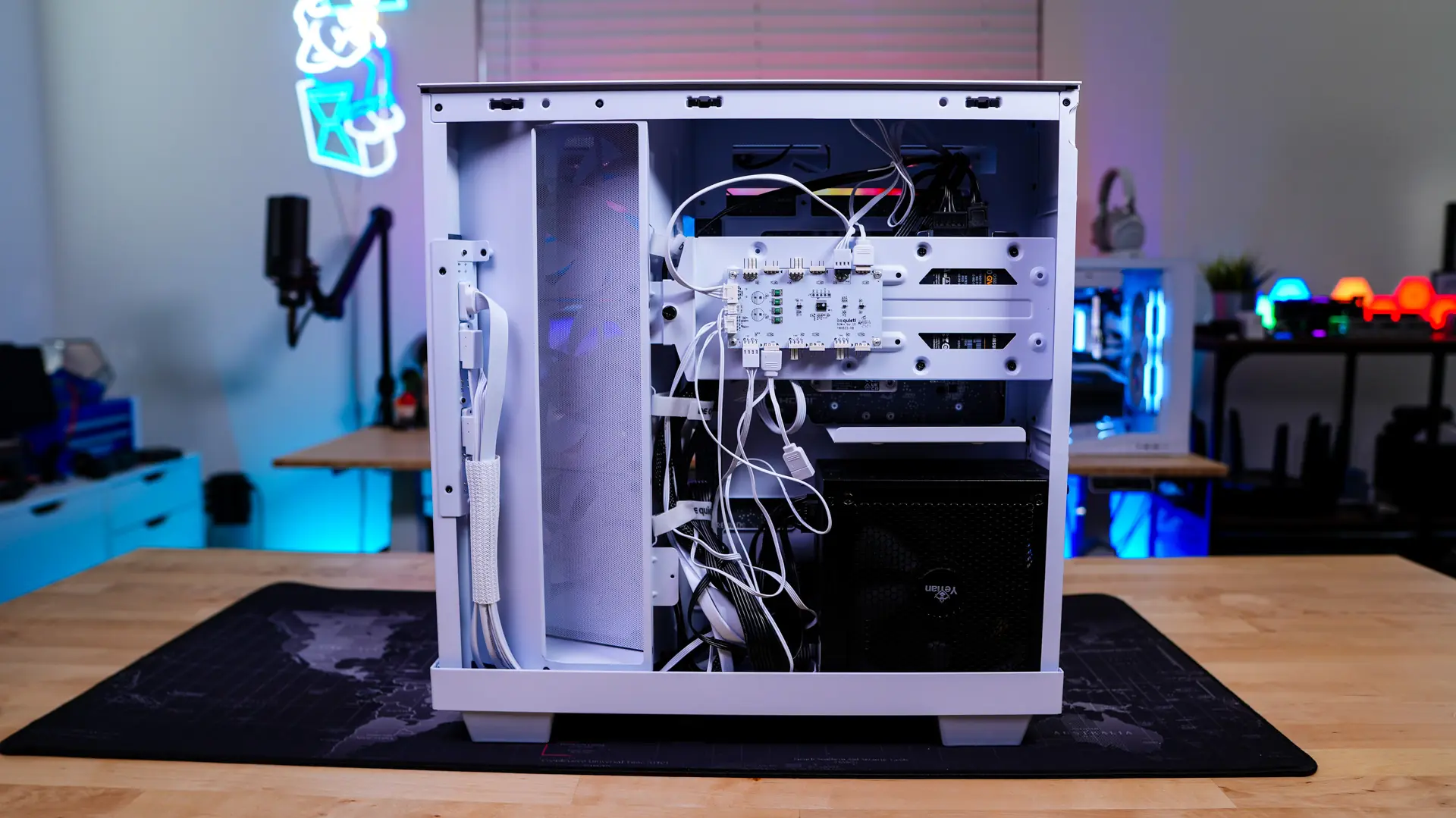
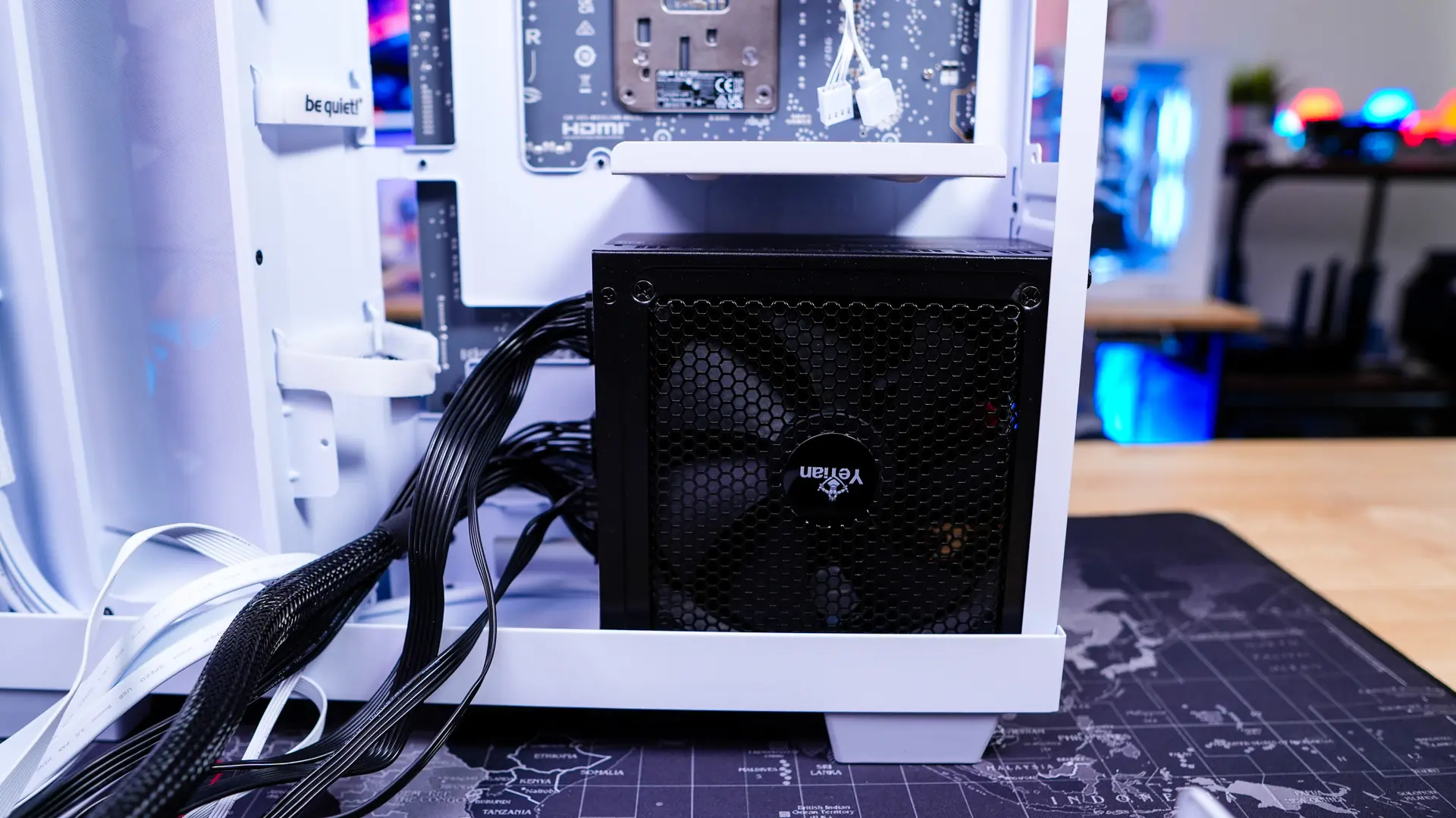
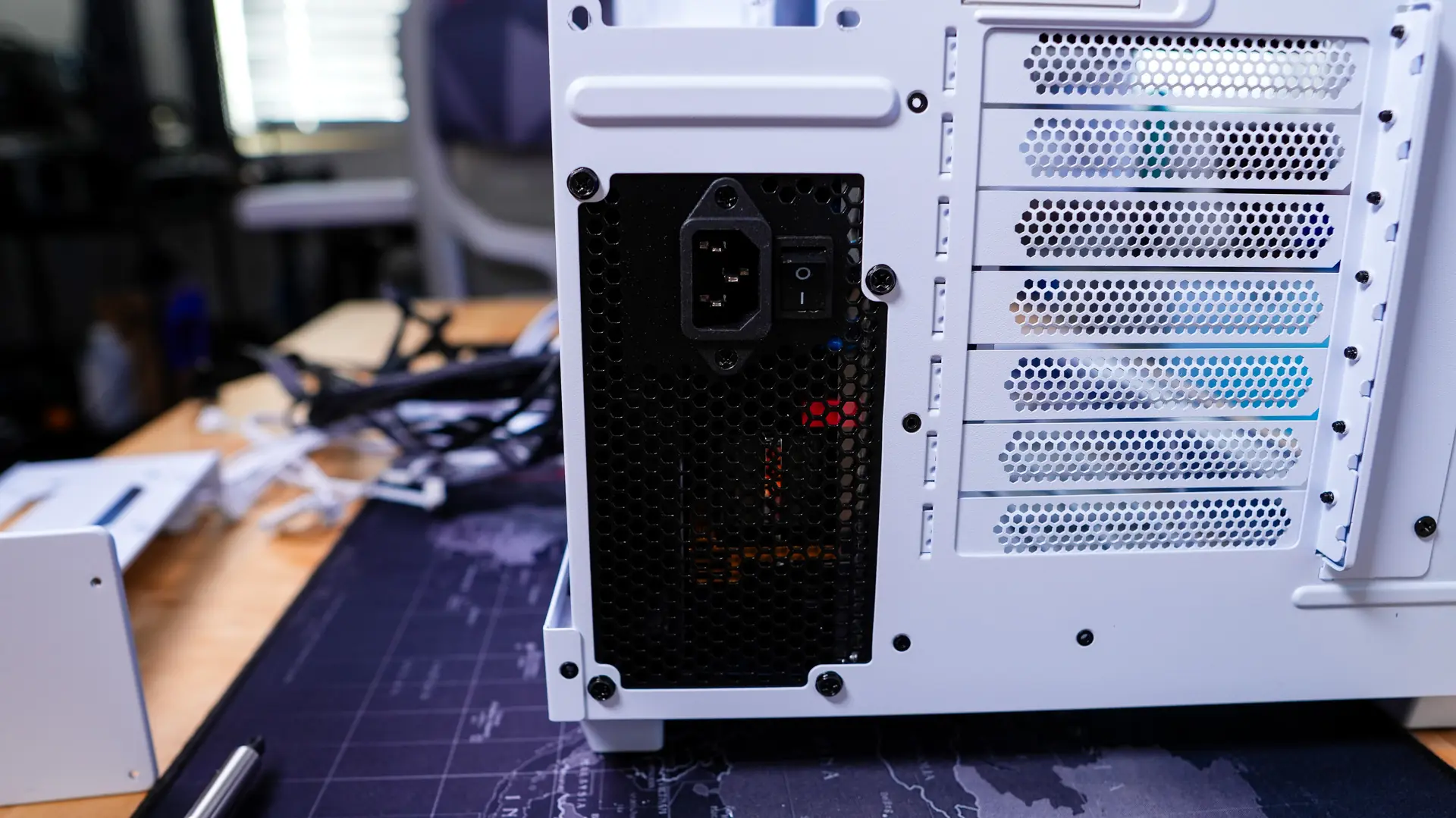
Next is going to be our power supply, which does just slide in from the backside of the case and you secure it with four screws.
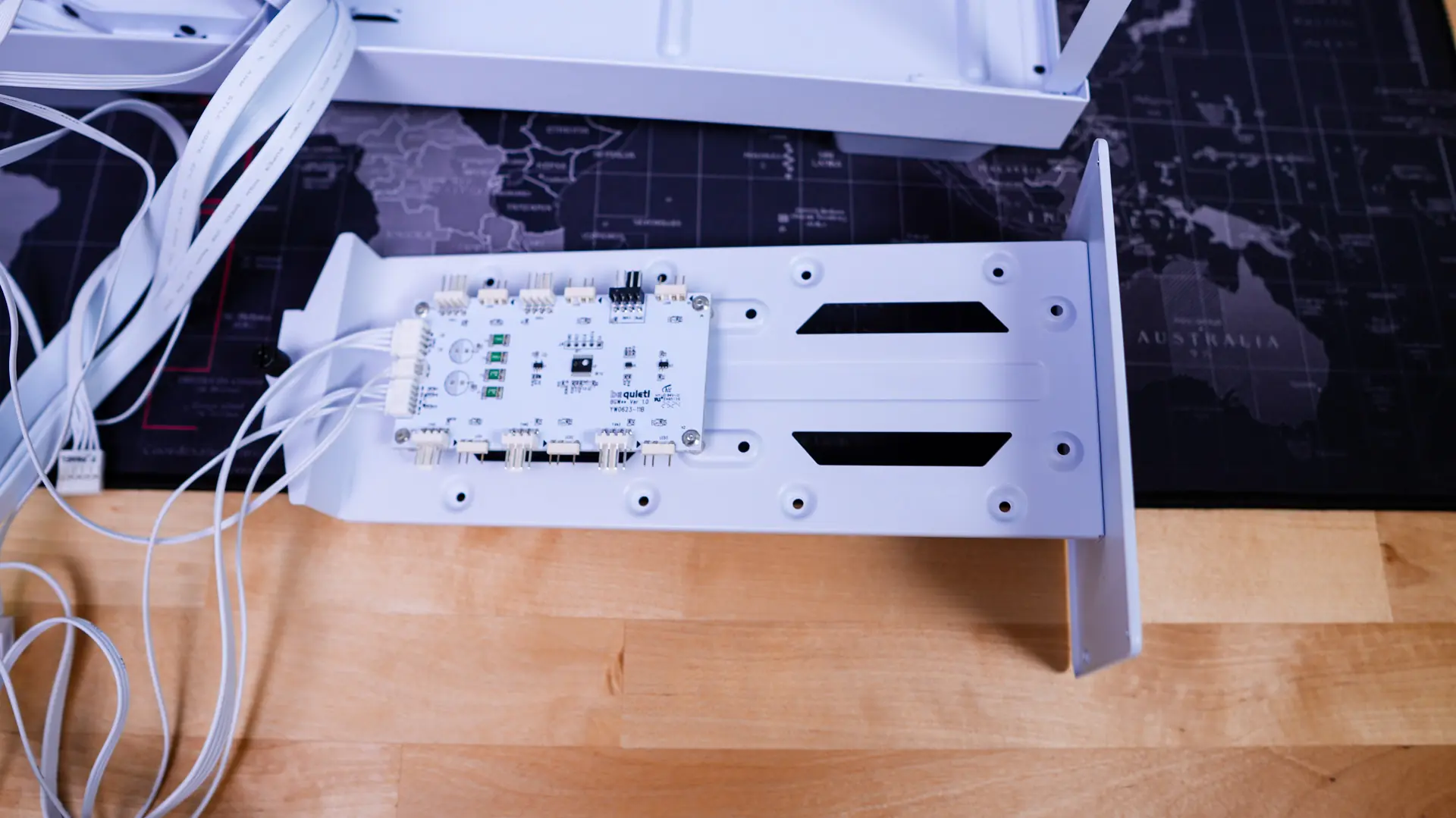
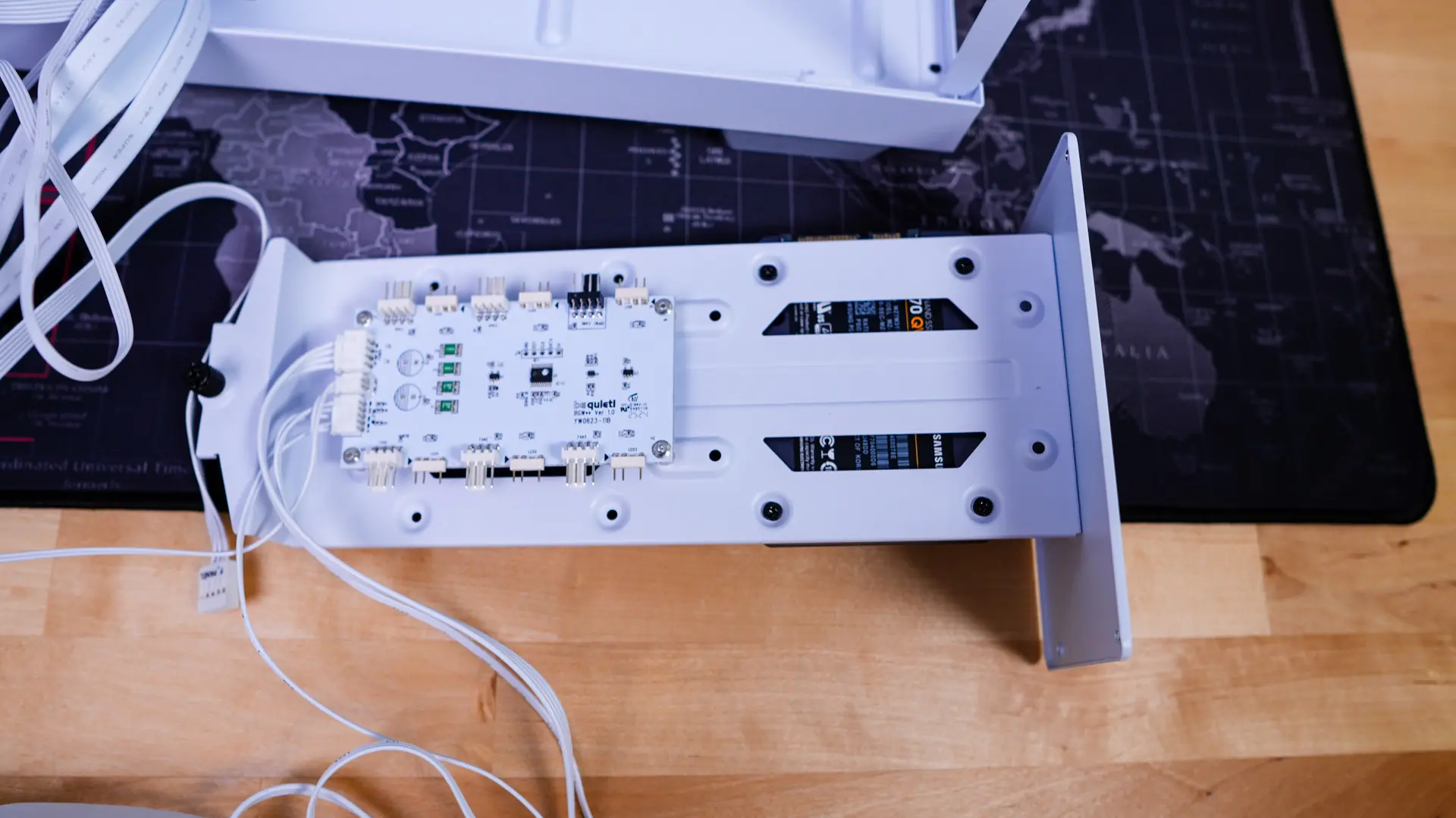
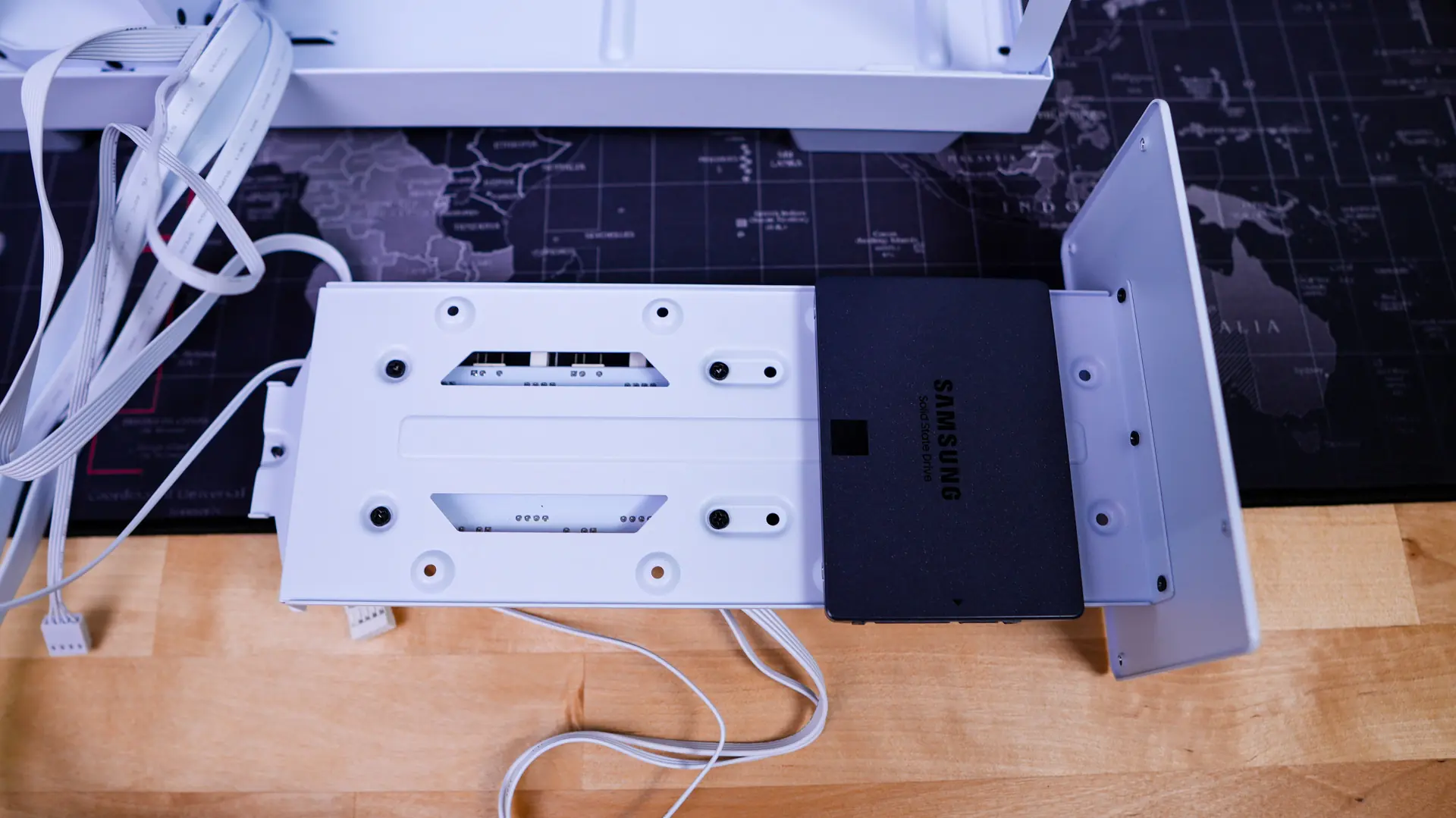
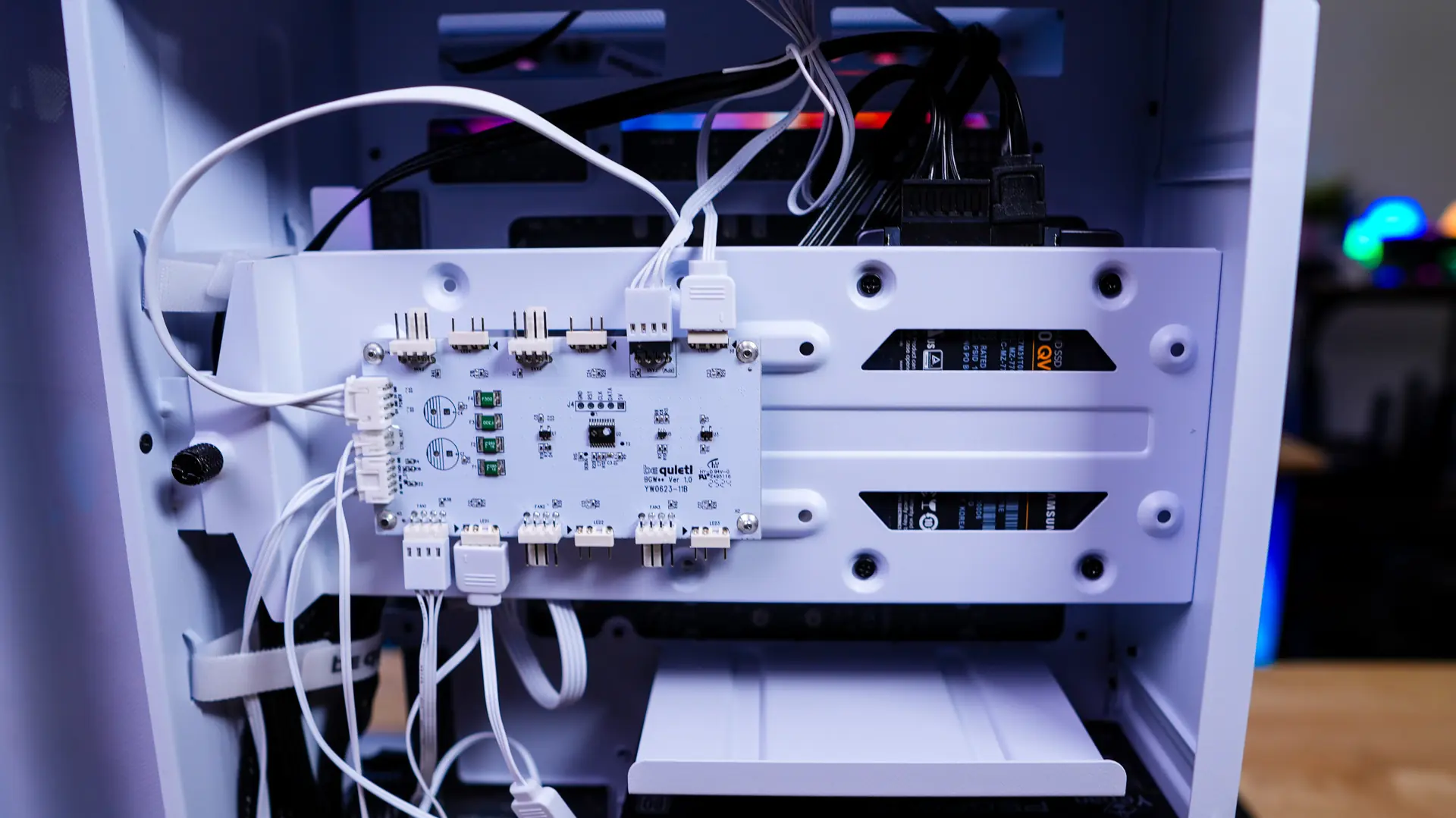
If you need to install any drives in the case you’ll have to completely remove the storage bracket from the case. This means removing four screws from the back of the case and loosening the larger captive thumbscrew. This also means that you’ll need to unplug some of the fan connections. Once removed we can go ahead and install our drive, you want to install it with the connections facing upwards. With your drives installed on the bracket you can go ahead and re-install it.
The last thing to really install is our graphics card, with support for graphics cards up to 400mm we had no issues getting our card installed.
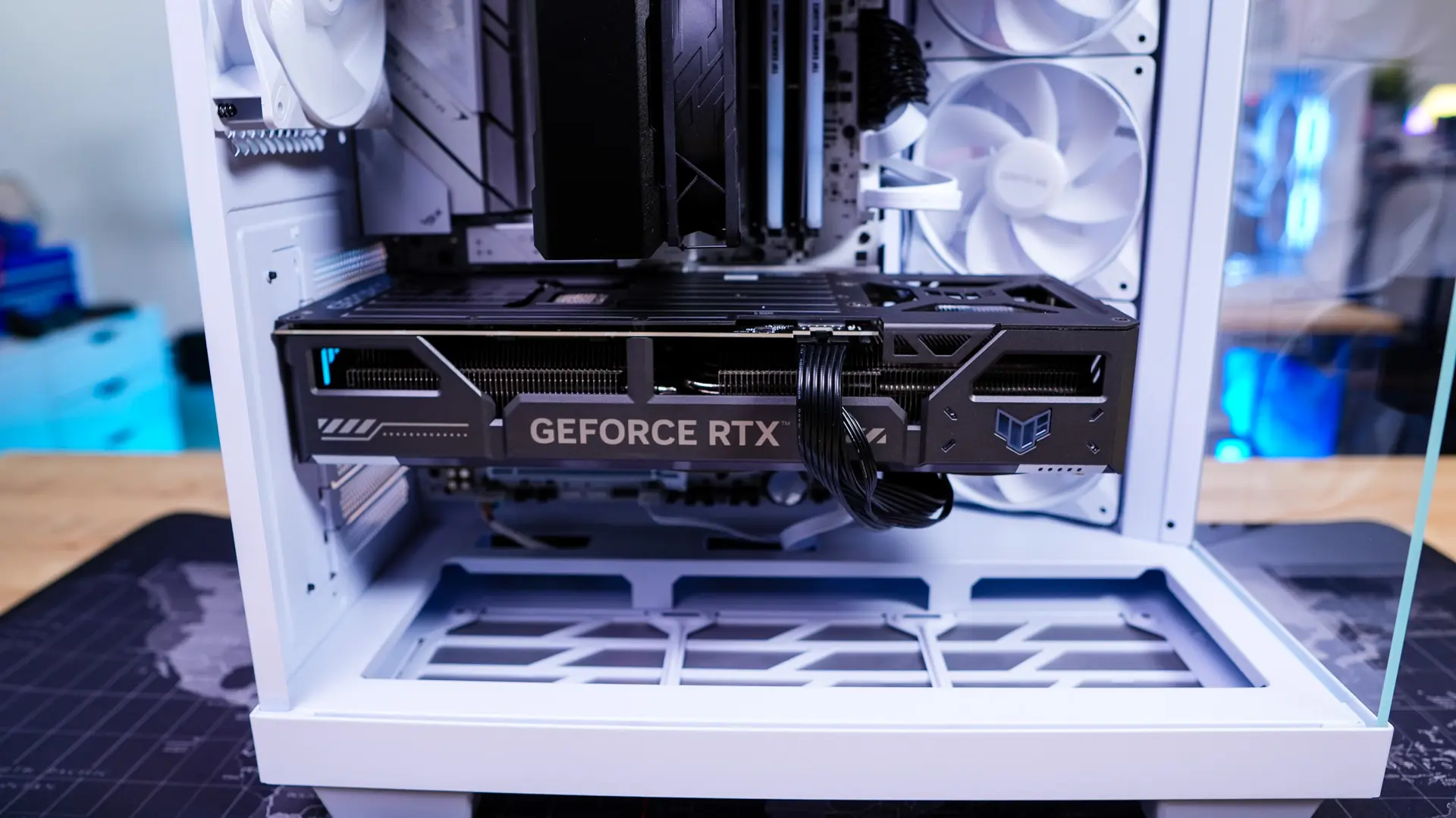
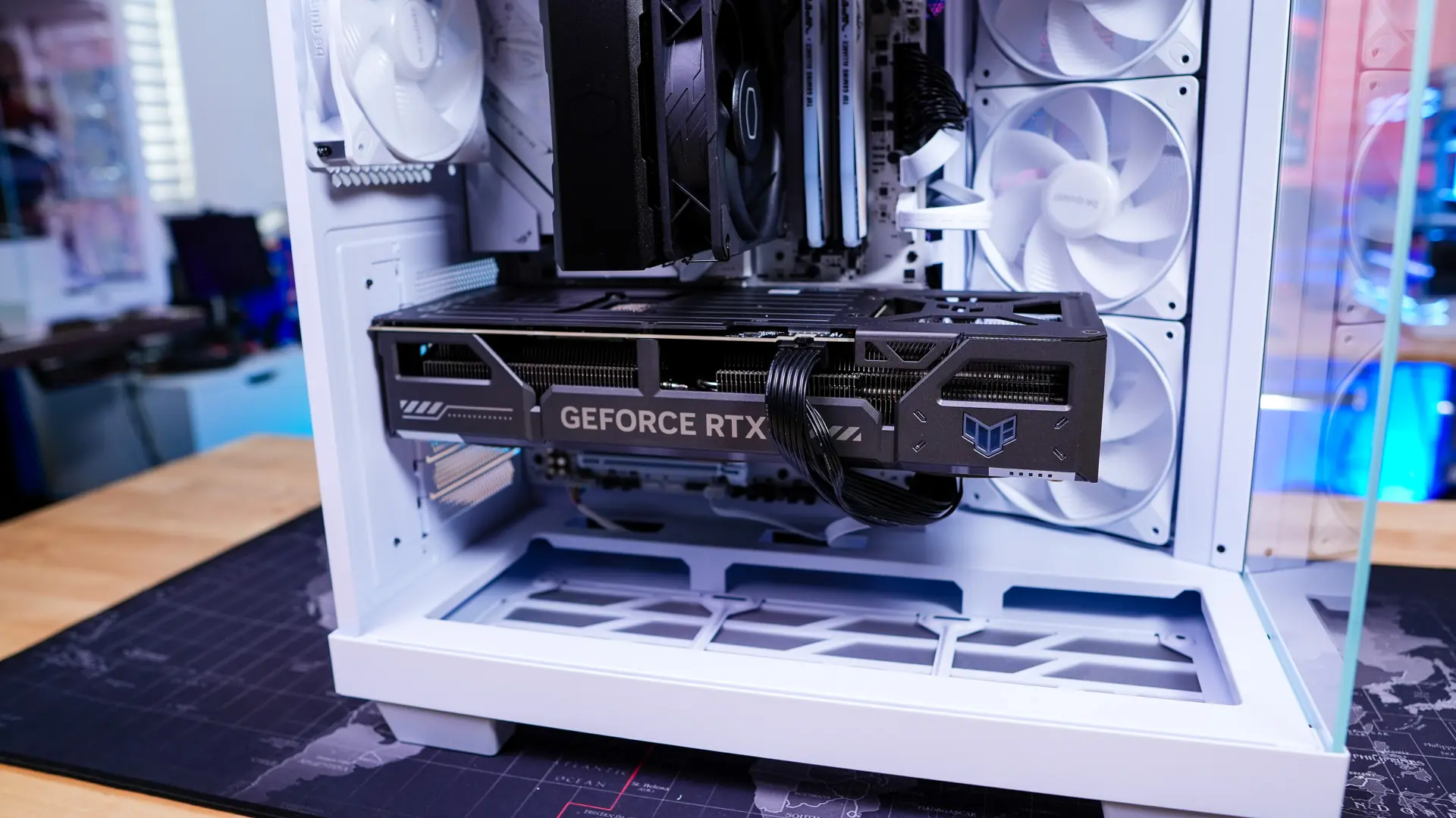
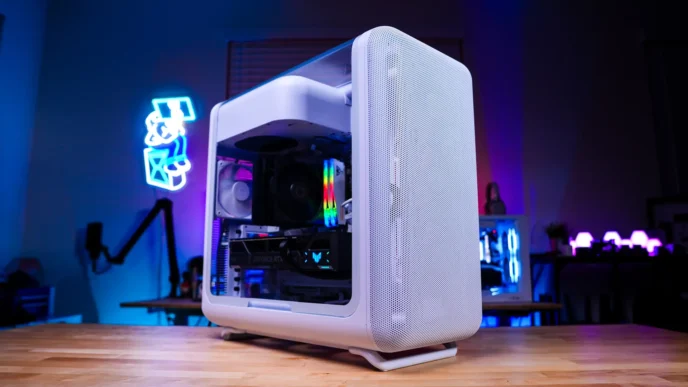
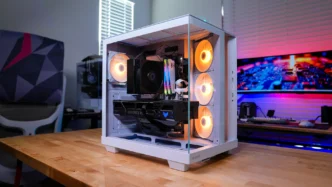
With everything installed you can see that we do have a very clean build. As far as the back of the case is concerned the velcro ties make it easy to really organize your cables.