


In Win 805 Infinity Overview
The In Win 805 infinity is a mid tower and it has the official dimensions of 476mm x 205mm x 472.5mm (HxWxD). It has an all aluminum design with the three tempered glass side panels (both sides, front). It weighs in at 18.1 lbs without any hardware installed. The Infinity version of the case is only offered in black, whereas the normal 805 is offered in versions where the top I/O cover is red or gold.
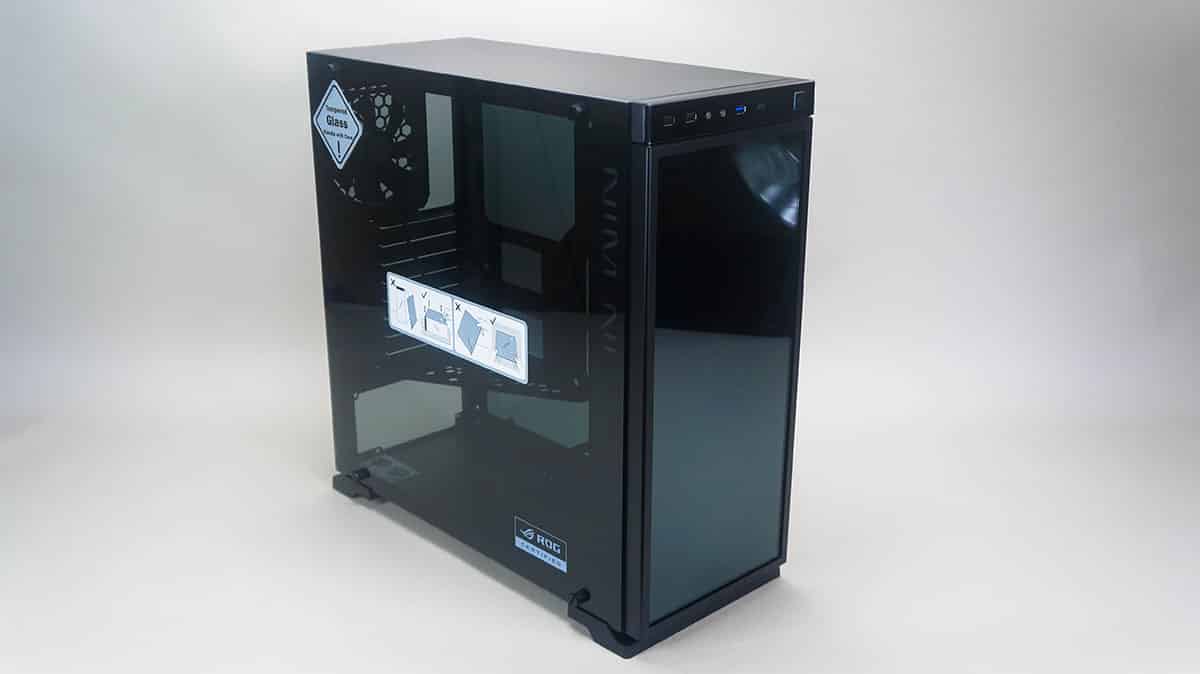
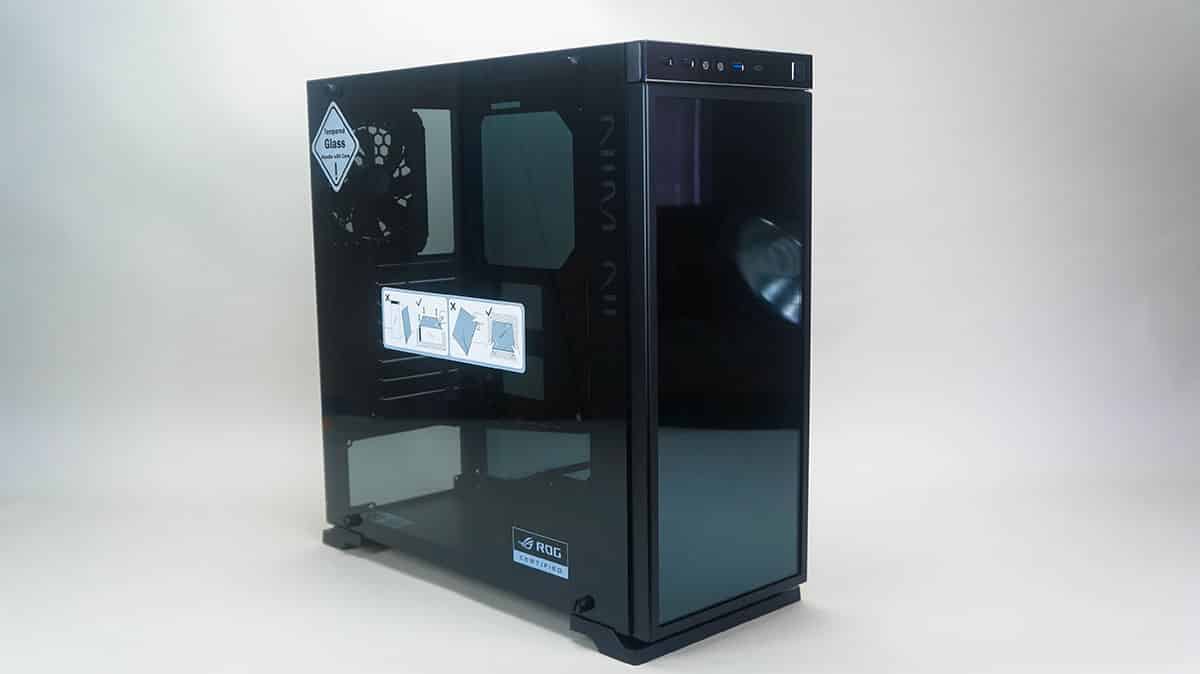
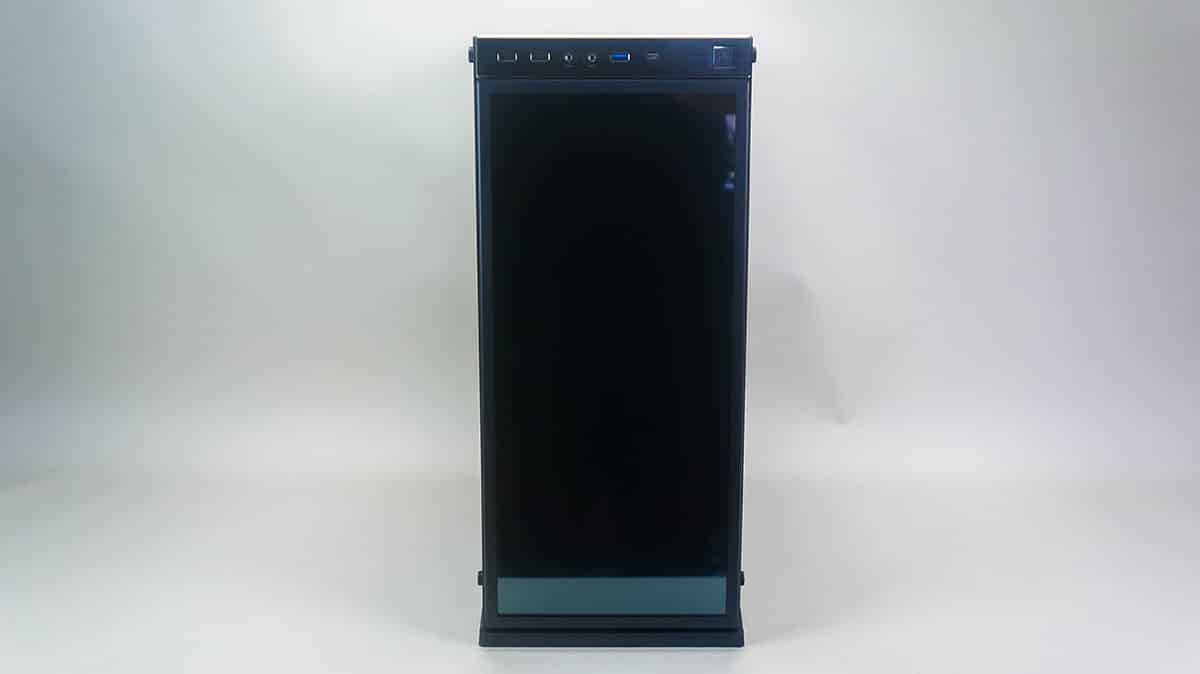
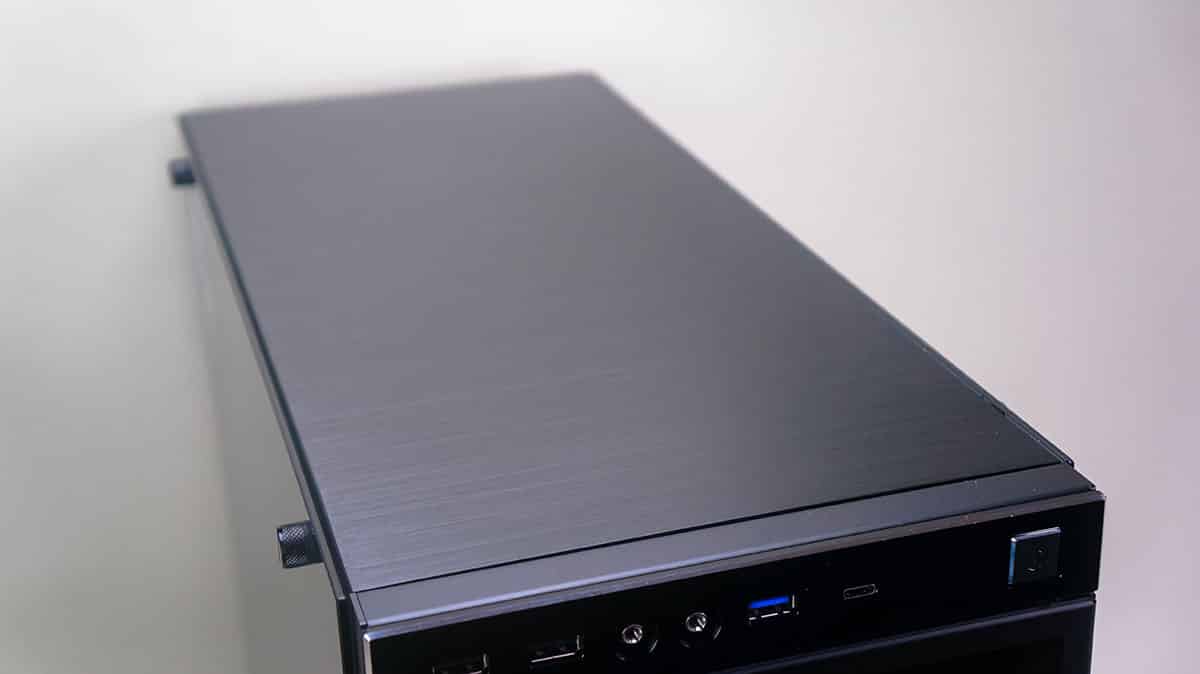
The front of the case is pretty much plain as this is where the Infinity mirror sits, there are no 5.25-inch or 3.5-inch external drive bays on this case. Towards the top of the case is the I/O panel which has a large power button, power and hard drive activity LEDs, a USB 3.0 type-C port, USB 3.0 port, headphone and microphone connections, and two USB 2.0 ports.
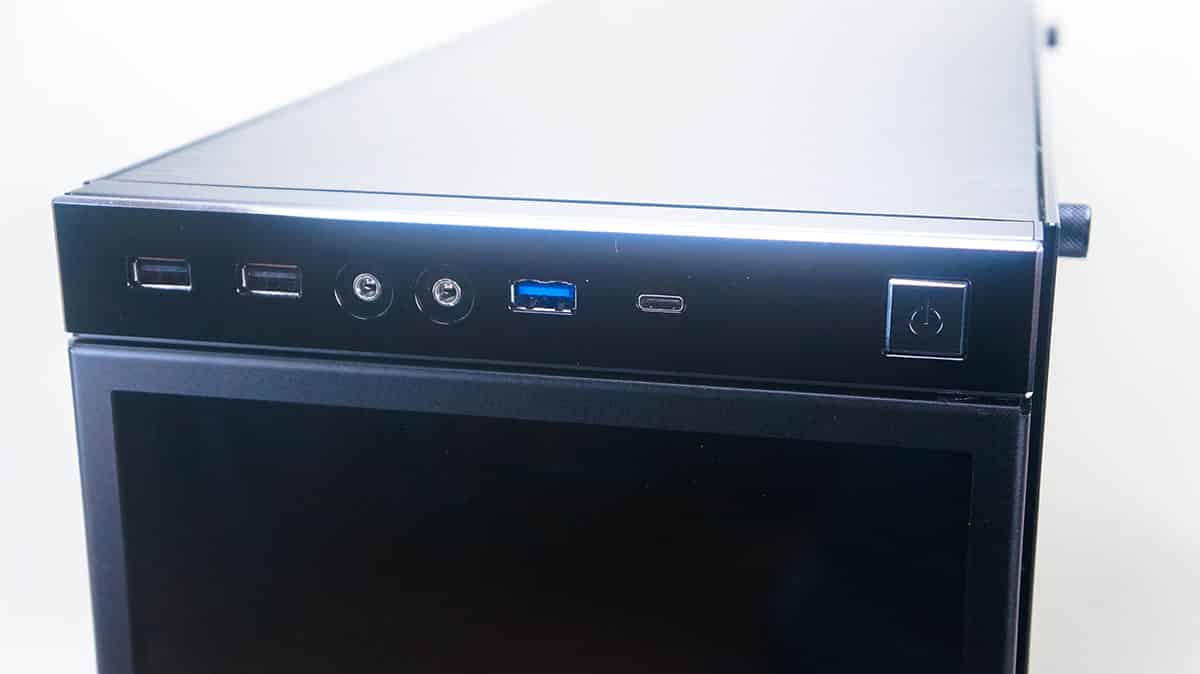
The top of the case is all plain, there is no ventilation for cooling or anything like that. We can see the nice brushed aluminum up there though, which looks quite nice!
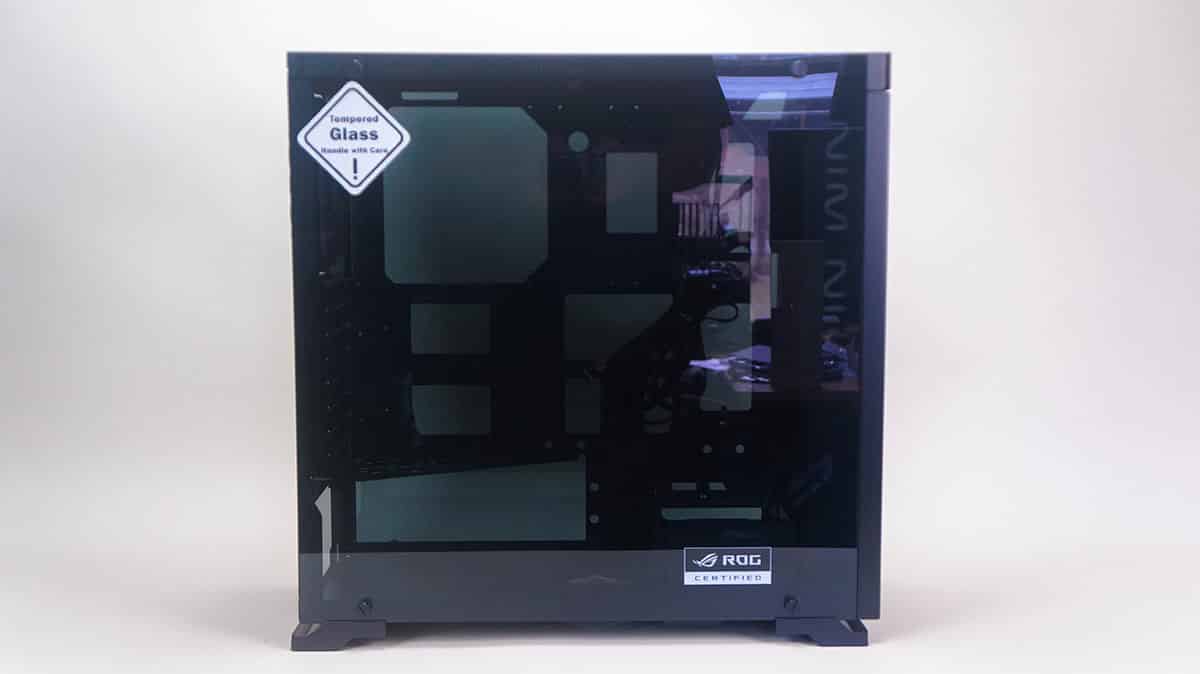
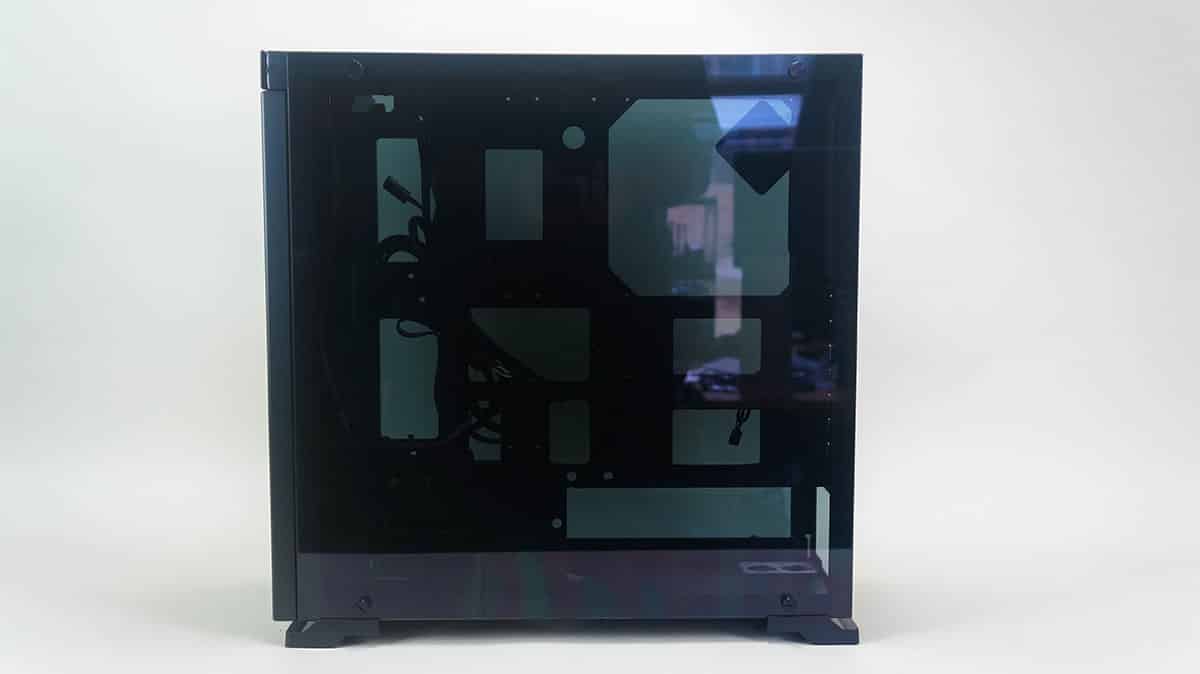
Each side panel is actually a 3mm-thick tempered glass panel. These panels have a slight tint to them, which of course will go away if you light up the inside of your system. There is also a ROG Certified logo etched into the main side panel. Each side panel is held in place by four large thumbscrews. There are rubber grommets that go in the holes so you don’t crack or damage the side panels.
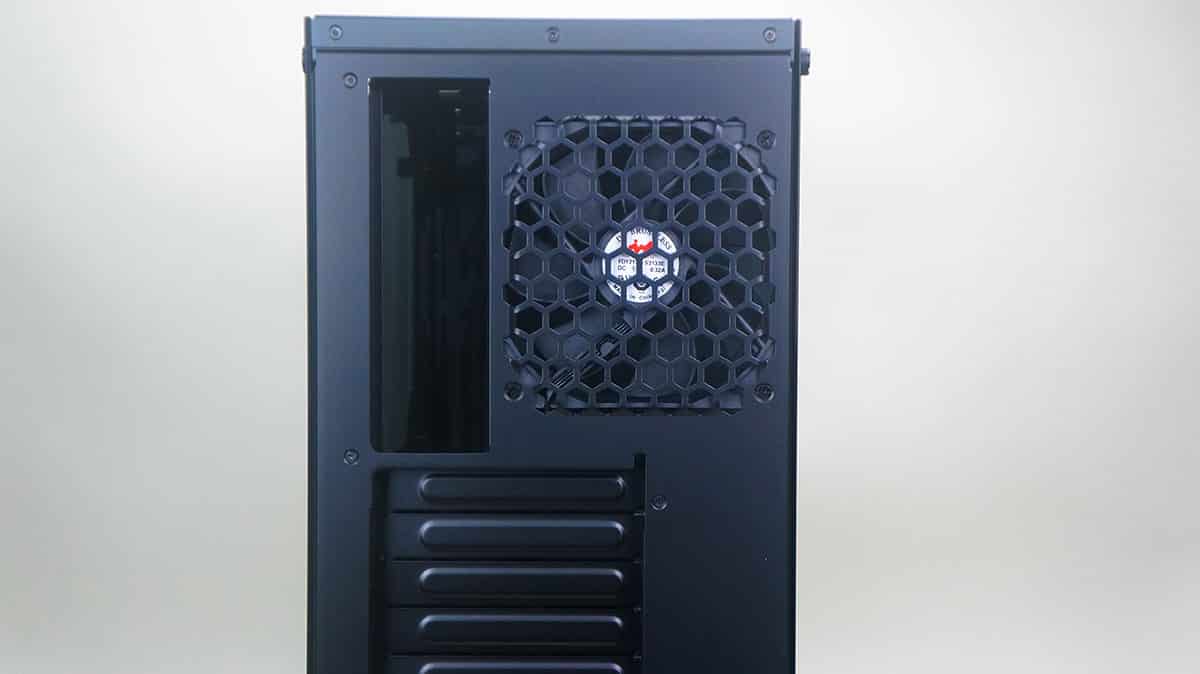
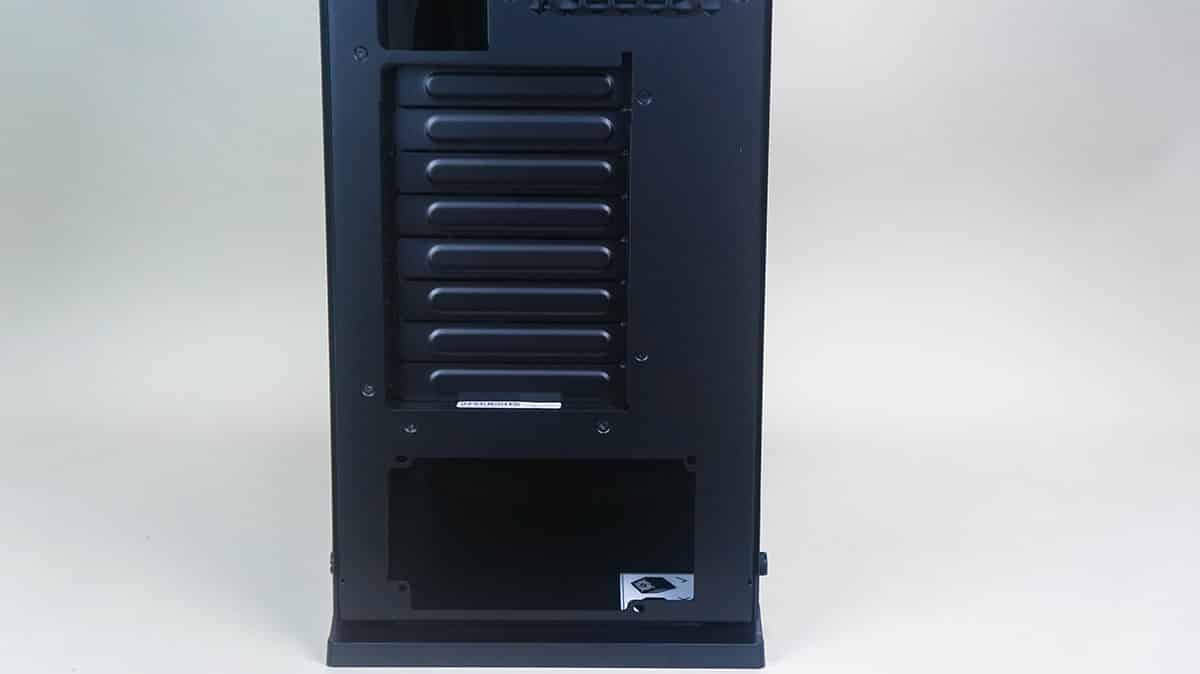
Taking a look at the back of the case we can see an exhaust fan. This is actually the only fan included with the case and it is a 120 mm fan. There are 8 expansion slots and your power supply is of course mounted on the bottom of the case.
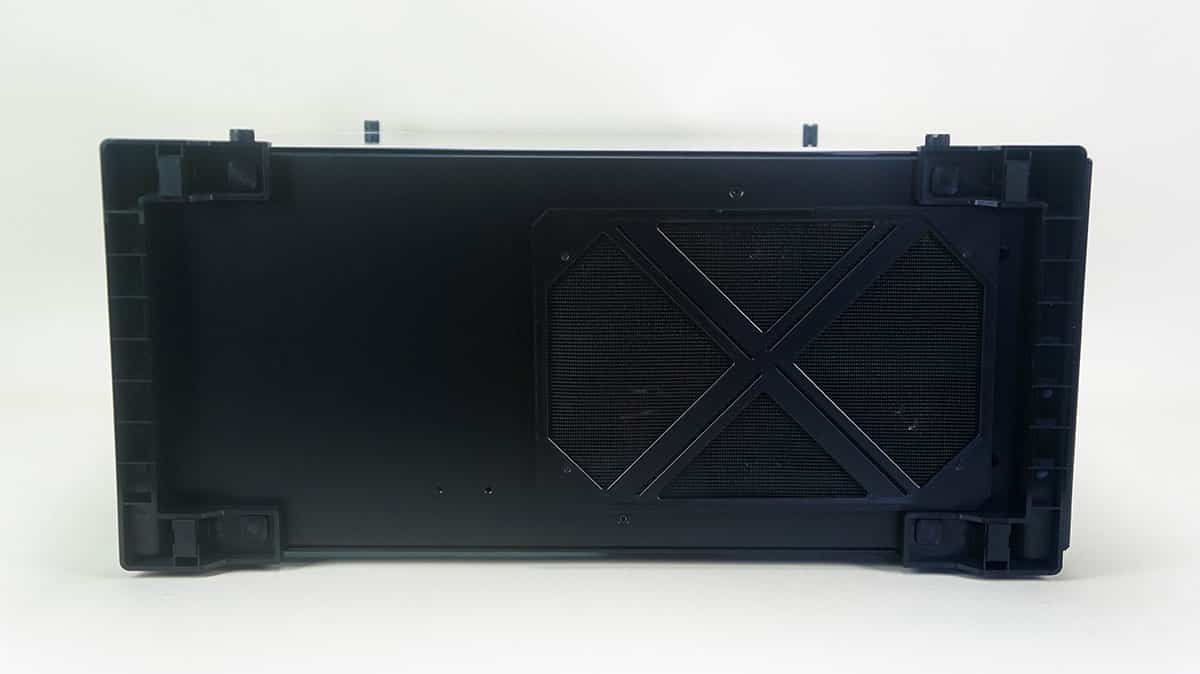
Finally at the bottom of the case we can see the two large feet that lift the case off the ground. There is a removable filter on the bottom of the case, but it is actually at the front of the case rather than the rear.
Sick case but in a good way.
Just finishing up a build with this case. It looks awesome, but you really need to think about thermal design, there’s no front intake and no top outlet, the only way you can run this with SLI for example is an intake fan at the bottom, a draw fan to push air across to the cards / cpu (means moving the drives cage) and an outlet fan on the back – don’t think I’d be game to use a 120mm closed loop on that back vent, it’d get nothing but hot air passing through the radiator. Also have to make sure you have end-of-cable SATA power connectors if you’re mounting SSD’s to the back plate, as there isn’t enough room for the ones where the cable enters the connector from the side.