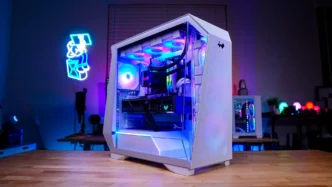

Lighting on the InWin Prism (White) Case
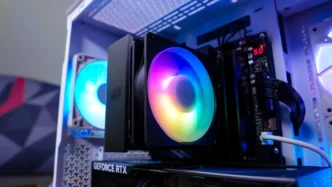
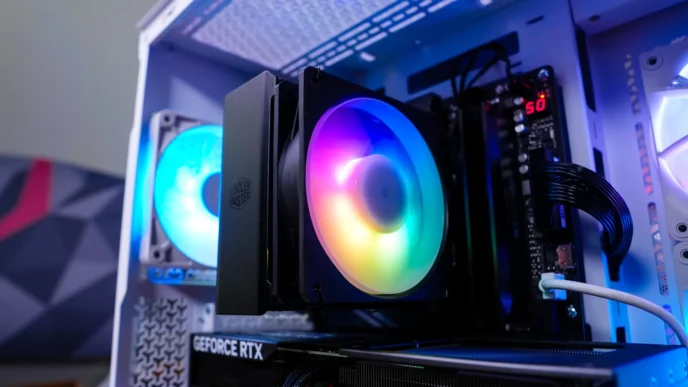
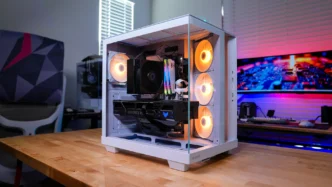
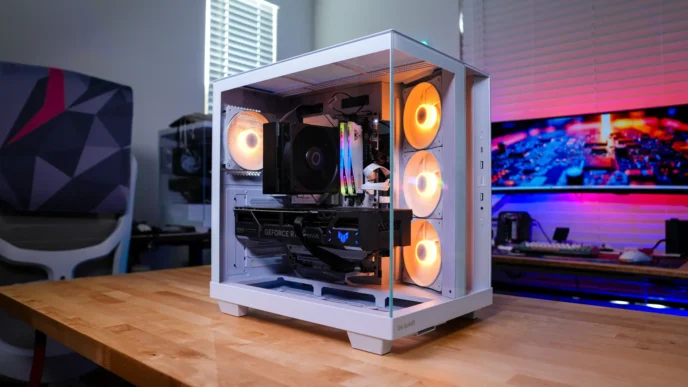
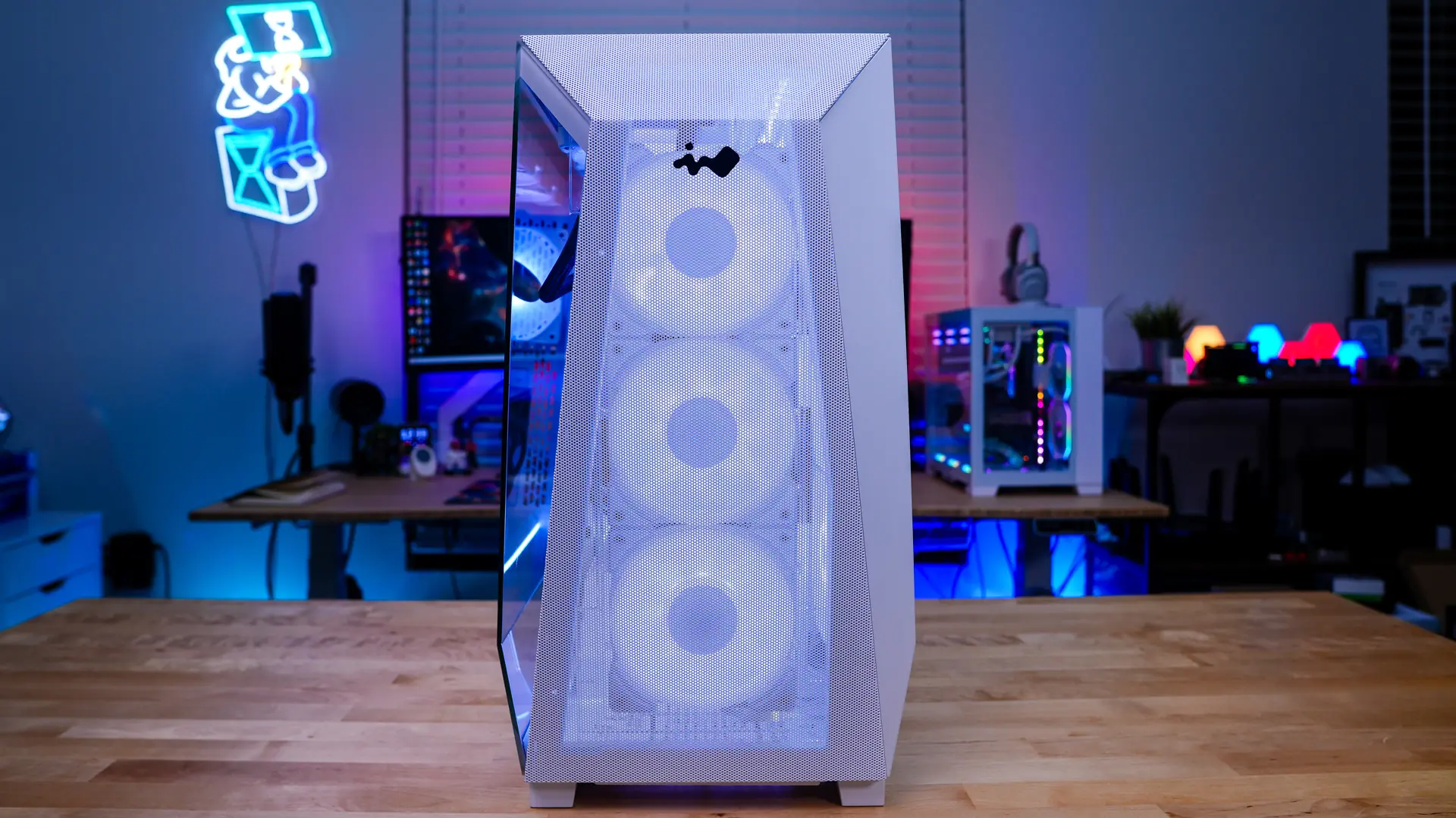
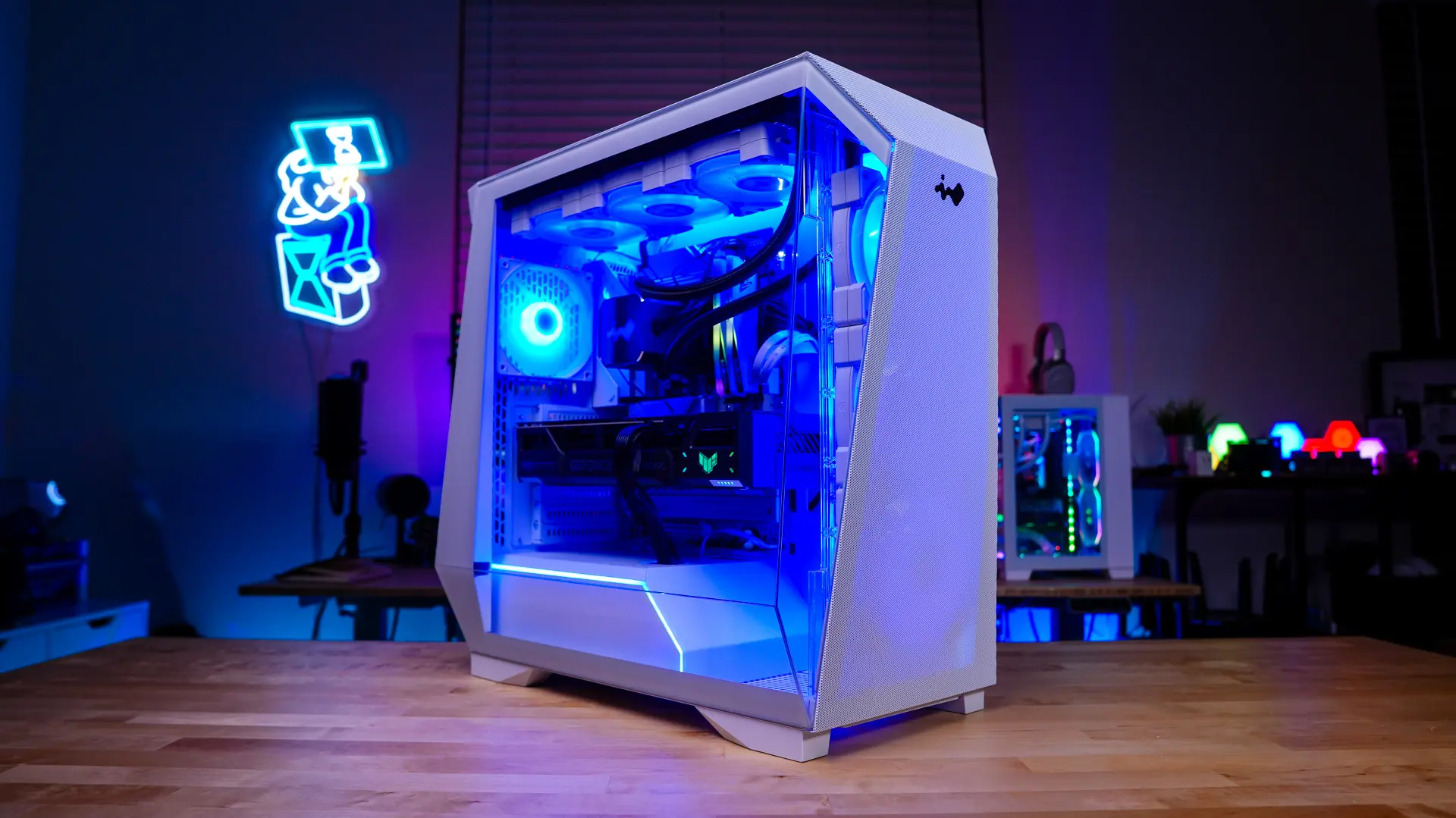
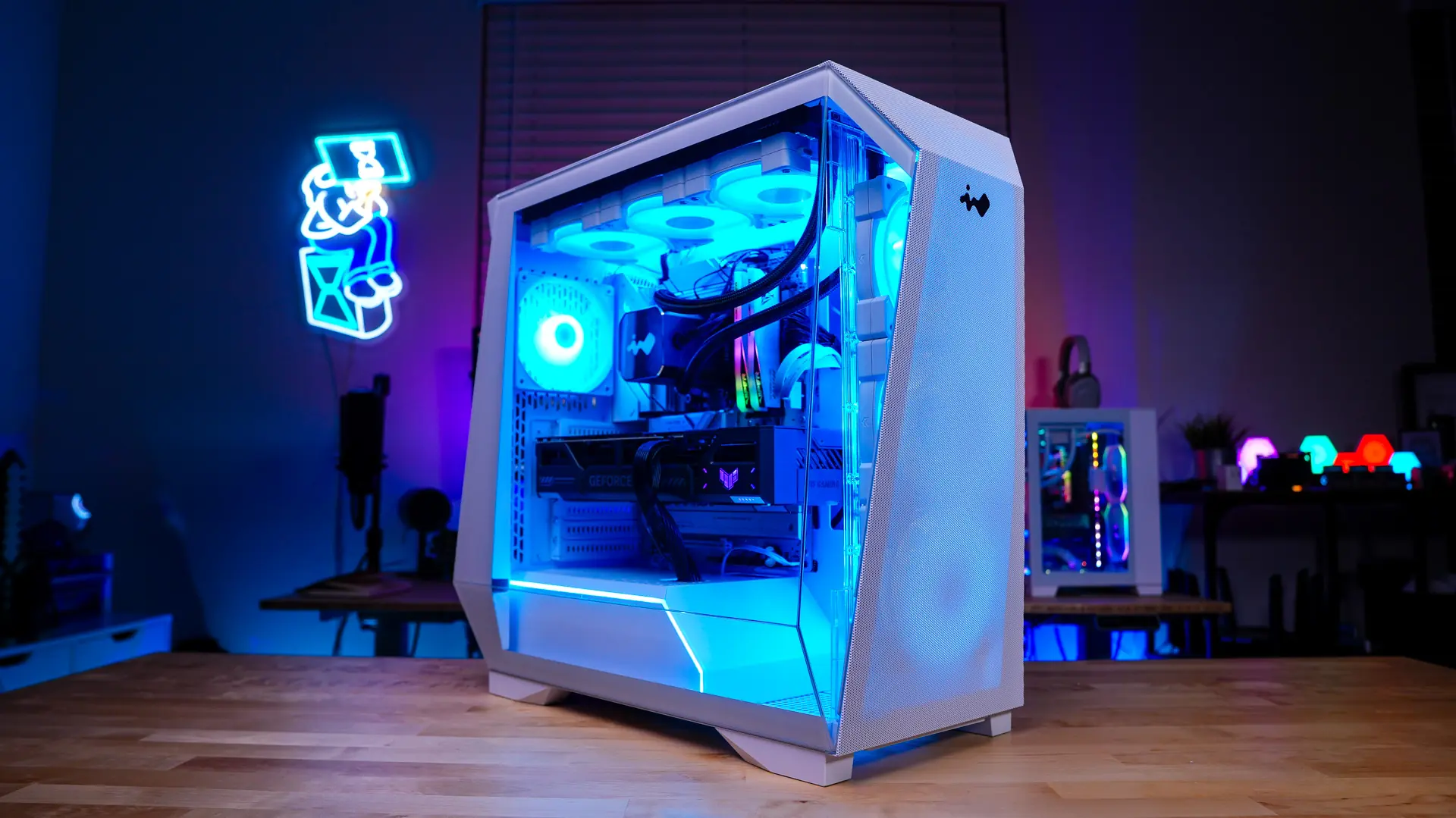
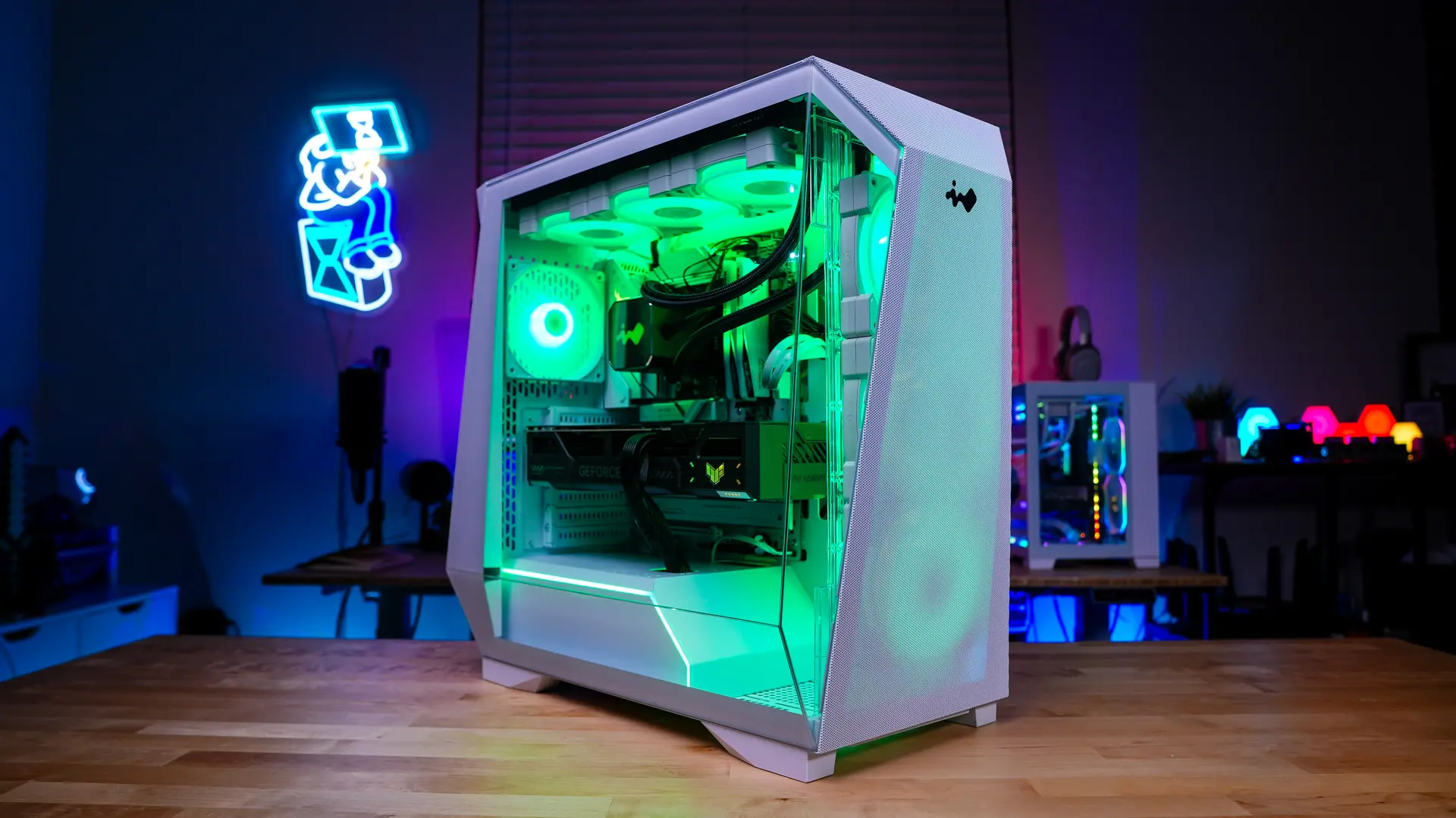
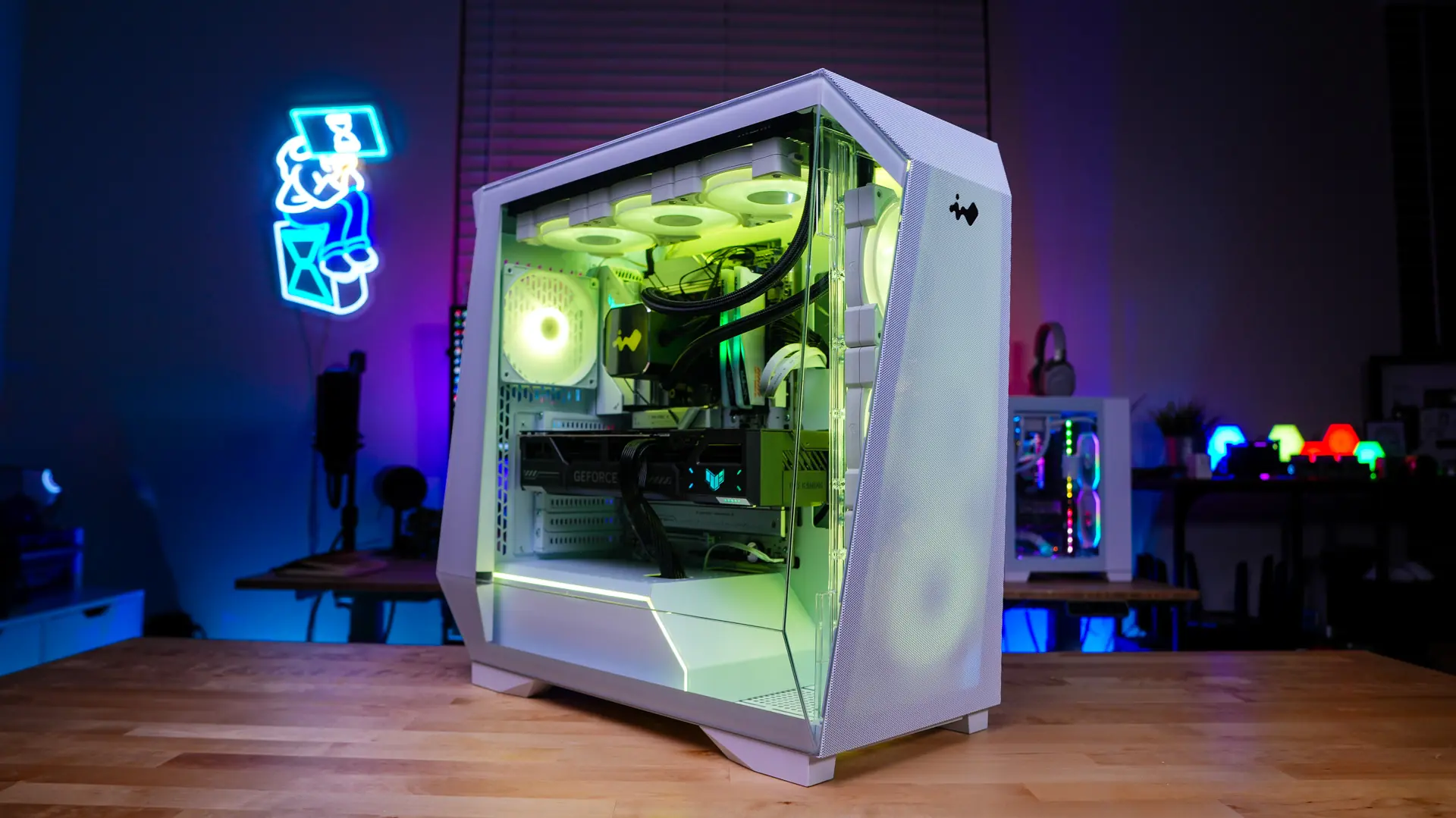
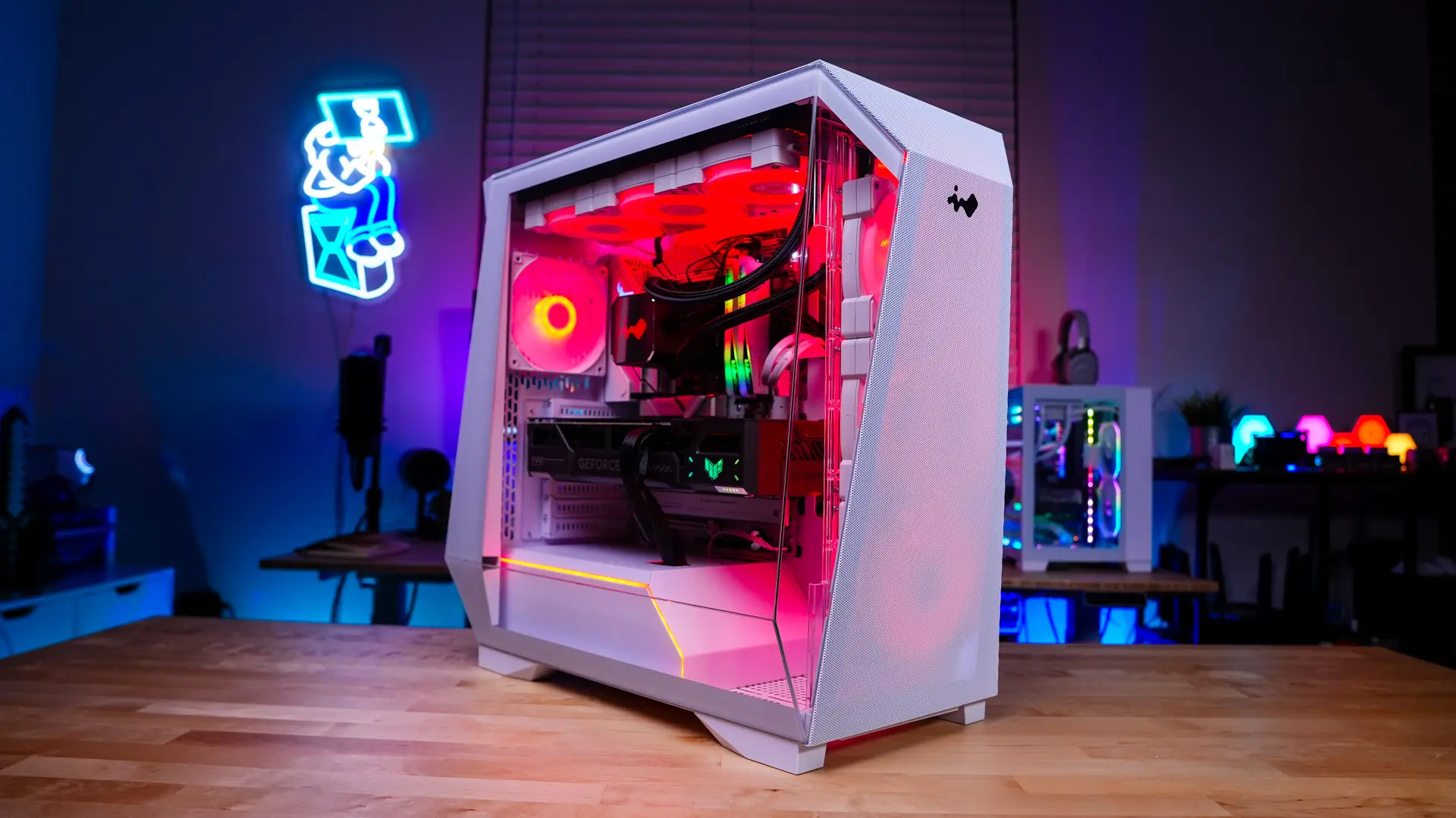
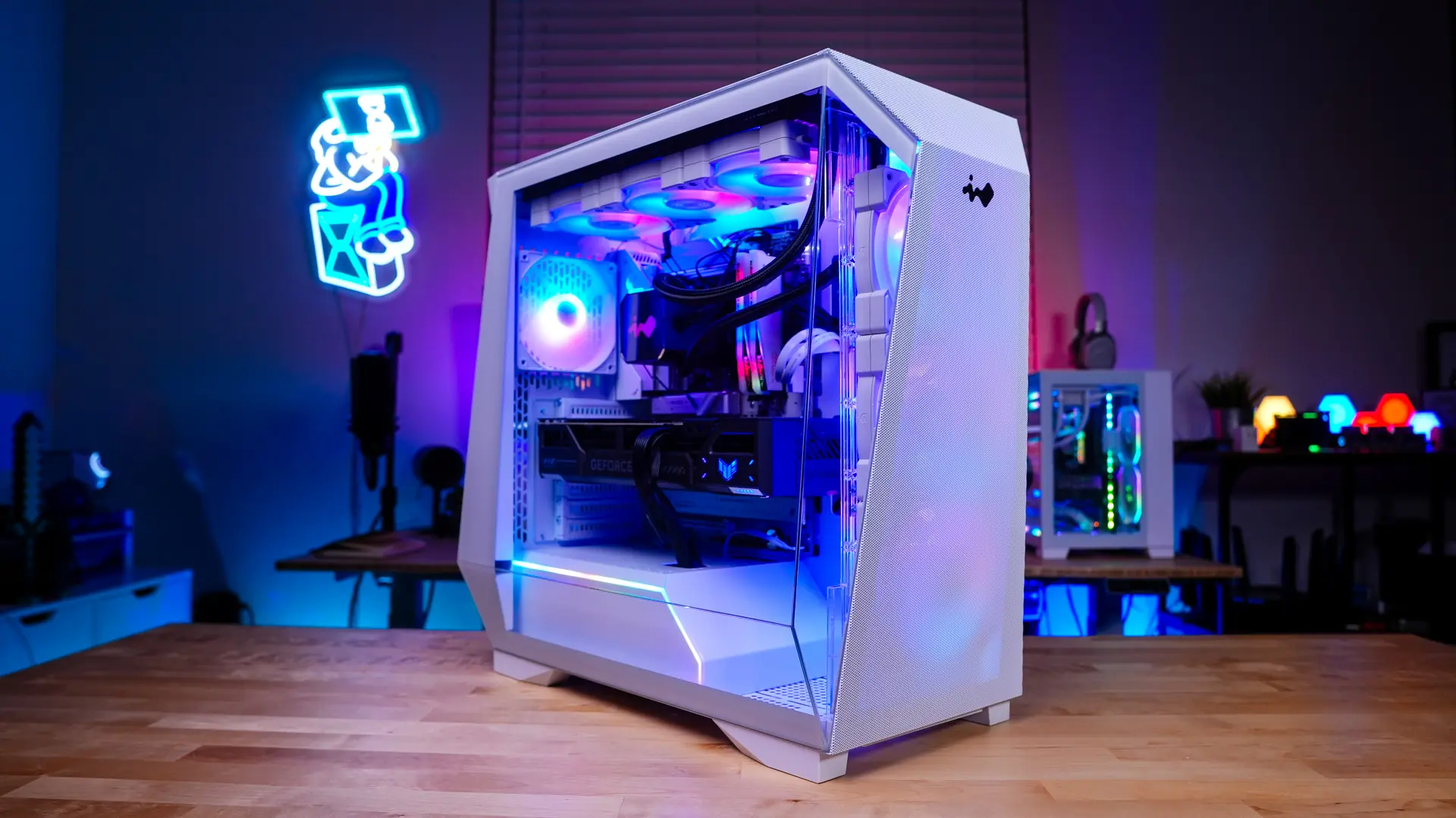
When it comes to lighting of course we have all of those RGB fans. Remember by default you’ll have four (3x side-mount, 1x rear) 120mm ARGB fans which will be pre-wired to the ARGB controller. This ARGB controller allows you to control the lighting on the fans via the button on the top of the case. If you wanted to connect the fans to your motherboard the ARGB controller does have a 3-pin addressable cable. If you want to use the button on the case make sure you don’t connect that cable to your motherboard. The button on the case allows you to easily cycle through different colors and modes.
InWin Prism (White) Case Performance
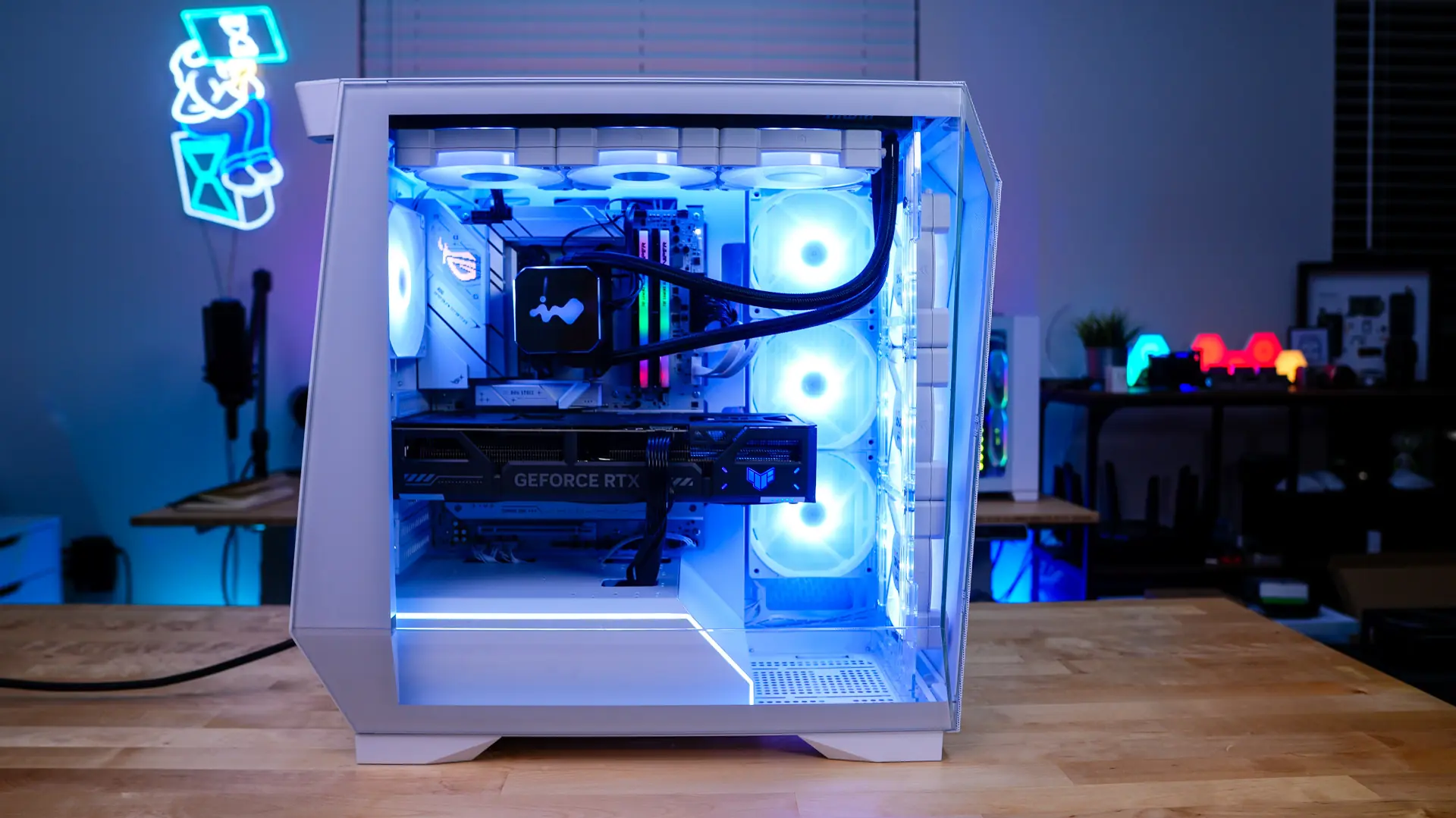
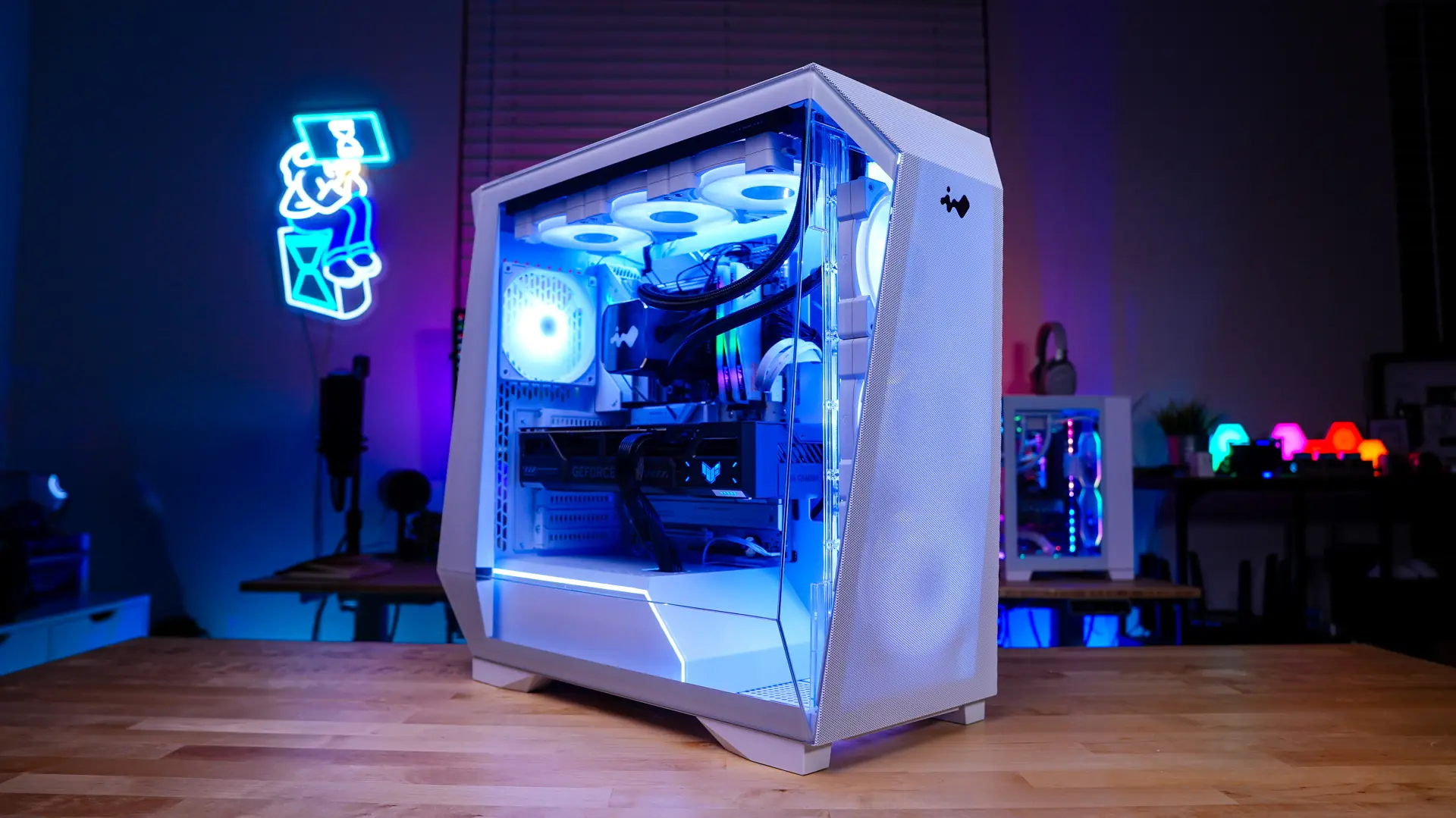
Our test system for this case is based off the following components…
Processor: AMD Ryzen 5 9600X
Motherboard: ASUS ROG STRIX B850-A Gaming WiFi
Graphics Card: ASUS TUF Gaming GeForce RTX 5070 OC Edition
Memory: Patriot Viper Elite 5 TUF Gaming RGB 48GB
Storage: Samsung 870 QVO
Cooling: InWin SR36 Pro Liquid CPU Cooler
PSU: YEYIAN Pegasus 1000W
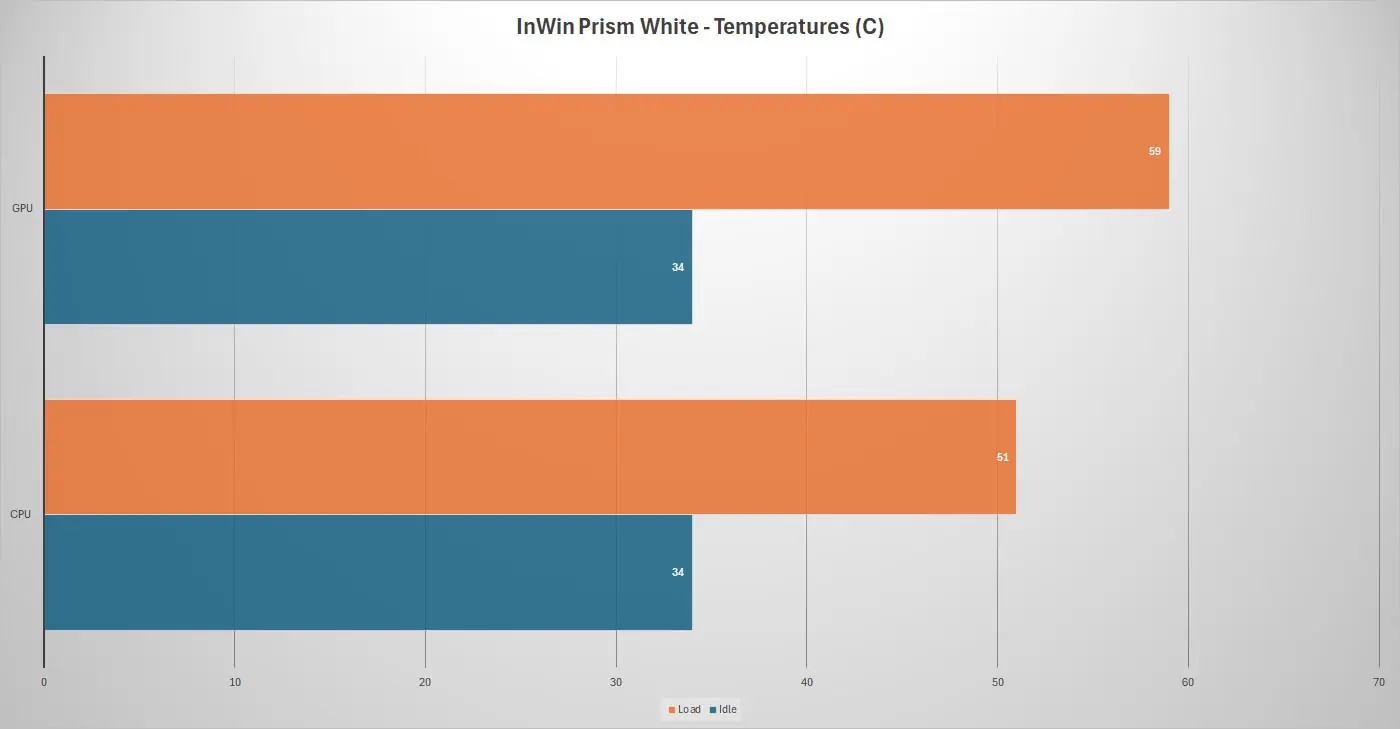
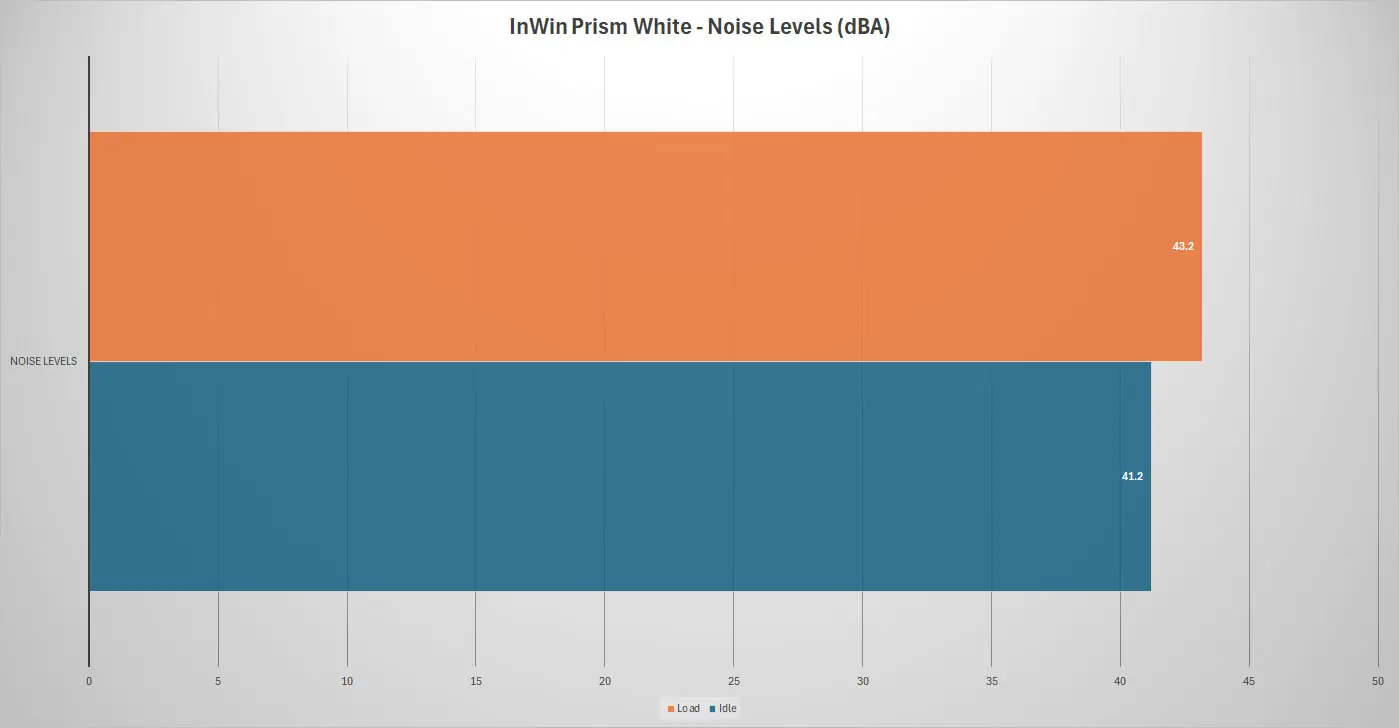
We will be using AIDA64 to measure temperatures for the CPU and graphics card and a RisePro Sound Level Meter to record sound levels. For idle we just have the system sitting on the Windows 11 desktop and for load we run the AIDA64 system stability test (CPU), while at the same time we run a 3DMark Stress test for 1 hour.