Software & Lights
MSI’s main motherboard compainion software is their Dragon Center. I would urge you to not download the Dragon Center software from the X570 Ace Motherboard page, but rather from here: https://www.msi.com/Landing/mystic-light-rgb-gaming-pc/download. The Dragon Center we initially downloaded from the X570 Ace page seemed to be incomplete, there was no RGB control, and it put Windows on Balanced power mode on every restart.
The version of Dragon Center we decided to use seemed to work a lot better. On the main screen you have shortcuts to Performance, Hardware Monitor, EyeRest, LAN manager, and Mystic Light.

There is a large “G” towards the left of the app. If you click this it will enable gaming mode and provide the most suitable setting for your game.

If we click on Performance we can choose between Silent, OC, and two custom profiles. Going into the custom profile we have the ability to change pretty much everything from the CPU frequency to the voltage and more.


Hardware monitor pops out a little panel where you can monitor what is going on in your system. You can select what is being monitored as well.

EyeRest will allow you to set different settings for your display, there are preset profiles for game and movie as well.

Gaming LAN Manager will have different settings and profiles for the LAN connection.

Mystic Light is of course your RGB control. It makes it quite easy to set an effect for the entire board or you can select different parts / headers individually. You can also link Mystic Light-supported devices.

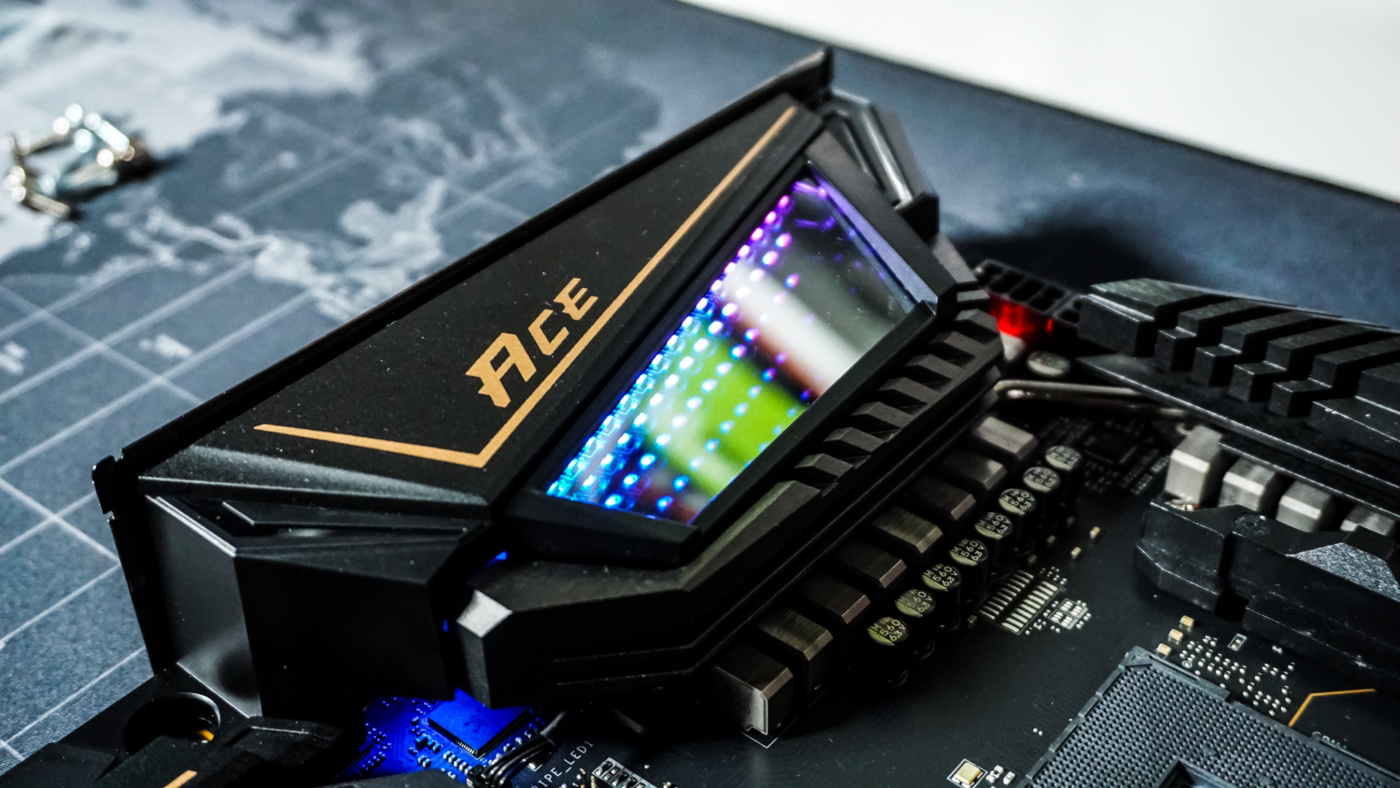
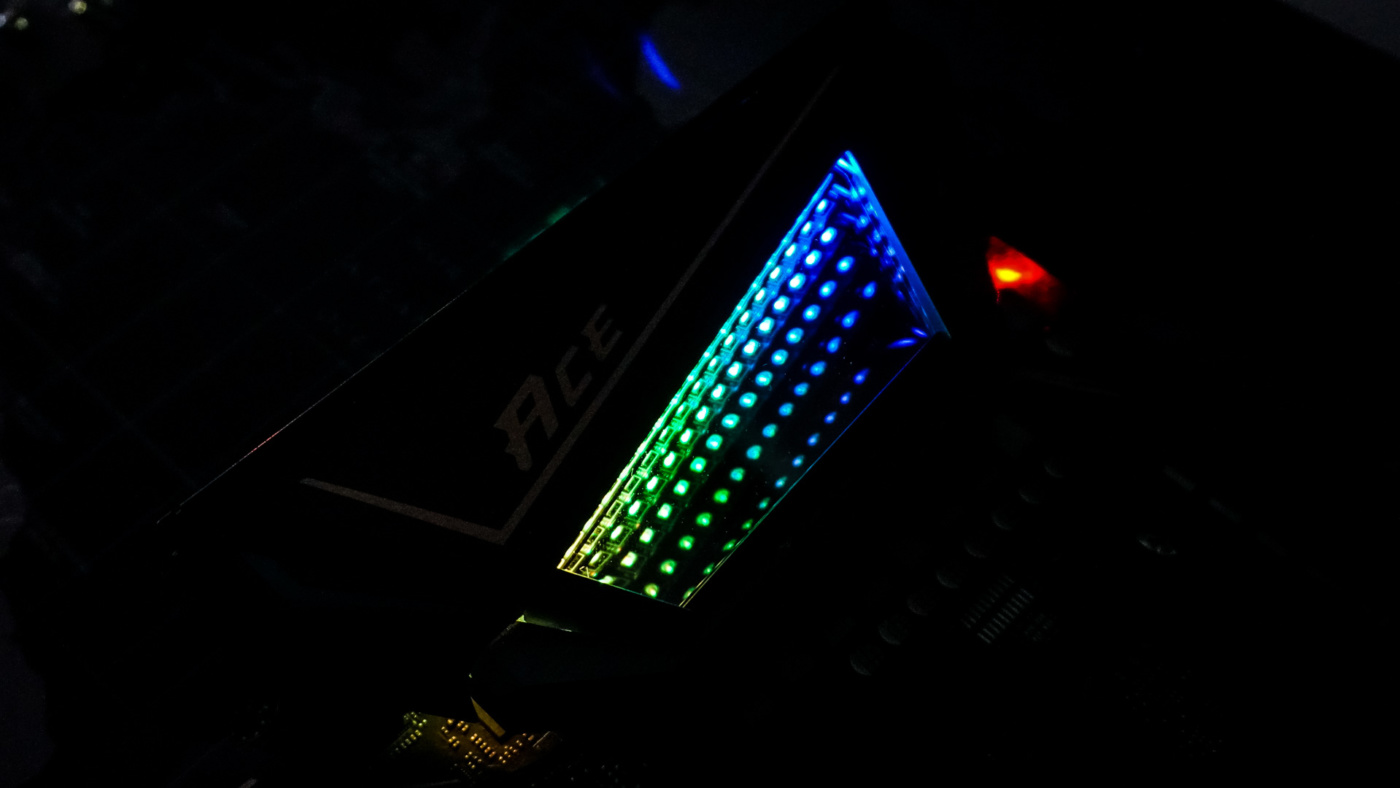
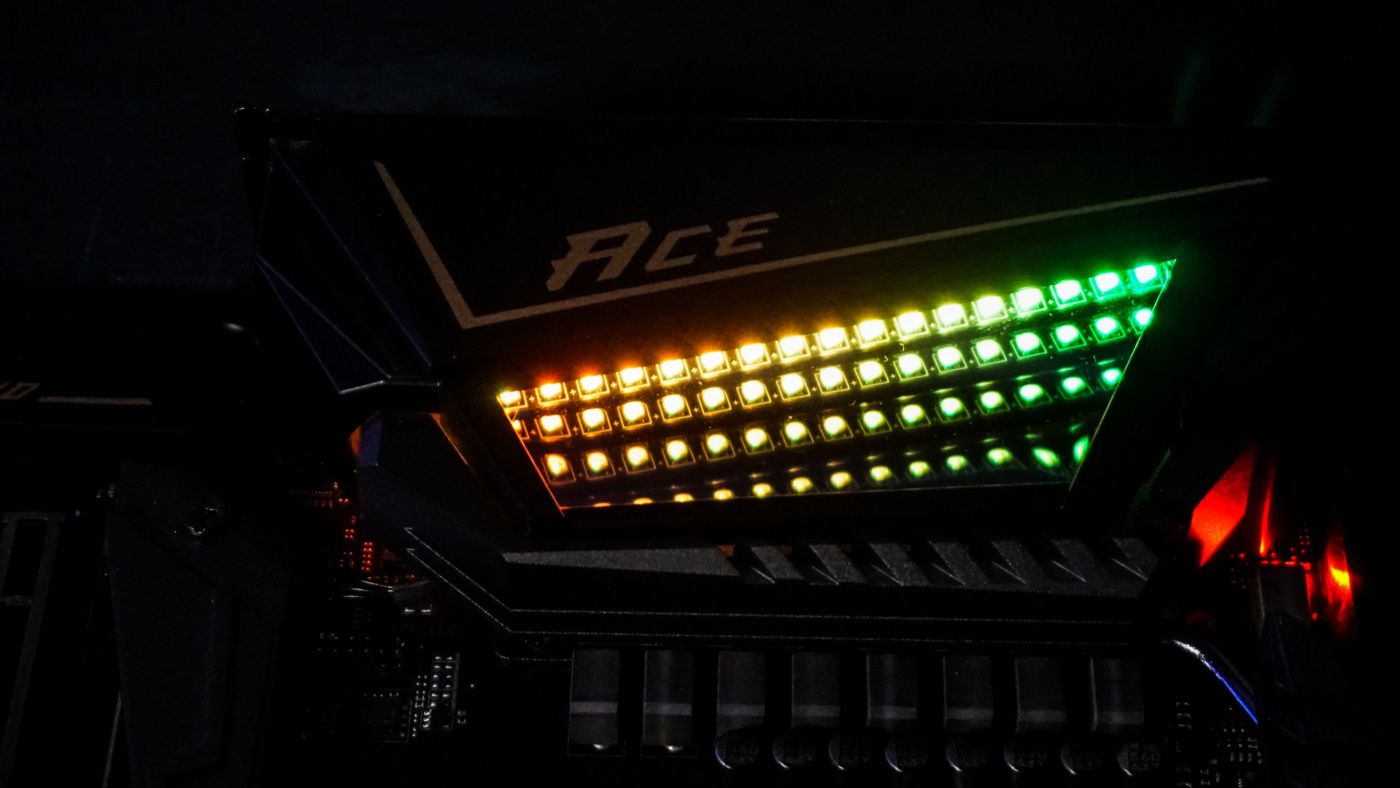
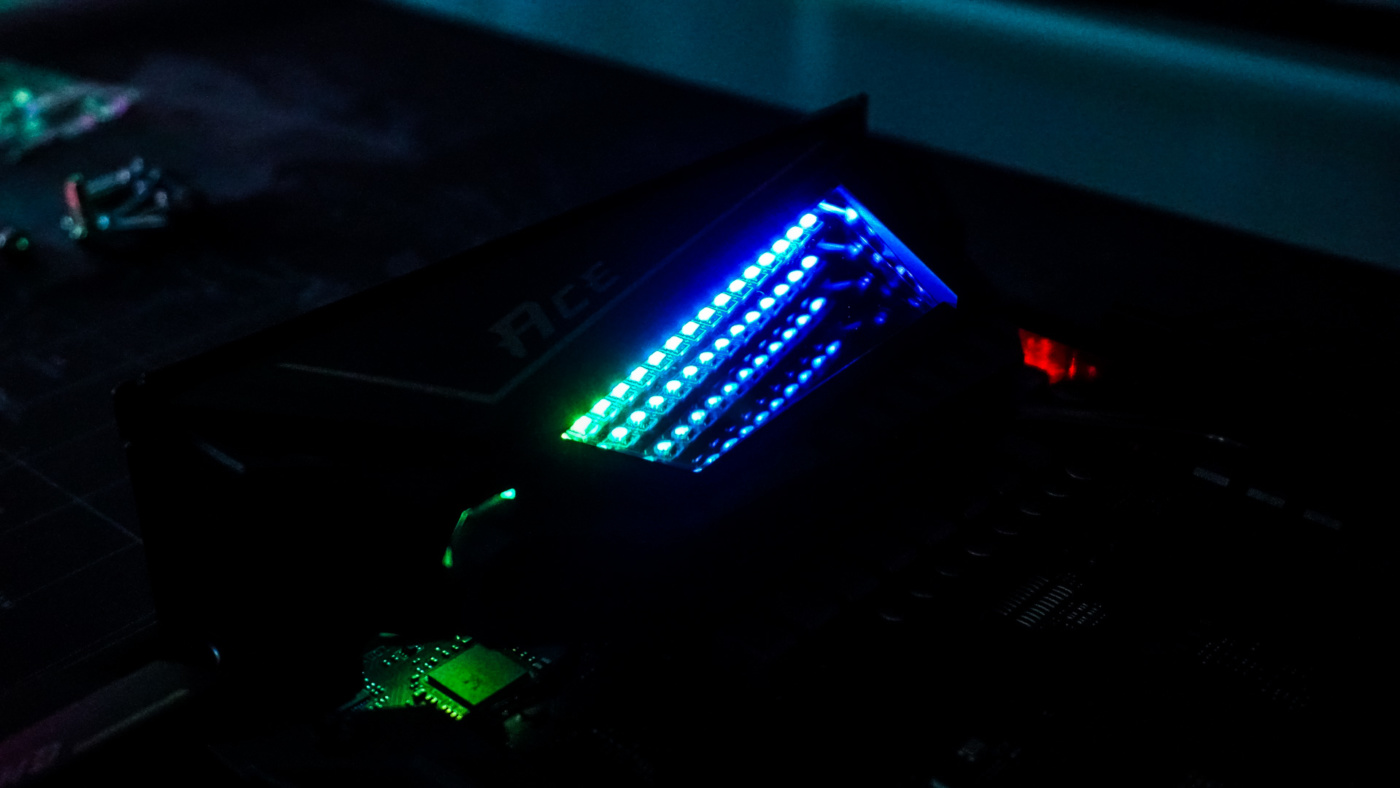
When it comes to RGB lighting on the board all we have is the infinity window. As I mentioned this is the first time we’ve seen something like this on a motherboard, it looks quite good.
Towards the bottom of the app there is a little cloud icon, this is for Live Update. It will download and install MSI Utilities and other optional utilities. It does not appear that live update searches or downloads drivers or BIOS updates.

Finally there is an Icon that looks like a little tool, in here you can find settings for USB Boost, Storage Boost, and Super Charger.