Womier WD75 Mechanical Keyboard Overview
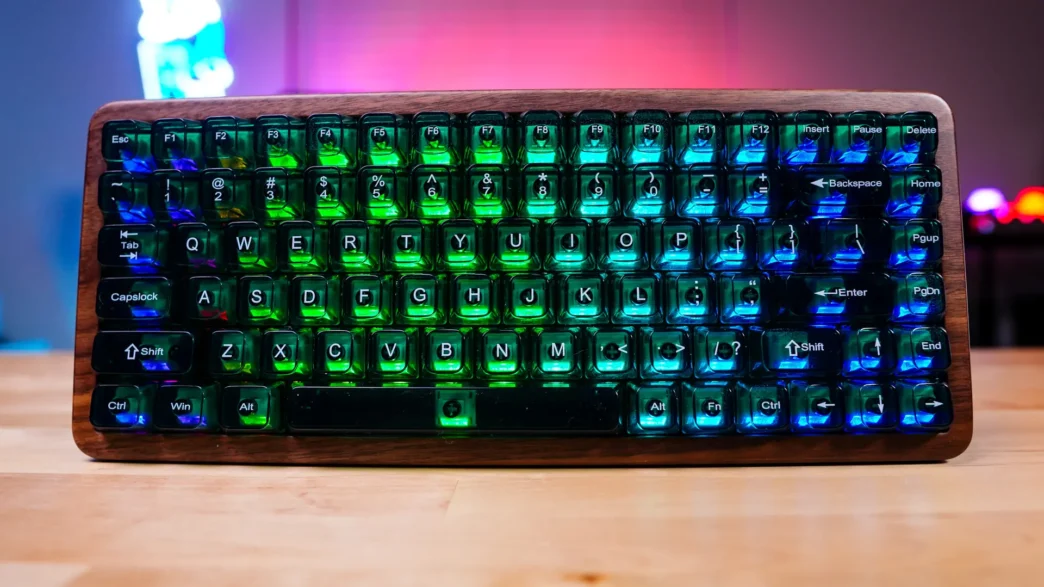
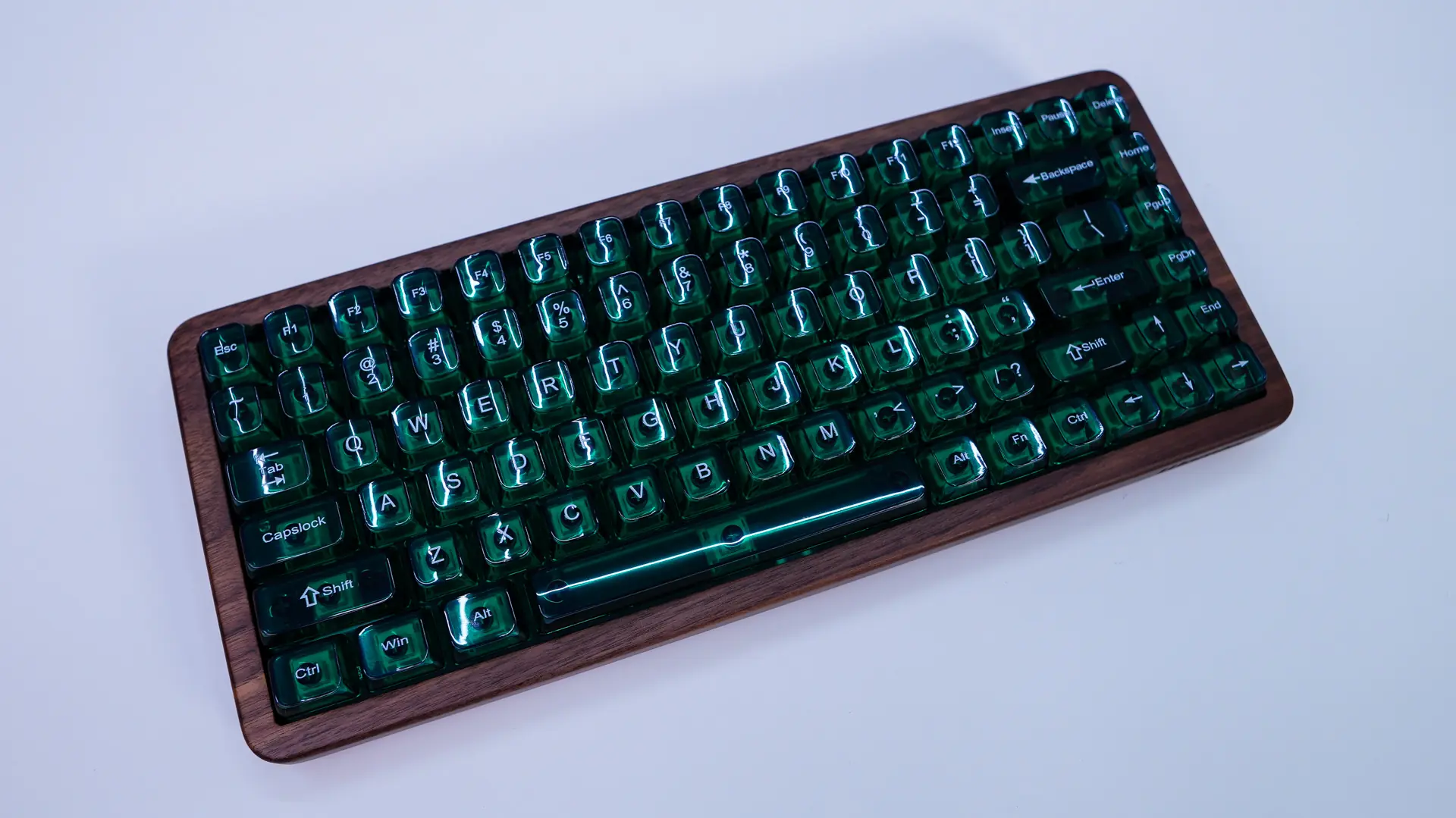
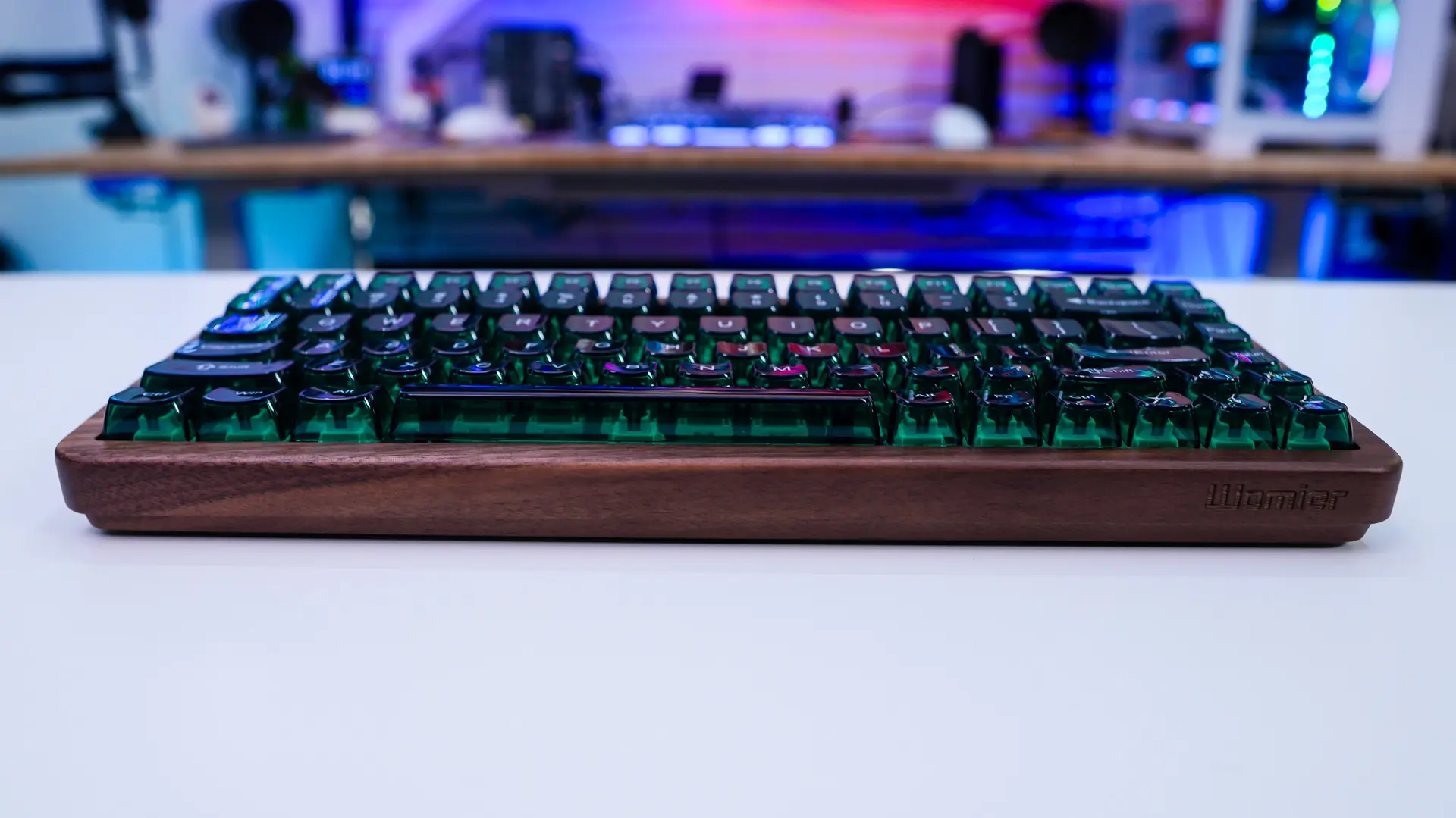
Taking first look at the keyboard it definitely has a unique look to it. The main chassis of the keyboard is made of a walnut wood and is dark, then you have green translucent keycaps. It definitely gives you those sort of earth tones. If you are wondering the keyboard has some decent weight to it as well.
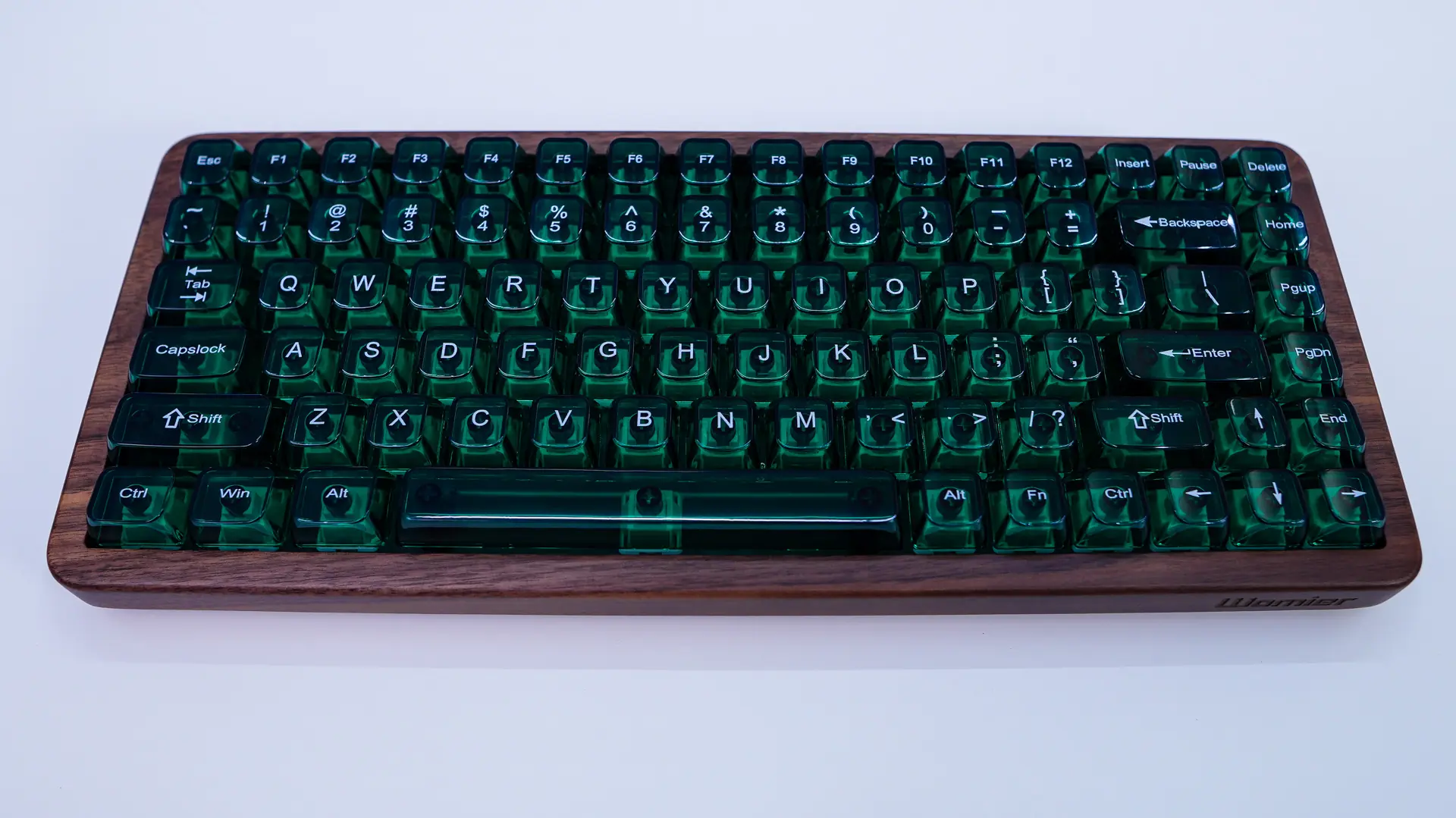
This board has a 75% layout made up of 82 keys. Womier is making use of green translucent keycaps that have an MDA profile. These have white legends on them and they look great!



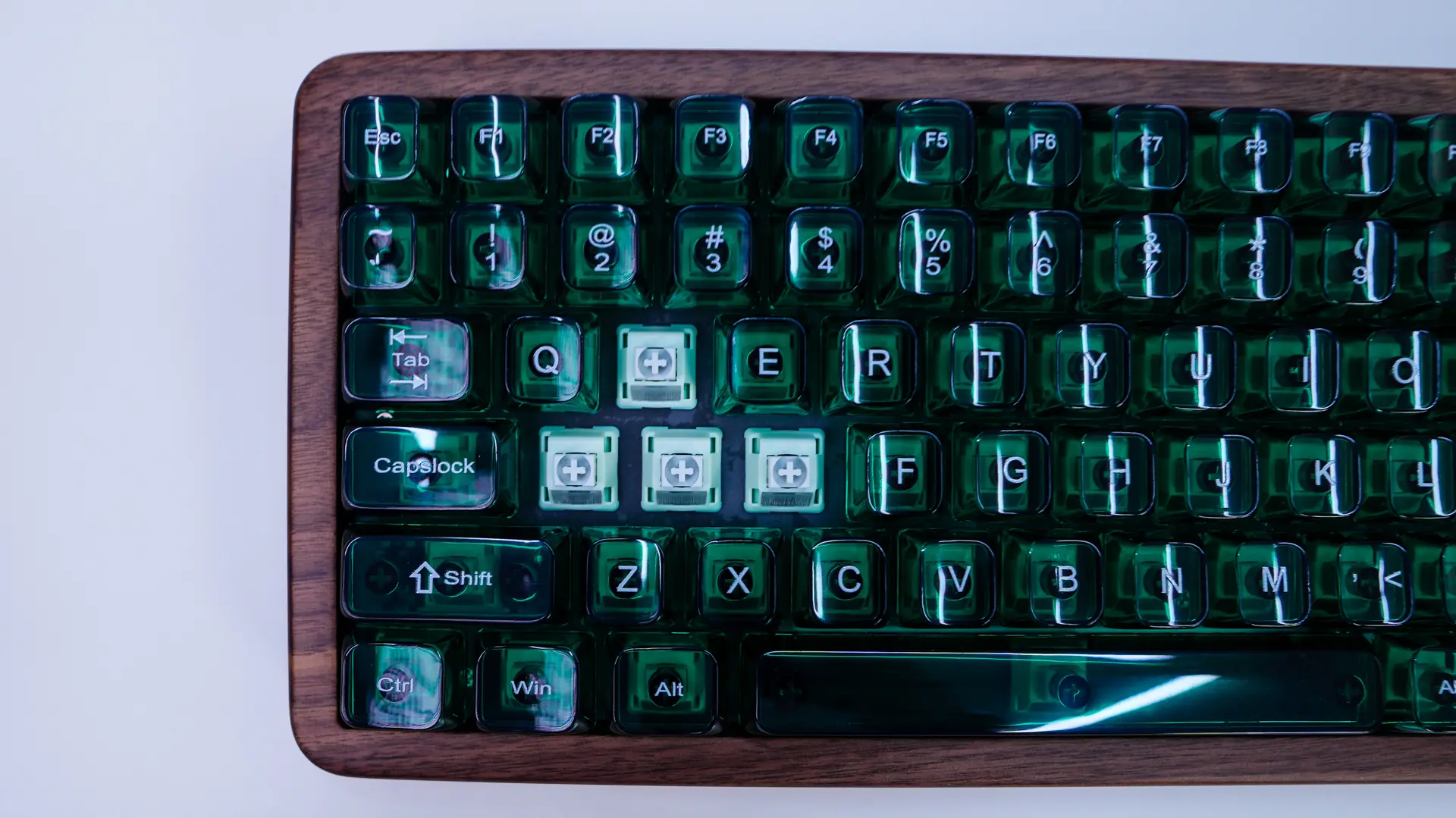
Under those keycaps we have Womier’s POM Mint Blizzard switches. These are a linear switch that has an actuation force of 42g, pre-travel of 2.0mm and total travel of 3.8mm. As you can guess from the name these switches are made of POM and they do come pre-lubed from the factory. The keyboard does have a hot-swappable design so you can easily swap out the switches down the line if you want.
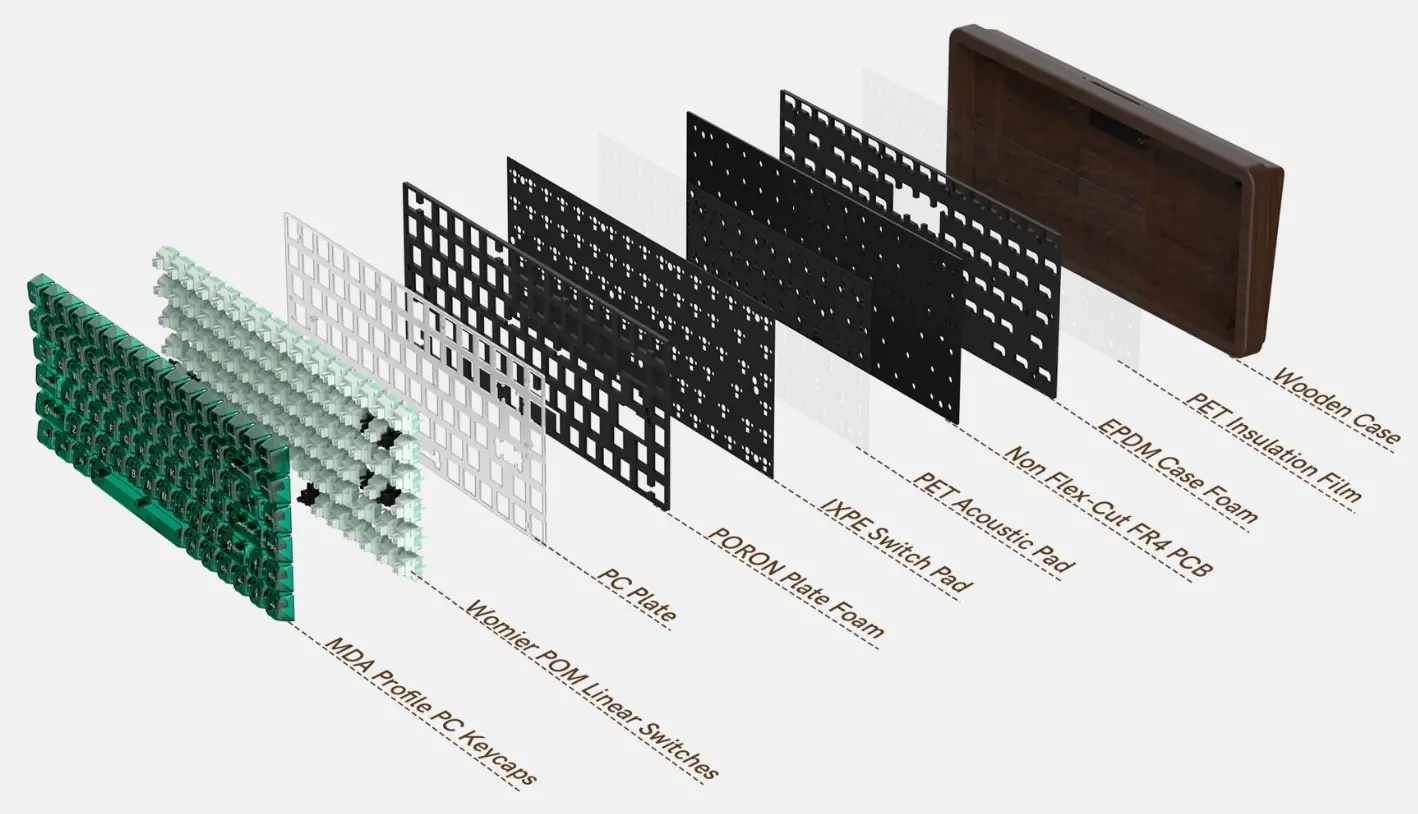
If you want to know what the rest of the keyboard is made out of below is an exploded view. You can see that we have multiple dampening layers and a an acoustic pad.
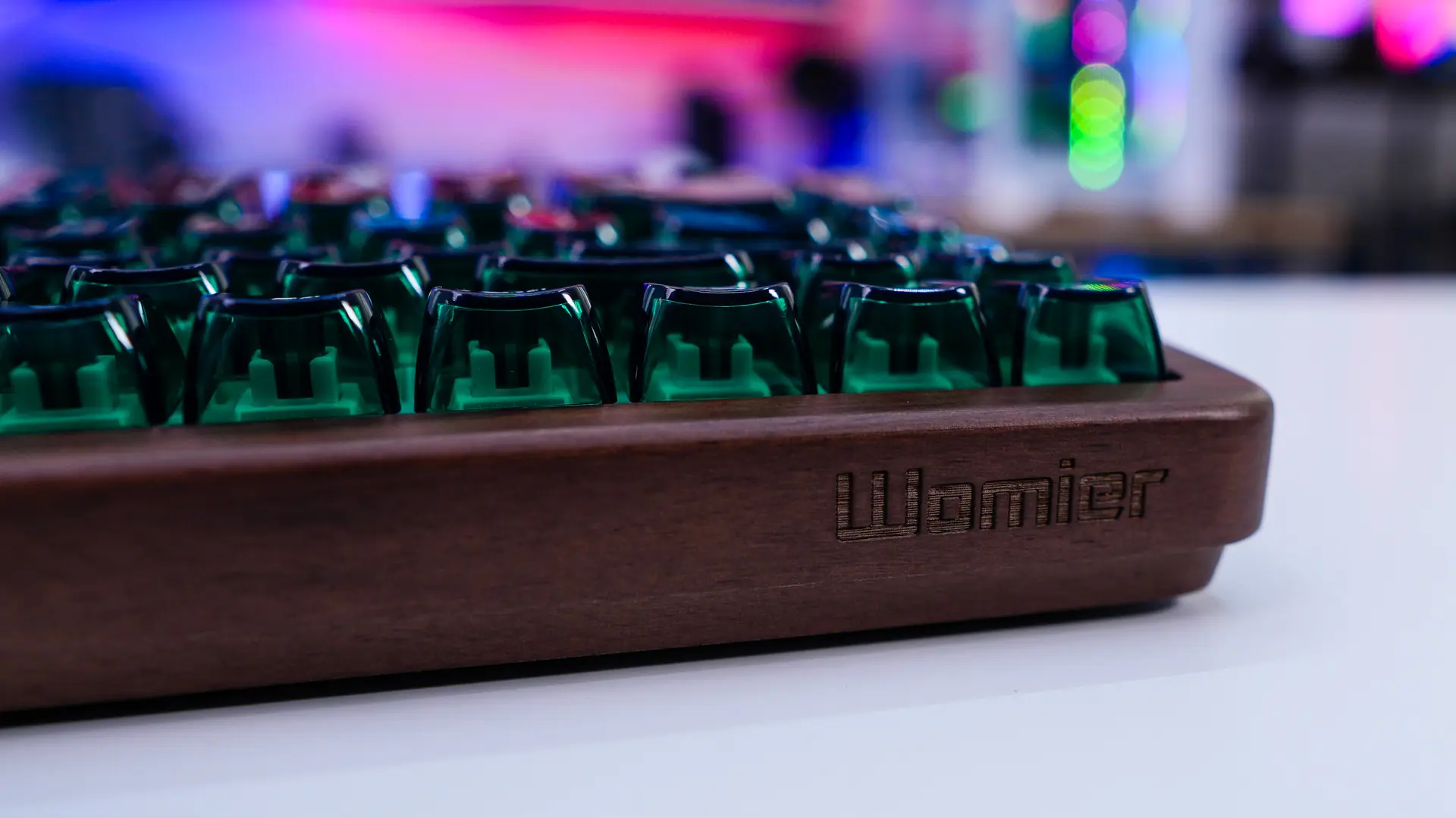
On the front-edge of the keyboard there is a really cool engraved Womier logo.
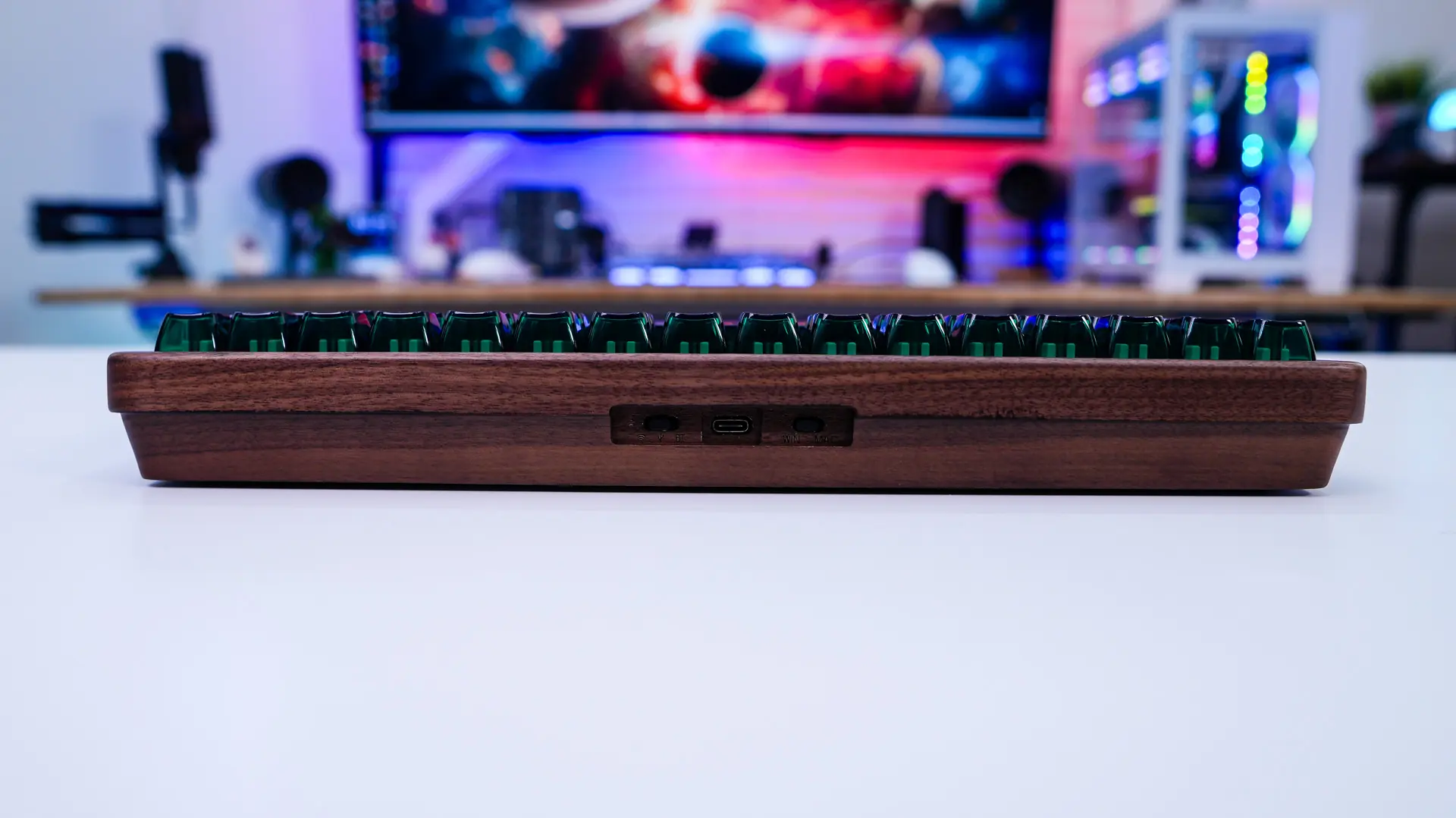
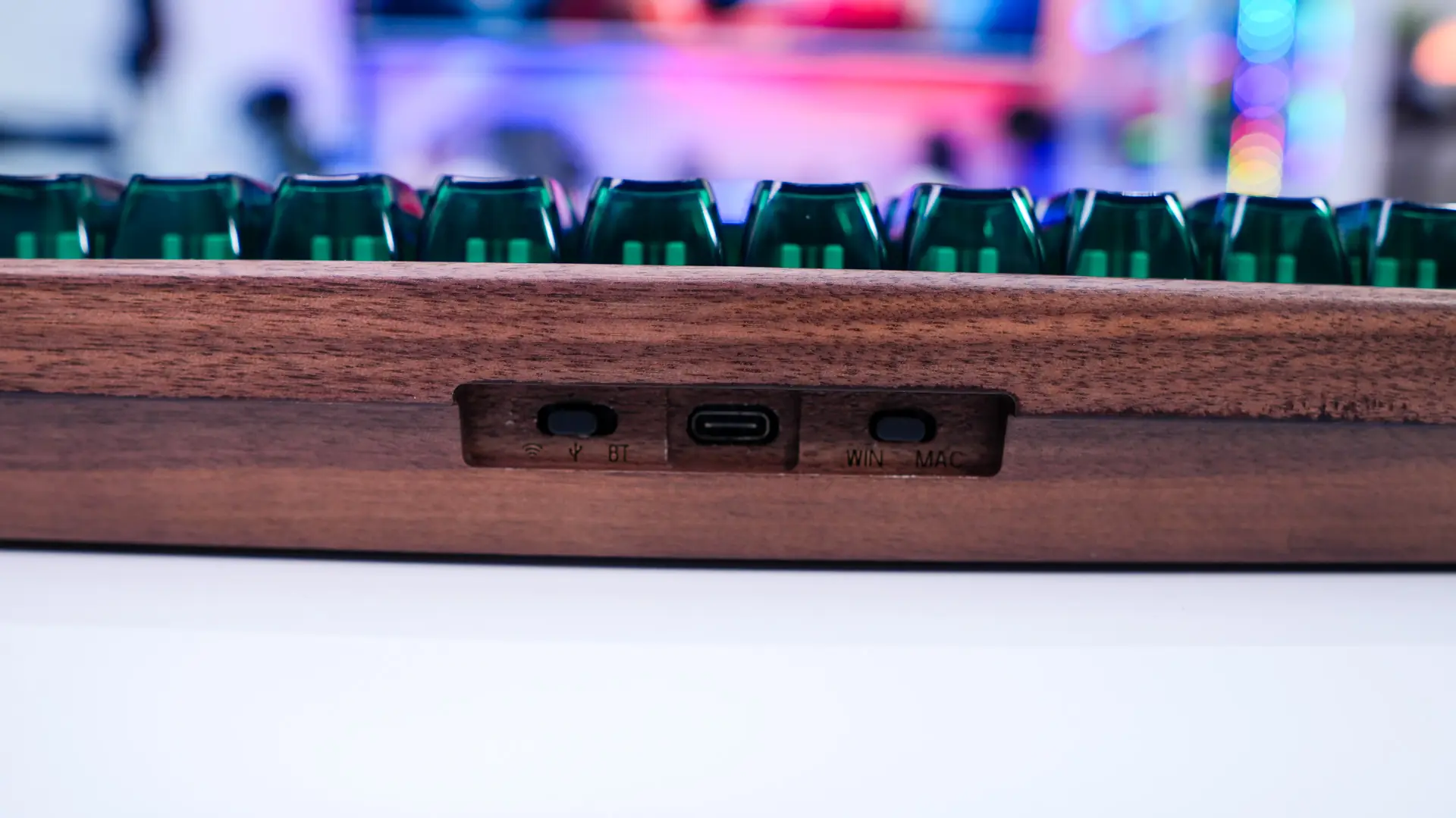
Moving around to the top-edge of the keyboard right in the center you are going to find your USB-C connection which is flanked on each side by two slider switches. One will switch between modes so you have 2.4 GHz, wired, and Bluetooth. The other switches the layout of the keyboard from Windows to Mac. The indicators for these are also engraved into the keyboard, which is cool!
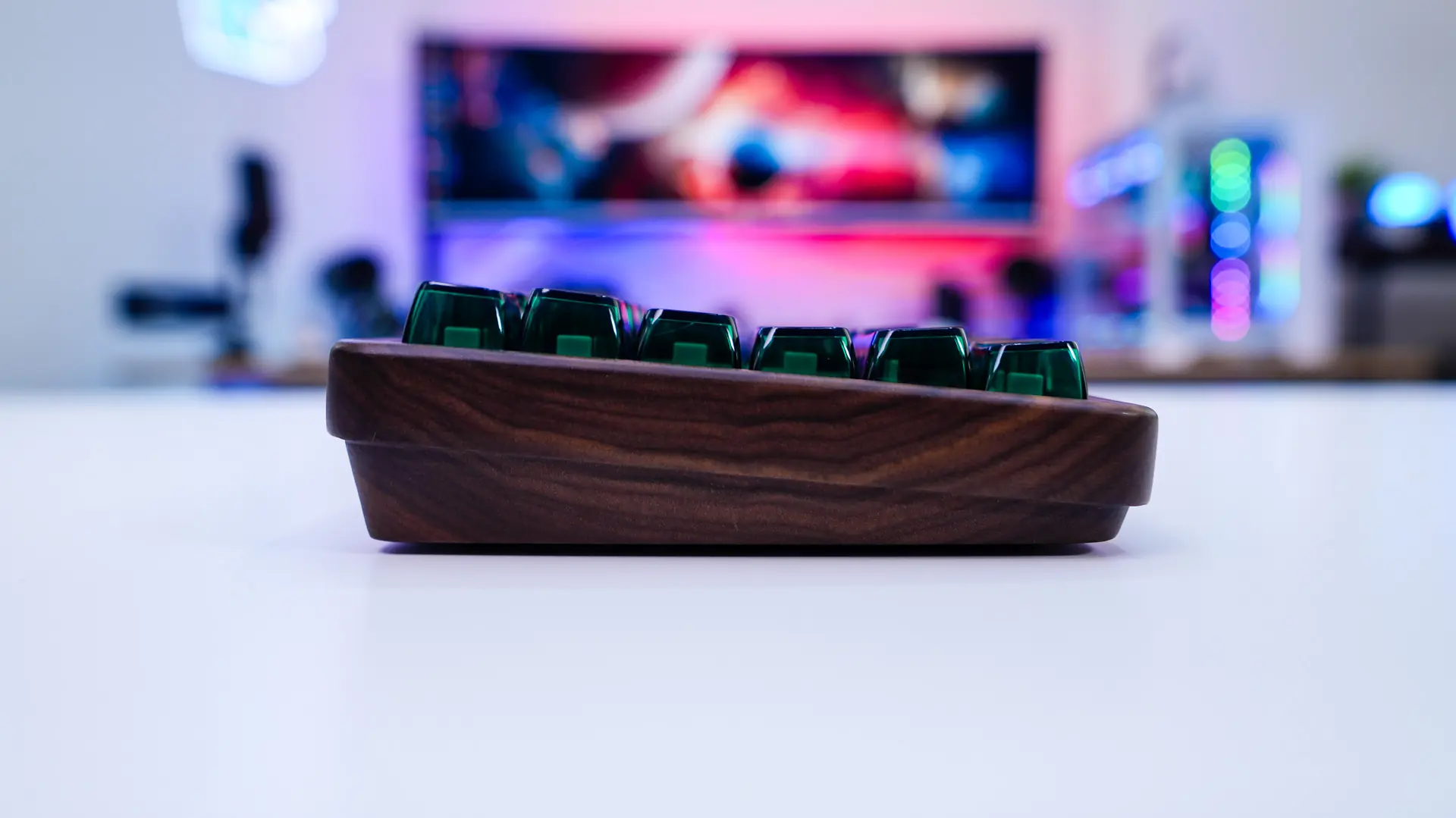
Looking at the keyboard from the side we can see that it does sit at an angle. Now there are no pop-out feet on the keyboard so you won’t be able to adjust this angle.
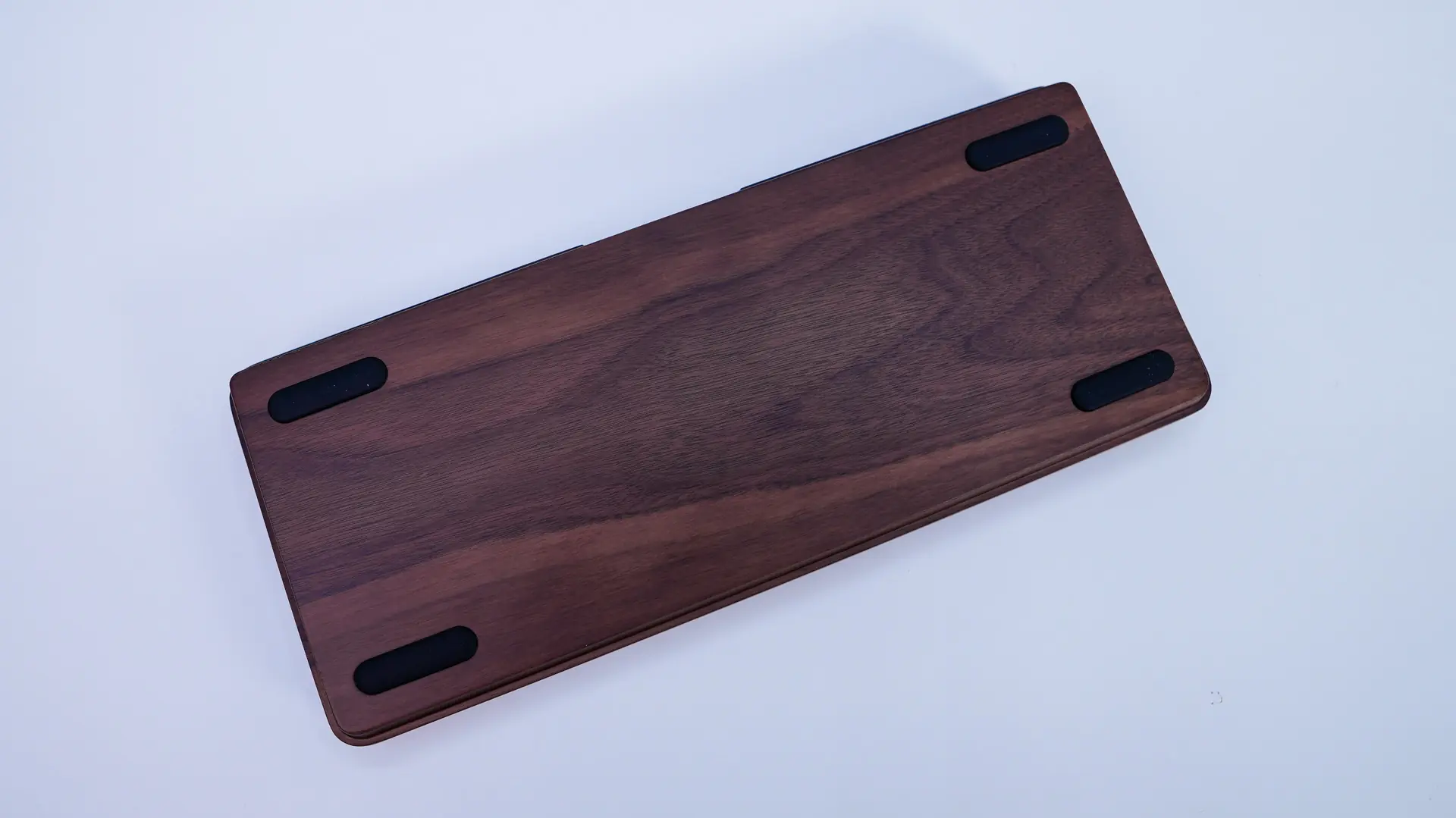
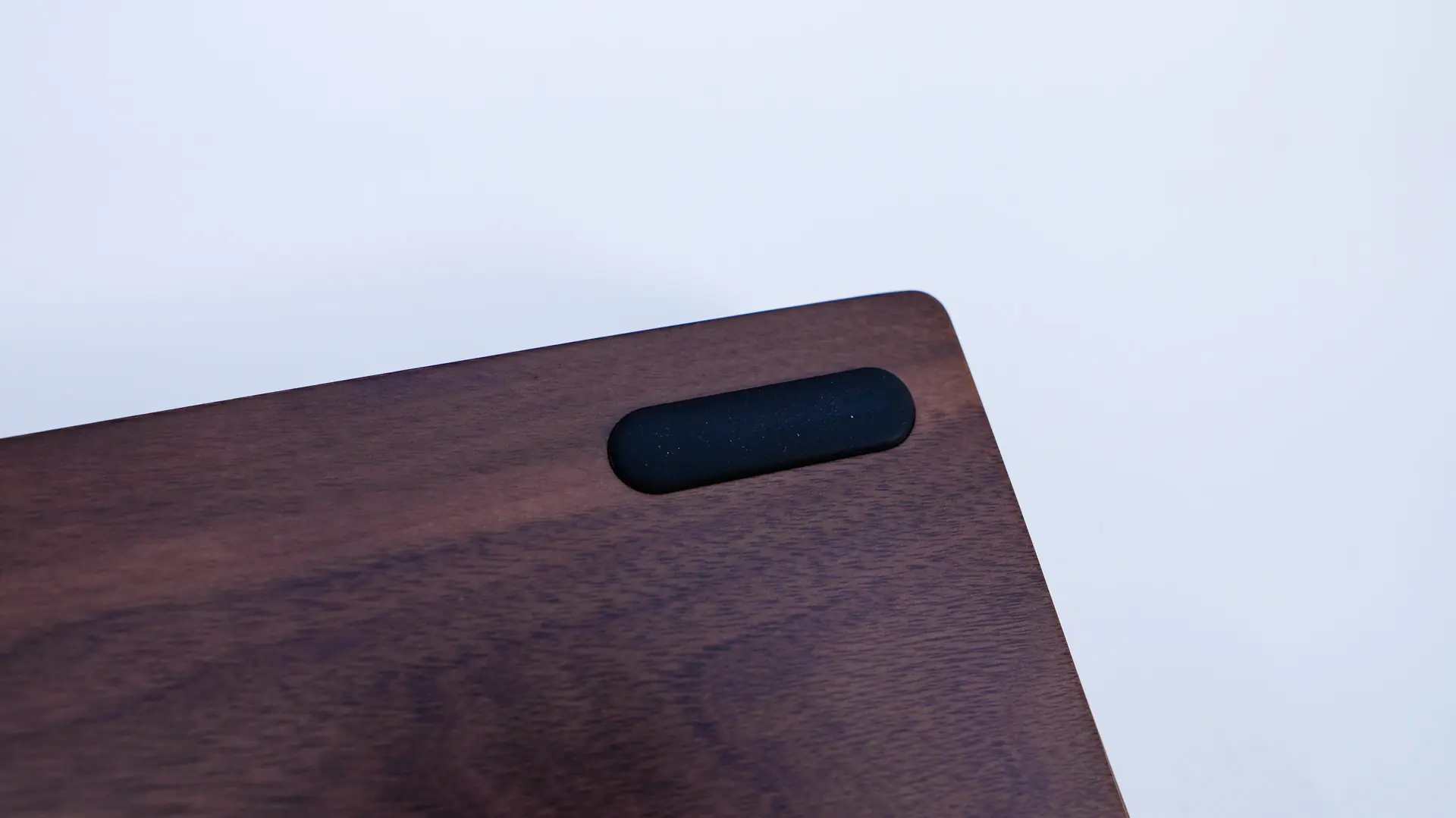
Flipping the keyboard over we can see that really unique walnut design. While we do not have pop-out feet we dop have rubber feet which will keep the keyboard in place on your desk.