Testing the ASUS ProArt LC 360
The following components are used for our AIO cooling testing.
CPU: AMD Ryzen 7 1800X
Cooling: ASUS ProArt LC 360
Motherboard: ASUS Crosshair VI Hero
Graphics Card: PowerColor Red Devil Radeon RX 580
Memory: HyperX Savage DDR4-2666 16GB
Storage: Corsair Force MP500 M.2 PCIe NVMe SSD
Case: Fractal Design Define R6 Tempered Glass
Power: EVGA G3 650W
List of coolers being compared:
– Cryorig H5 Universal
– SilverStone PF240-ARGB
– ARCTIC Liquid Freezer II 240
– Corsair iCUE H115i RGB PRO XT
– Alphacool Eisbaer Aurora 360 CPU
– NZXT Kraken X63
– NZXT Kraken Z73
– Corsair iCUE H150i ELITE CAPELLIX
– Cooler Master MasterLiquid ML280 Mirror
– Cooler Master MasterLiquid PL360 Flux
– DeepCool LS720 WH
– EK-Nucleus AIO CR360 LUX D-RGB
– Cooler Master MasterLiquid 360L Core ARGB White
– Lian Li Galahad II Trinity SL-INF
– Cooler Master MasterLiquid 360 Atmos
– ASUS ROG Ryujin III 360 ARGB White Edition
– AZZA Cube 360
– Iceberg Thermal IceFLOE OASIS 360
– HYTE THICC Q60
– DeepCool Mystique 360
– Lian Li HydroShift LCD 360S
– Cooler Master MasterLiquid 360 ION
– Corsair iCUE LINK TITAN 360 RX RGB
– ASUS ProArt Lc 360
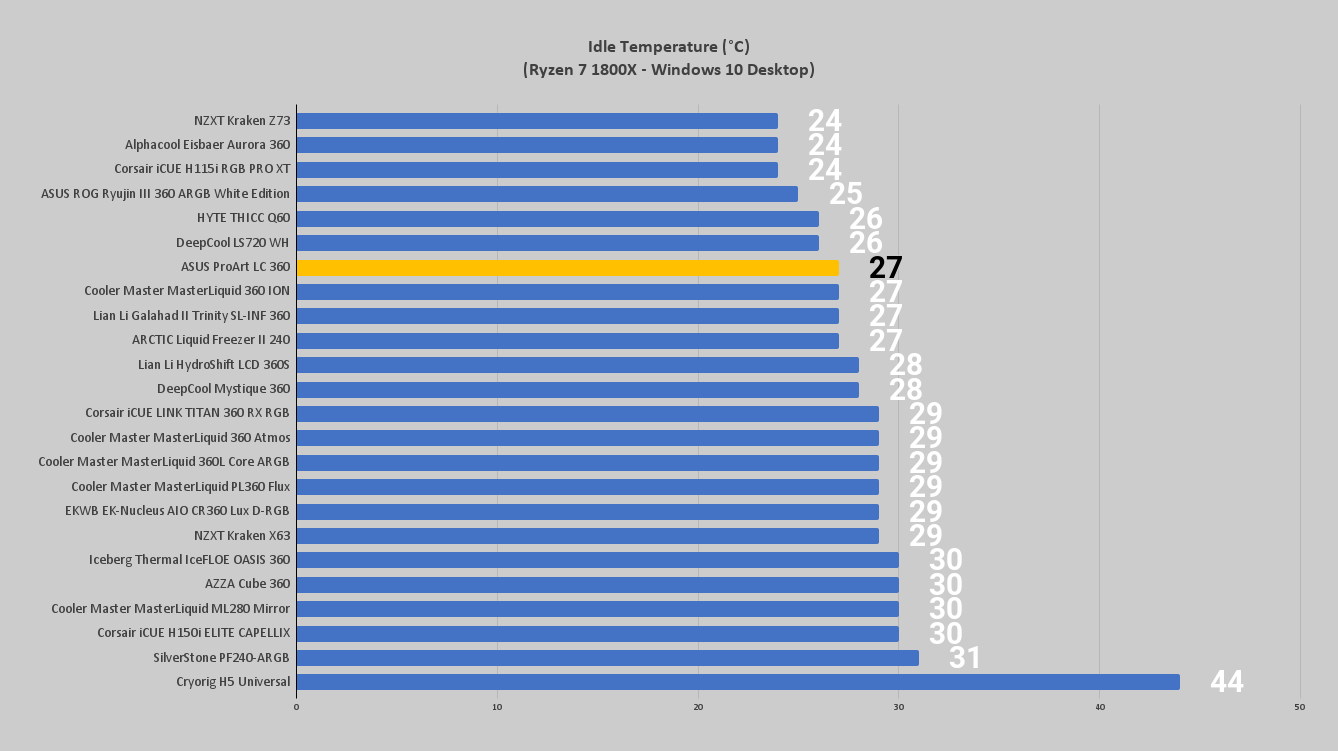
For performance testing we will first test idle temperatures. These are taken on the Windows 10 desktop an hour after the system has been turned on.
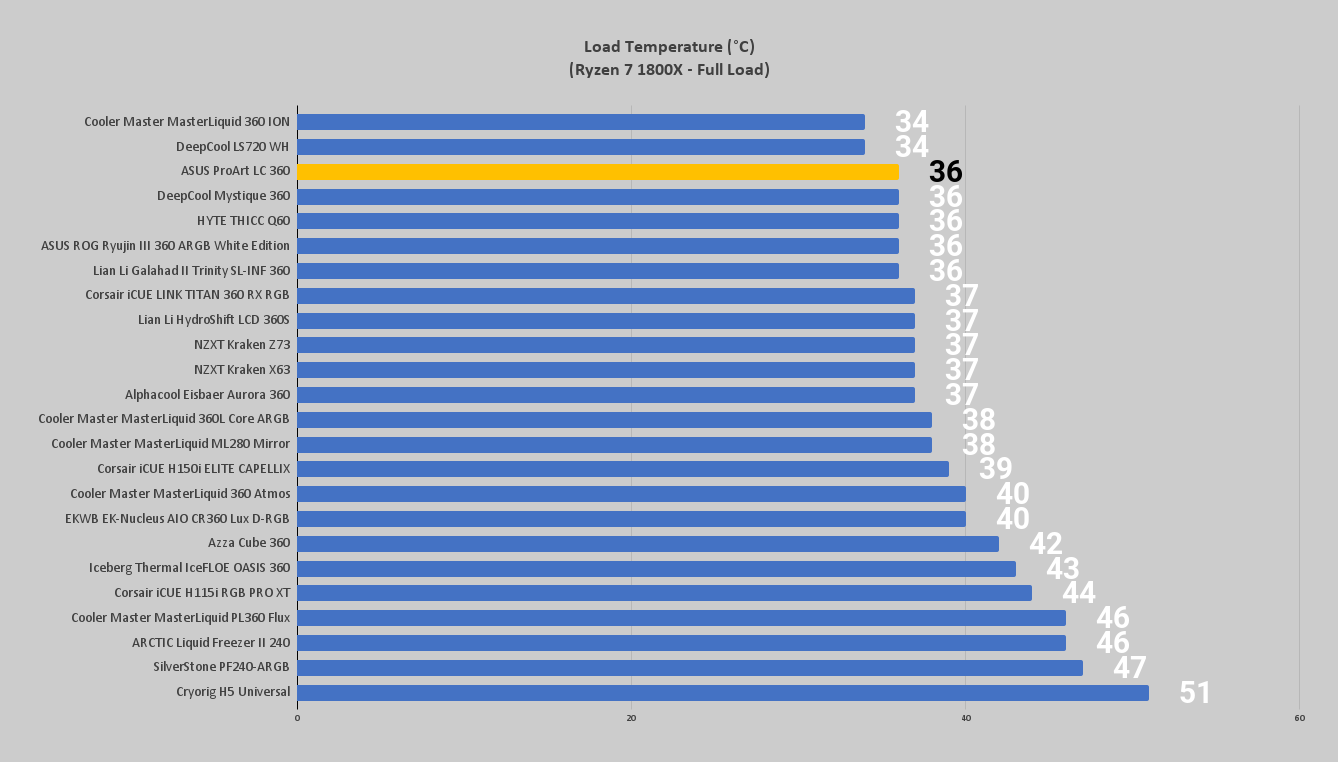
For load testing we will be running the AIDA64 system stability test with the CPU only checked. This puts a full load on our CPU. We run this test for 1 hour and record the highest temperature throughout the test.
Software for the ASUS ProArt LC 360
This is where I would normally show the software used to customize and control the ProArt LC 360. However, in my time with this unit, I was unable to get the latest version of ASUS’ Armoury Crate to fully recognize the LC 360. While ASUS does show images of Armoury Crate on their product page, it doesn’t seem to me like the software has been updated to recognize the LC 360, though I’m sure it is fully compatible with the LC 420. Of note is that ASUS’ own Armoury Crate compatibility list does include the LC 420 but there is no mention of the LC 360.
I presume the LC 360 will be coming soon, and while this exclusion is a bit of a bummer, the only real control you would have of the ProArt LC 360 is what statistic you want to display on the LED strip. All other controls will be handled by your motherboard, as both the pump and fans are connected to PWM headers for monitoring and control function.
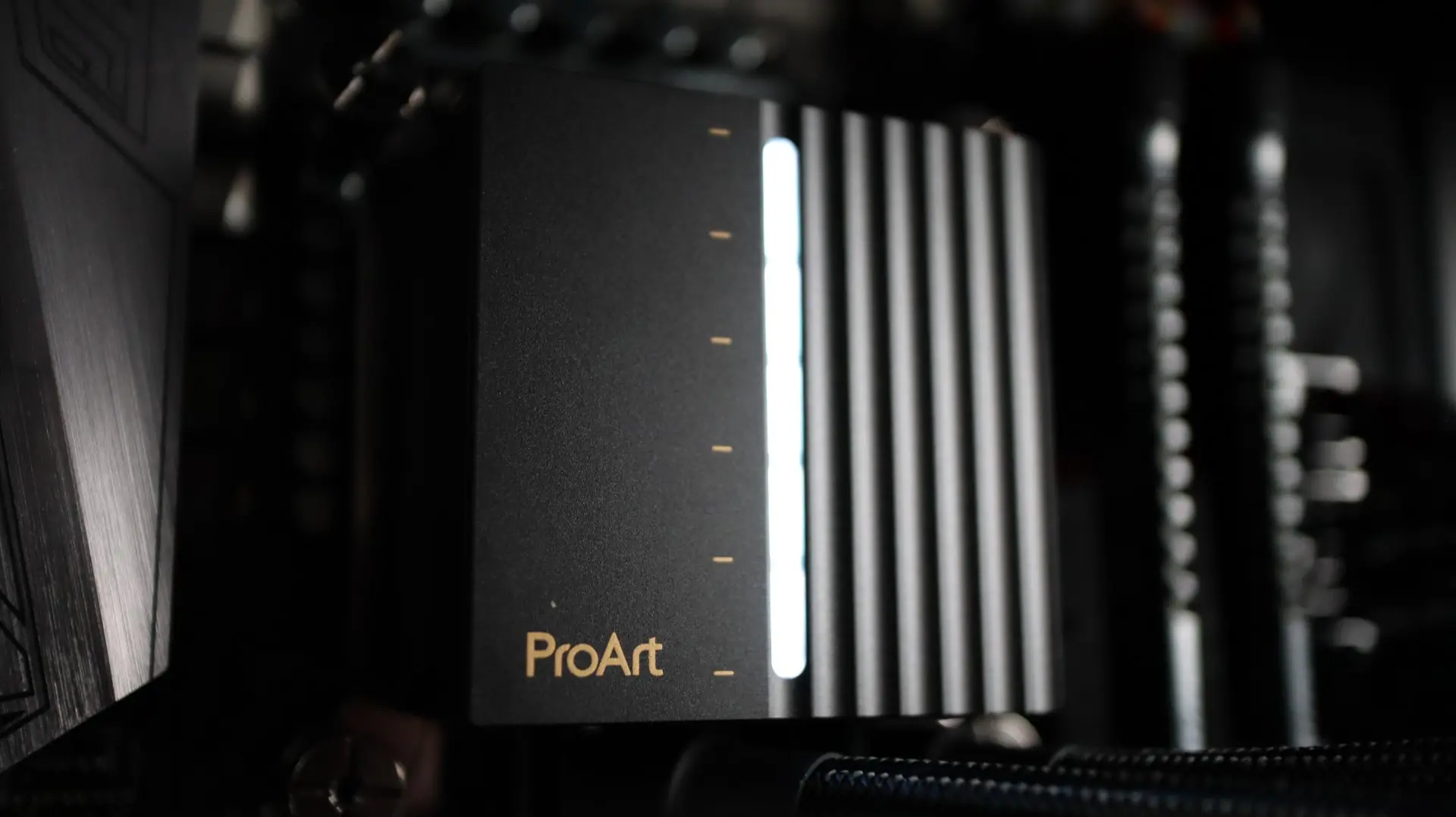
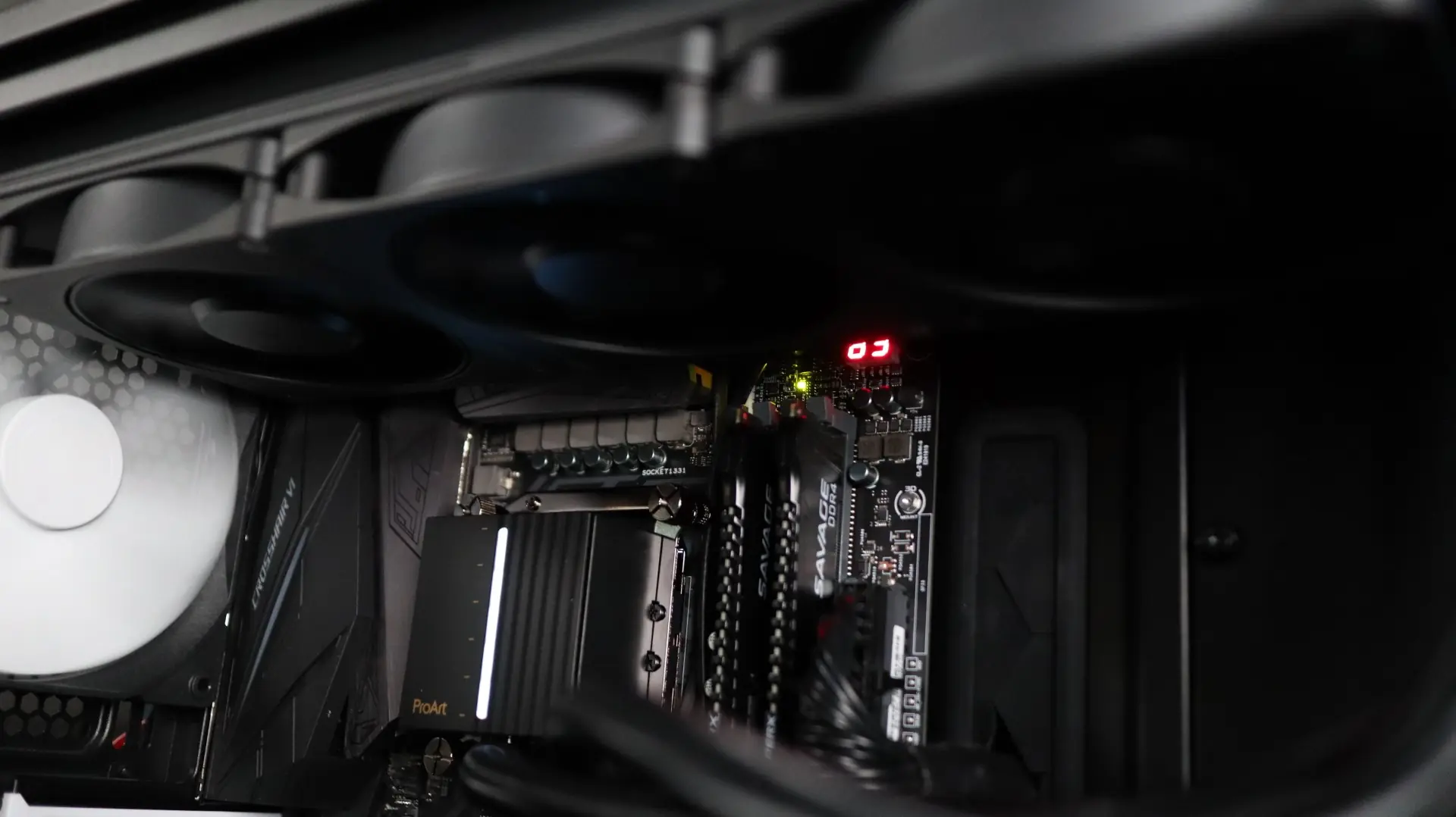
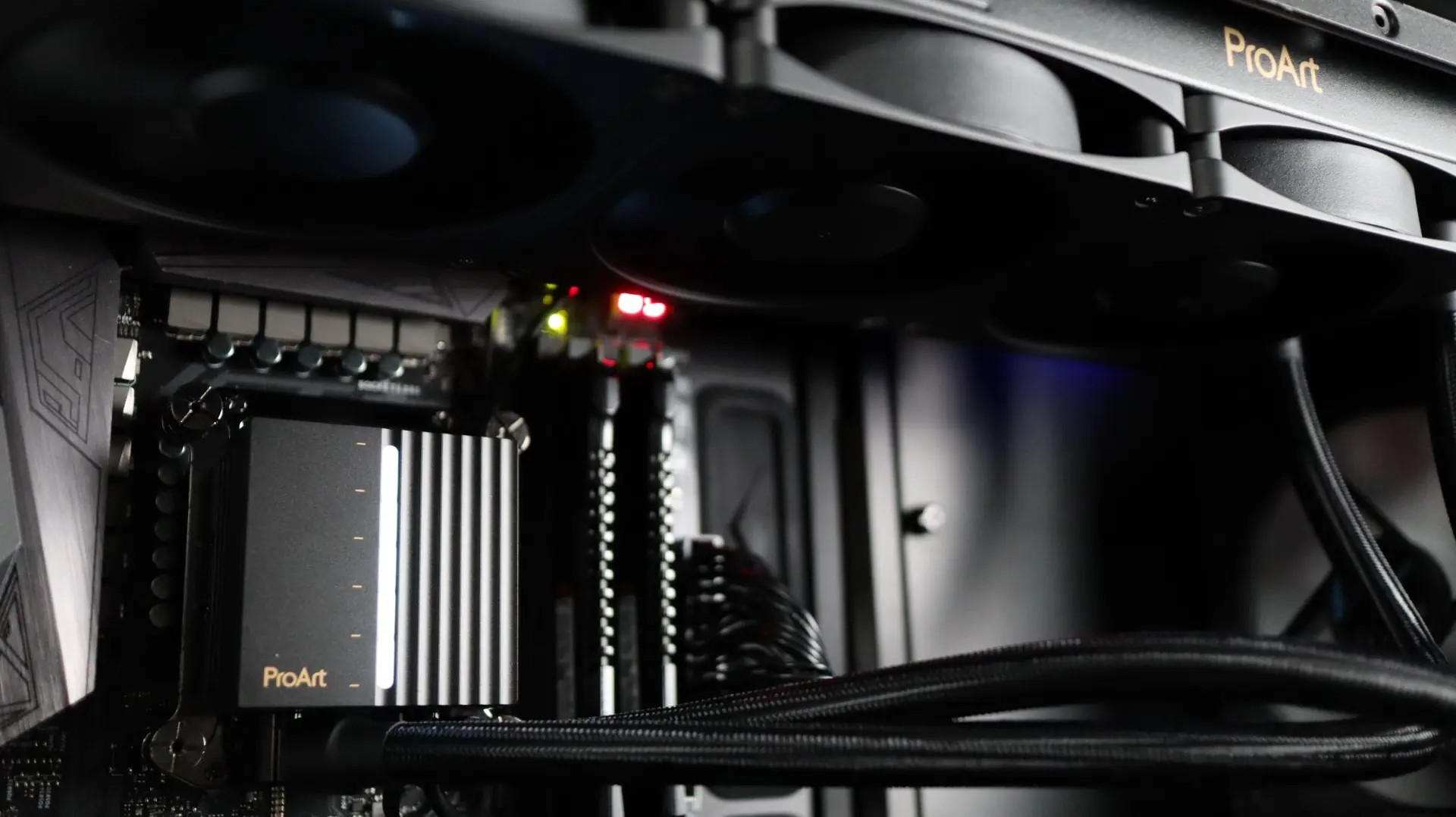
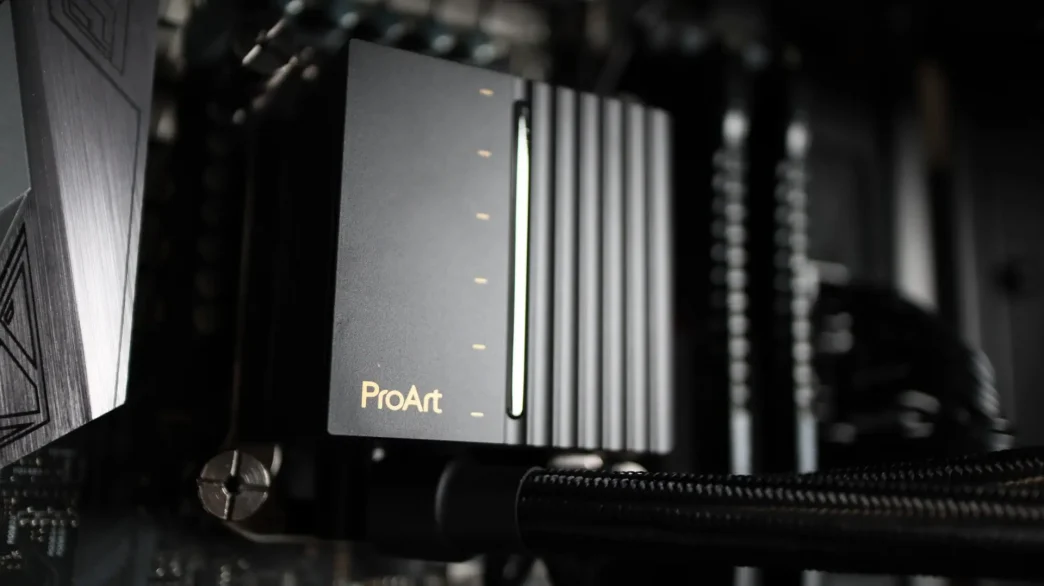
As it sits, the ProArt LC 360’s white LED bar is fully illuminated, putting off a nice glow. Hopefully future versions of Armoury Crate will allow that LED bar to dynamically change with the selected monitoring point.
If and when Armoury Crate supports the LC 360, I will update this review to include that information.
Gallery
Here are a few images of the ASUS ProArt LC 360 in action.